Gemini AI Prompt for Nano Banana 2, Nano Banana Pro & Imagen

5,000+ copy-paste Gemini prompts, all field-tested. Default routes to Nano Banana 2 (Gemini 3.1 Flash Image), one tap to swap to Nano Banana Pro or Imagen 4. Free to start.

5,000+ Gemini image prompts curated from working creators. Default Run routes to Nano Banana 2 (Gemini 3.1 Flash Image); swap to Nano Banana Pro or Imagen 4 in the dock.

What you get

Why the best Gemini AI prompt is one already proven to render on Gemini

Every Gemini AI prompt in this gallery is a real string a creator pasted into a real engine and shipped. The Run button routes straight to Gemini 2.5 Flash Image (also known as nano banana) by default, so the words you copy and the engine that renders them are the same pairing the original author used.
Best Image AI Editor free online. Free AI photo editor for picture & image editing. Create with AI image generator, image to image AI & image text editor AI. AI Background Remover & AI Background Changer
015,000+ entries, all field tested on Gemini AI02One click run on Gemini, inside the page03Trending Gemini styles, ready to remix
01

5,000+ entries, all field tested on Gemini AI

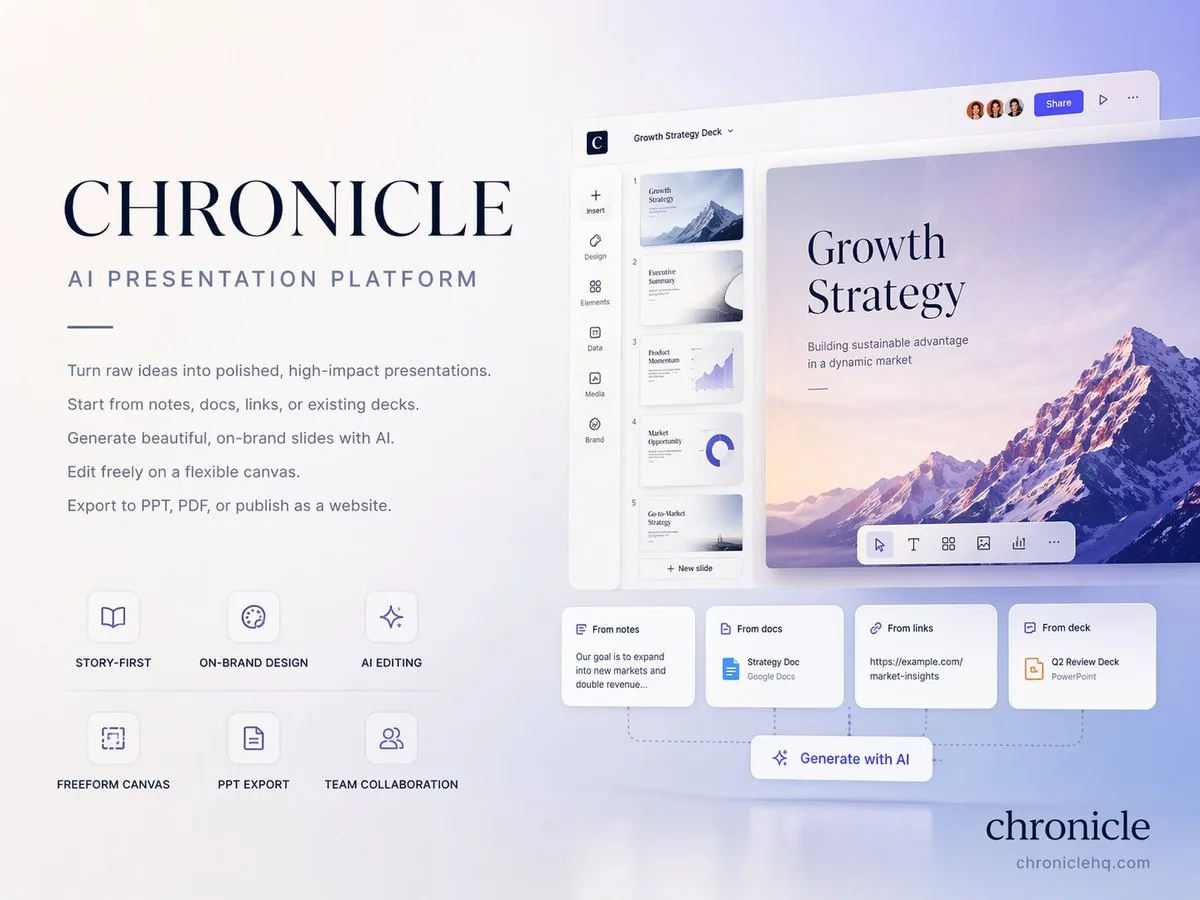
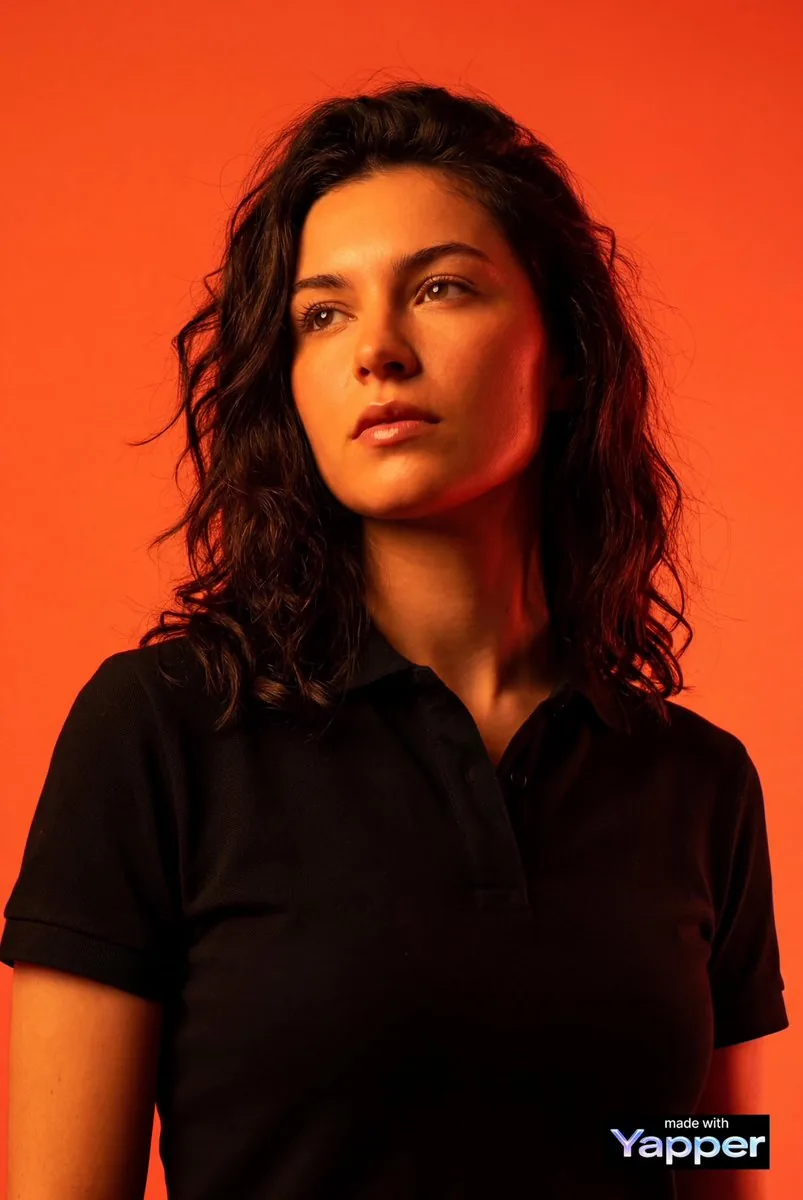
Portrait, cinematic, product, vintage, 3D, anime, cyberpunk, food, editorial. Every category is stocked with a Gemini AI prompt that has already produced a viral or production-quality result. No auto-generated filler.
02

One click run on Gemini, inside the page

Hit Run on any card and a generator dock slides up with that text prefilled. The default engine is Gemini 2.5 Flash Image (nano banana). Your version appears in seconds, ready to download.

03

Trending Gemini styles, ready to remix

Gemini AI strengths like natural-language briefs, character consistency and the viral nano banana figurine look all sit in one feed, tagged and searchable. Fresh viral drops land within days, not months later.

Side by side

What makes a Gemini AI prompt different from Midjourney, Flux or GPT Image

A Gemini AI prompt is built around natural-language briefs, not parameter chains. That changes what wins on Gemini versus what wins on other engines, and changes which prompts you should copy from this gallery.
Gemini AI prompt formatted as a natural-language brief
01

Gemini AI prompt vs Midjourney prompt

Midjourney rewards short keyword stacks and weight tags like --ar and --stylize. A Gemini AI prompt rewards full sentences that describe scene, subject, lighting and mood. Same idea, different writing style. Cards in this gallery tagged for Gemini already use the long-form brief format.

Nano banana figurine output from a Gemini AI prompt
02

Gemini AI prompt vs nano banana prompt

They are the same engine. Nano banana is the public nickname for Gemini 2.5 Flash Image. A prompt labeled nano banana works identically when run on Gemini AI here. The dock routes to Google's official Gemini 2.5 Flash Image endpoint either way.

Comparison render from a Gemini AI prompt versus a Flux prompt
03

Gemini AI prompt vs Flux prompt

Flux loves dense descriptive blocks loaded with photographic vocabulary. Gemini stays sharp on shorter, structured briefs that name a subject, a setting and one strong visual idea. Use the engine tag on each card to pick the right one before hitting Run.

Character consistency example from a Gemini AI prompt
04

Gemini AI prompt vs GPT Image prompt

GPT Image is great at typography and text inside the image. Gemini AI is great at character consistency, single-subject edits and viral styles like figurines and yearbook portraits. Pick the category tab that matches your use case before copying a prompt.

Multi-step edit example from a Gemini AI prompt
05

Gemini AI prompt vs Imagen prompt

Imagen, Google's earlier image model, takes shorter and more rigid descriptions. Gemini AI accepts longer briefs and multi-step instructions, including edit-style instructions on a reference image. Prompts in this gallery are written for the newer Gemini behavior.

Free Gemini AI prompt copy and run access
06

Free to copy, free to try on Gemini AI

Copying any Gemini AI prompt needs no account. Running your own image needs only a free Google sign-in, and new users get credits to test Gemini 2.5 Flash Image and every other routed engine.

From idea to Gemini AI render in four steps

No prompt engineering skill required to pick a Gemini AI prompt that fits your subject. Skim the feed like Pinterest, then act without ever opening a new tab.
Best Image AI Editor free online. Free AI photo editor for picture & image editing. Create with AI image generator, image to image AI & image text editor AI. AI Background Remover & AI Background Changer
01
Browse the Gemini AI prompt feed

1. Browse the Gemini AI prompt feed

Land on this page and you are inside a masonry stream of real renders. Filter by category from the sticky bar (Portrait, Cinematic, 3D, Product, Anime, Cyberpunk and more), or type a keyword like fisheye, glamour, studio, packshot or figurine.

02
Open a Gemini AI prompt card with full text and source

2. Open the card

Click any tile and a modal shows full text, which engine produced it, a source link, a one-tap copy and a translate button if an original is not in English.

03
Run a Gemini AI prompt inside the dock

3. Run on Gemini

Hit Run on Gemini AI. The bottom dock drops in your chosen text and routes to Gemini 2.5 Flash Image by default. Your version renders inline in seconds. Swap subjects if you want a different look.

04
Download and share a Gemini AI prompt result

4. Download or share

Your Gemini render appears inside the dock with a one-click download. Save the standard preview free, upgrade to a no-watermark high-resolution copy with credits, or share straight to social channels without leaving the page.

Features built around the Gemini AI prompt workflow

Scroll, filter, click, run on Gemini. Every action between you and your Gemini AI prompt is one tap from the next.
01

Default routing to Gemini 2.5 Flash Image

Hit Run on any card and the dock fires Google's Gemini 2.5 Flash Image (nano banana) by default. You can still swap to Flux, GPT Image or Seedream from the same dock if you want a comparison render.

02

Infinite scroll Gemini AI prompt feed

New Gemini AI prompt cards stream in as you scroll. The feed loads 18 at a time and prefetches a next batch so flow never stalls.

03

Sticky category filter

The category bar pins to the top of your viewport. Switch between Portrait, Cinematic, 3D, Product, Editorial, Surreal, Anime and 20+ more without losing your scroll position.

04

Search by style, subject or effect

Type fisheye, glamour, studio, polaroid, figurine or a trending effect name. Search runs across body text, tags and engine attribution so you find entries by technique, not only by category.

05

One tap copy, no paywall

Open any Gemini AI prompt card and copy full text into your favorite tool. No paywall, no blurred second halves, no sign-in required to read.

06

In-page Gemini AI dock

Run without leaving this page. The dock auto-fills your chosen text, picks Gemini 2.5 Flash Image and renders inline. Queue multiple runs from different cards in one session.

07

Per-card translation

Translate any Gemini AI prompt into your reading locale. About a third of viral entries originate in Chinese, Japanese or Korean; one tap rewrites them in your language while preserving trigger words and parameter syntax.

08

Weekly trending drops

Editors track X, Reddit, Xiaohongshu and lab showcase feeds. Hot Gemini AI effects like the figurine wave land in the gallery within days, tagged under a dedicated Trending filter.

Gemini AI prompt examples, by category

A taste of what is inside the Gemini AI prompt feed. Each tile leads into hundreds of working entries, all runnable on Gemini 2.5 Flash Image.

The Gemini AI prompt gallery, in numbers

What this Gemini AI prompt library looks like under the hood. Built around what creators actually post and remix, not what an SEO crawler thinks looks tidy.
01

5,000+

Image prompts ready to run on Gemini 2.5 Flash Image

02

20+

Style categories from Portrait to Cyberpunk

03

Gemini

Default engine for the in-page Run button

04

Weekly

Fresh viral Gemini AI effects added to the feed

05

60+

Languages supported by per-card translation

06

<3s

Median time from clicking a card to seeing your Gemini render

Creators who switched to a Gemini AI prompt feed

Designers, indie founders and marketing leads who got tired of writing Gemini AI prompts from scratch, tired of prompt engineering courses, and now lean on a curated library instead.

Maya R.

Concept artist

I used to keep a Notes file of half-remembered Gemini AI prompts. Now I open this gallery, filter Cinematic, and pick whatever fits a brief. Saves about an hour a day on writing.
Proof

Daniel K.

Indie game dev

For character mood boards I pull from Cyberpunk and Surreal. Gemini AI keeps the same face across variations, which matters for character work. The in-page dock means I rarely open a separate generator anymore.
Proof

Priya S.

E-commerce founder

Product shots used to mean a photographer and half a day of editing. Now I grab a Gemini AI prompt entry, swap the subject for my SKU, hit Run on Gemini. Same look, way less budget.
Proof

Jonas W.

Marketing lead

Translate button is underrated. Half of viral Gemini AI prompts from Asia ship in Chinese or Japanese. One tap and I can read what is going on before deciding to localize.
Proof

Sofia A.

Brand designer

We use this gallery as a shared mood reference with clients. Pick three Gemini AI prompts from a relevant tab, a client points at one, decision-making time on mood boards went from days to an afternoon.
Proof

Wei L.

Content creator

I cover Gemini AI trends on YouTube. Workflow now is: open a Trending filter, pick three effects, run variants in the dock on Gemini, screen-record. Weekly drops keep my channel current.
Proof

Gemini AI prompt questions, answered honestly

Real questions about this Gemini AI prompt gallery, the in-page generator and credits. If something is missing, email support@bestaiimageprompt.com and we reply within one business day.
Q1

What counts as a good Gemini AI prompt?

A prompt that reads like a natural-language brief: name the subject, the setting, the lighting and one strong visual idea. Gemini AI accepts long descriptive text well and tolerates multi-step instructions. Avoid Midjourney-style parameter chains like --ar or --stylize, which Gemini ignores.

Q2

Where can I find Gemini AI prompts for free?

Right here. Every entry in this gallery is free to read, copy and remix without an account. Running your own version on Gemini needs only a free Google sign-in, and new users get credits to try Gemini 2.5 Flash Image and other routed engines. No card, no trial countdown.

Q3

Is nano banana the same as Gemini AI?

Yes. Nano banana is the public nickname Google's image team gave to Gemini 2.5 Flash Image. A prompt labeled nano banana works identically when you hit Run on Gemini AI here. The dock fires Gemini 2.5 Flash Image either way.

Q4

Does a Gemini AI prompt work in Midjourney or Flux?

Sometimes, but expect a different render. Midjourney rewards short keyword stacks plus parameter tags, Flux rewards dense descriptive blocks, Gemini rewards structured natural-language briefs. Each card in this gallery is tagged with the engine it was authored for, and the dock lets you swap engines to compare.

Q5

Do I need a Google account to use Gemini AI prompts here?

Only for running them. Browsing the gallery, opening cards, copying the full Gemini AI prompt text and translating into your locale are all free without sign-in. Sign-in (Google one-tap) kicks in only when you click Run, because that costs compute on our side.

Q6

What is Gemini 2.5 Flash Image best at?

Character consistency across edits, single-subject portraits, the viral nano banana figurine and toy looks, photoreal product shots and natural-language scene briefs. Less ideal for typography-heavy designs, where GPT Image typically wins.

Q7

Can I run a Gemini AI prompt on my phone?

Yes. The masonry feed, search, category filter, modal, copy, translate and the in-page generator dock are all built for mobile and tablet. The dock collapses to a single row on small screens so Run stays one tap away even mid-scroll.

Q8

Does the Gemini AI prompt translate into my language?

Yes, into 60+ languages. About a third of the most exciting entries start in Chinese, Japanese or Korean because that is where many viral Gemini effects ship first. Tap Translate and the body switches to your locale while keeping trigger words and parameter syntax intact.

Q9

Are renders from a Gemini AI prompt free to use commercially?

Standard-resolution Gemini previews are free to download and use, including for commercial work. High-resolution downloads without watermark require credits, available as a one-off top-up or a monthly subscription. We claim no ownership over what you generate.

Q10

How often is the Gemini AI prompt list refreshed?

Daily curation plus weekly viral drops. Editors track X, Reddit, Xiaohongshu, Discord and lab showcase feeds. New trending Gemini AI styles like the figurine wave usually land within a few days of going viral, tagged under the Trending filter.

Q11

Can I turn a Gemini AI prompt result into a short video?

Yes, indirectly. Render your image on Gemini first, then feed it into an image to video flow such as Runway, Kling, Veo or a Sora-style engine for animation. A sibling video gallery with prompt to video entries is rolling out under the Video Prompts tab.

Q12

Why does the same Gemini AI prompt look different on Flux?

Engines parse syntax differently. Gemini reads structured briefs, Flux reads dense descriptive blocks, GPT Image reads natural sentences and Midjourney reads weight-tagged keyword stacks. A string that wins on Gemini can flop on Flux, which is why the dock defaults to whichever engine the prompt was authored for.

Q13

Can ChatGPT or Grok generate Gemini AI prompts for me?

Yes, but pick from this gallery first if speed matters. Chat assistants generate variations on demand, but the prompts here are already proven to render on Gemini. Paste any card into a chat assistant for rewriting, brand-safety editing or translation, then return here and hit Run.

Q14

How does a Gemini AI prompt compare with an Imagen prompt?

Imagen, Google's earlier image model, takes shorter and more rigid descriptions. Gemini AI accepts longer briefs and multi-step edit instructions on a reference image. Prompts in this gallery are written for the newer Gemini behavior, including Gemini 2.5 Flash Image.

Q15

What does a Gemini AI prompt look like for image to image edits?

For image to image workflows the string carries the change instruction rather than the full scene description. Tag the source image, the desired edit (relight, restyle, replace subject, swap background), and let Gemini handle the rest. Many cards under the Editorial and Product tabs are written this way.

Q16

Do I still need a prompt generator if I use this gallery?

No. The whole point of this gallery is to skip the prompt generator step. Pick a card whose Gemini render matches the look you want, copy the text, swap a noun or two, hit Run. A prompt generator is useful when you want a wildly new direction, but most days picking from the feed is faster.

Q17

What if my Gemini render does not match the sample?

First confirm the dock is set to Gemini 2.5 Flash Image (it is by default). Second check that your seed, aspect ratio and step count match the dock defaults. Third try a small subject swap. Some entries are written tightly around the original subject, and overgeneralization breaks them.

Run your favorite Gemini AI prompt right now

Pick any Gemini AI prompt card above, hit Run, get your version on Gemini 2.5 Flash Image in seconds. Same vibe, your subject, your choice of engine. New users get free credits.
CTAOpen generatorCTASee pricing