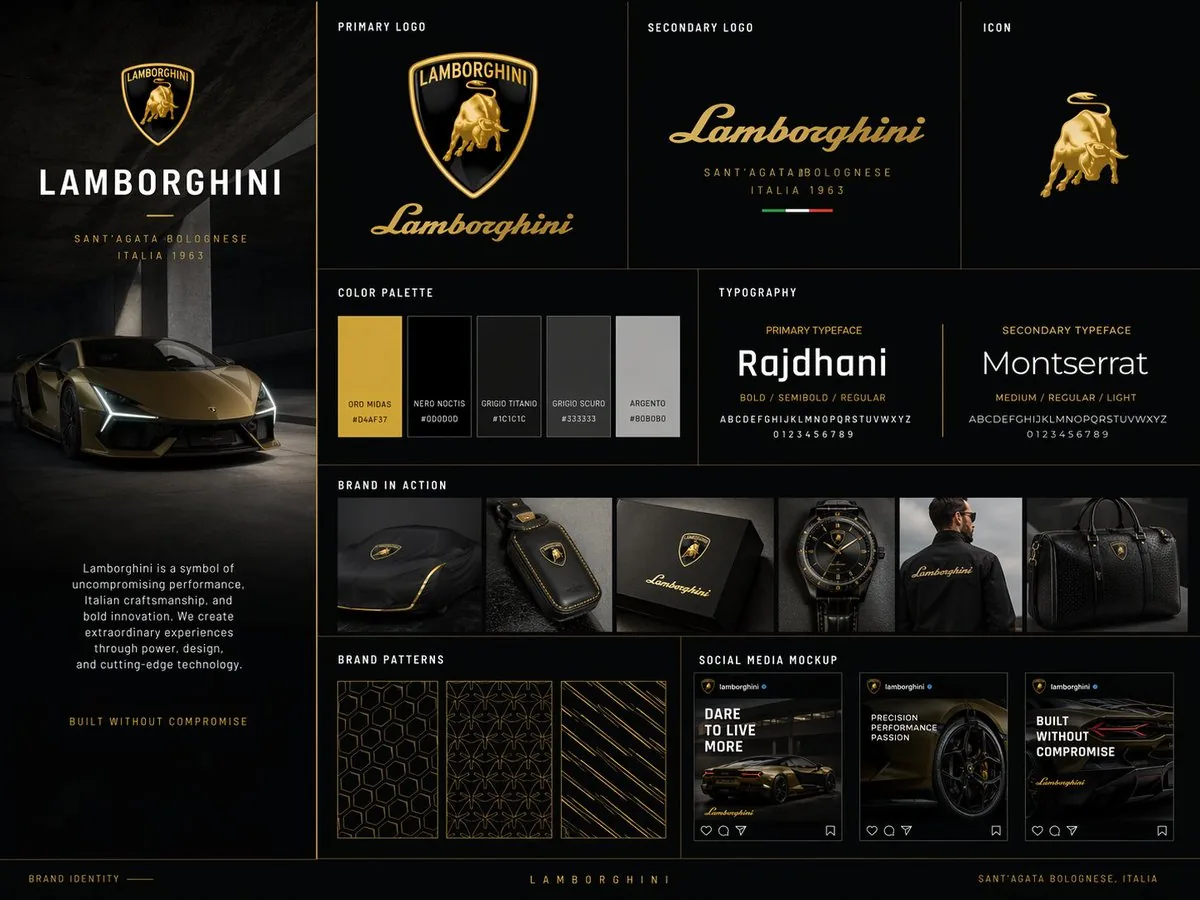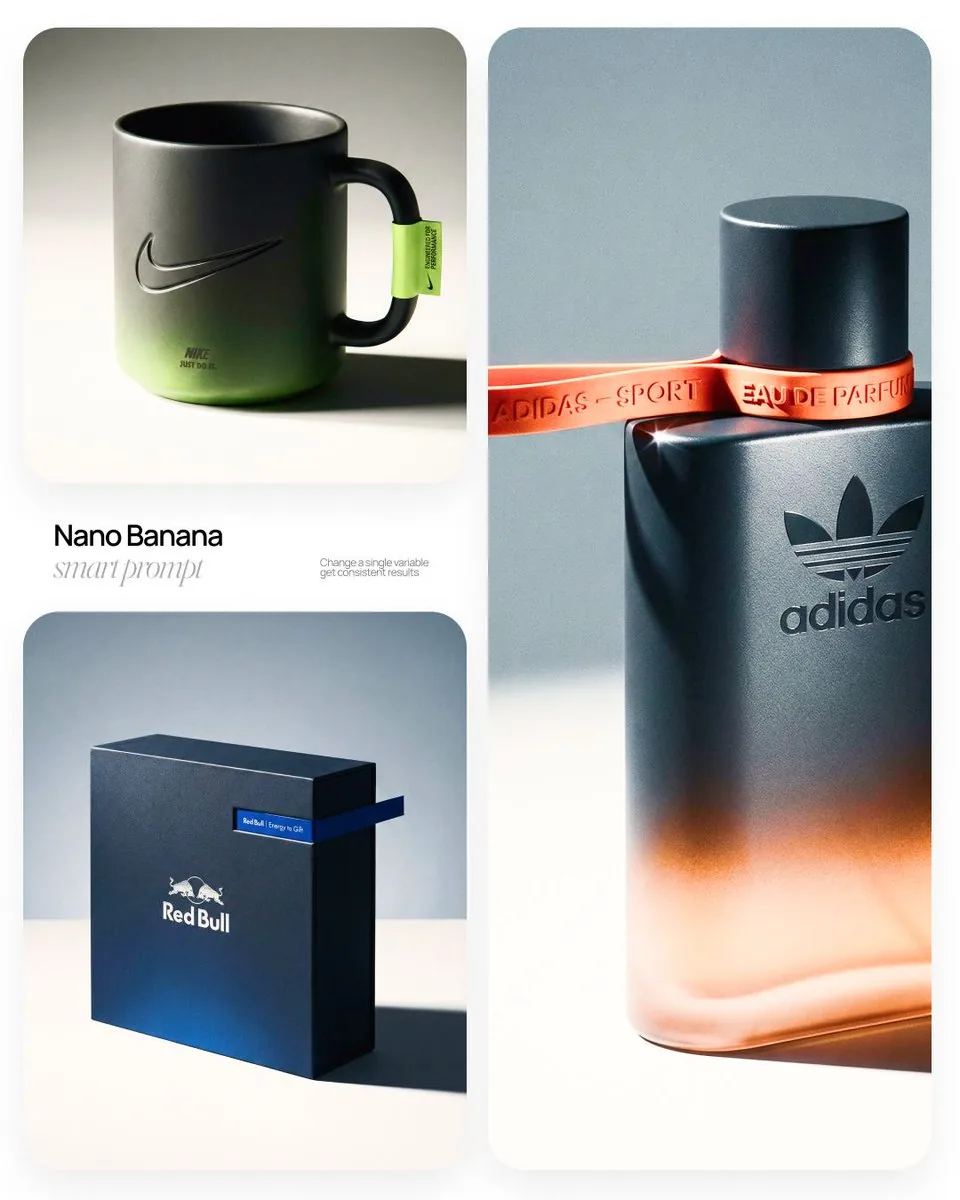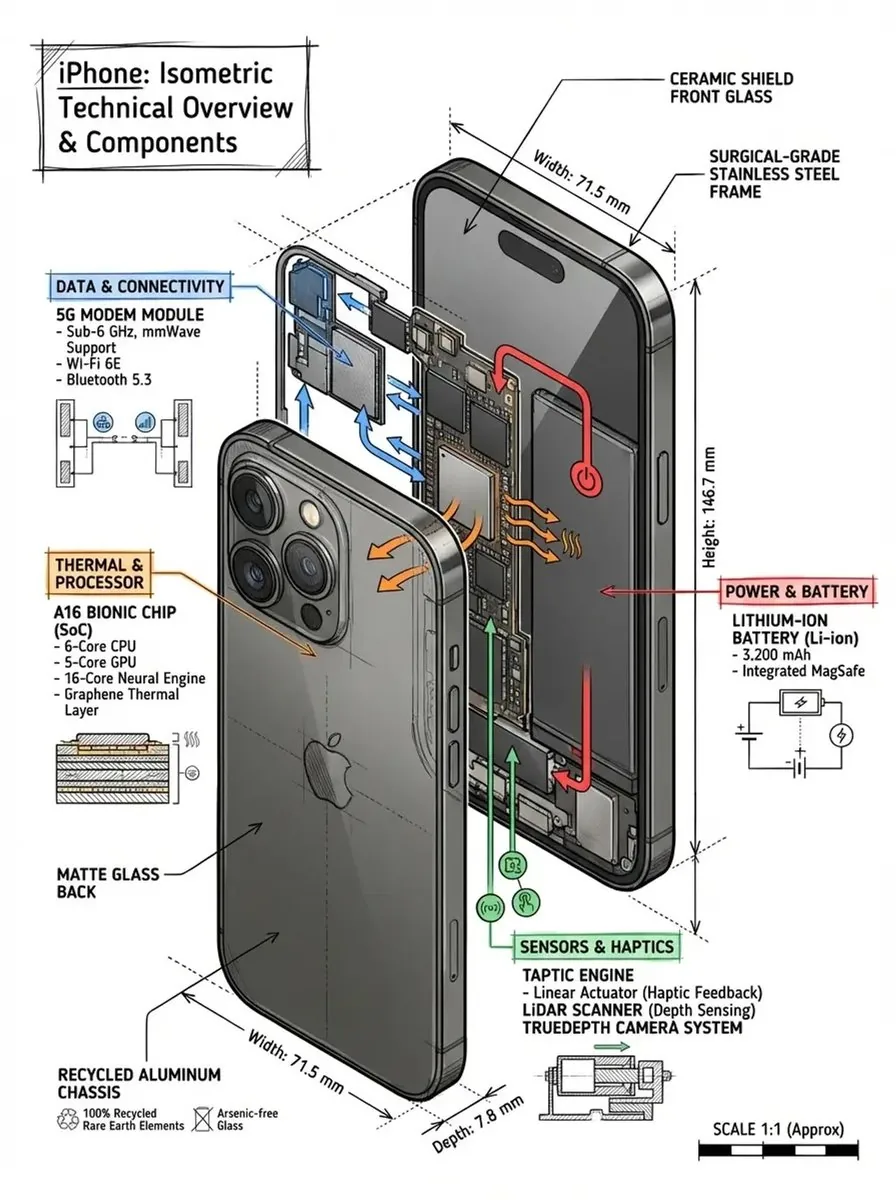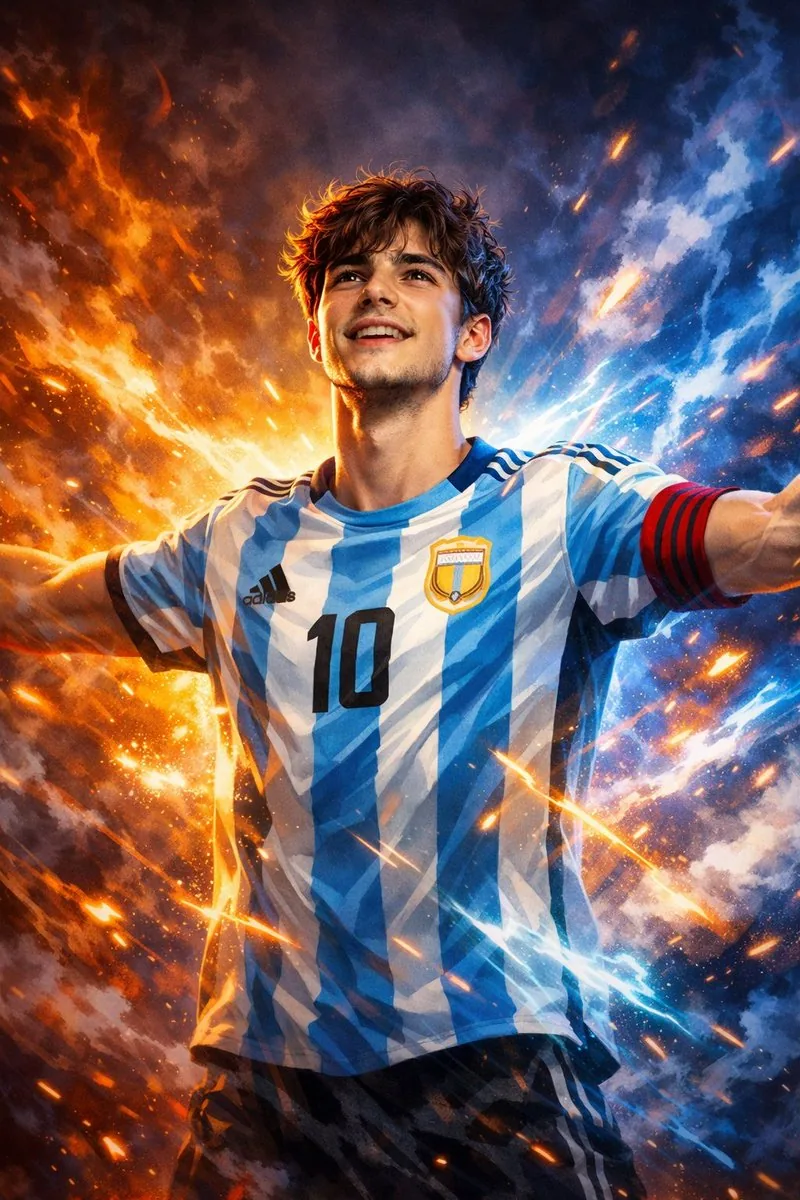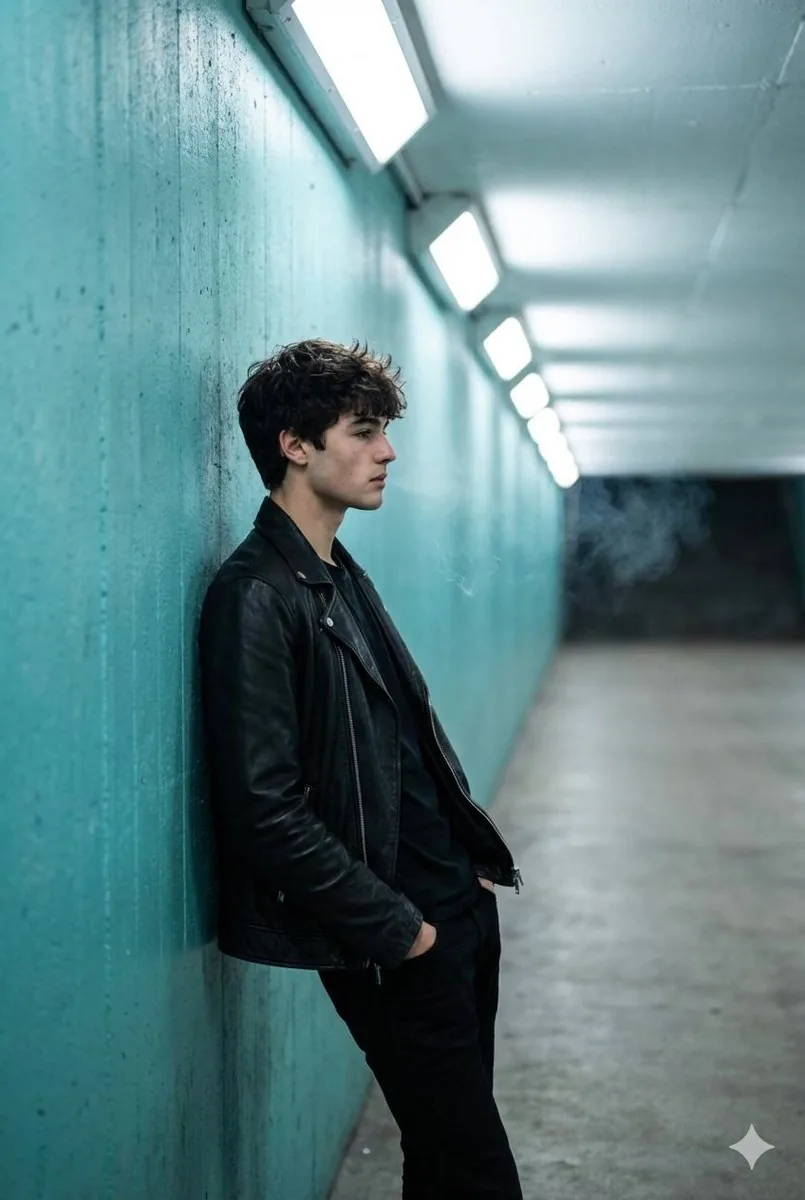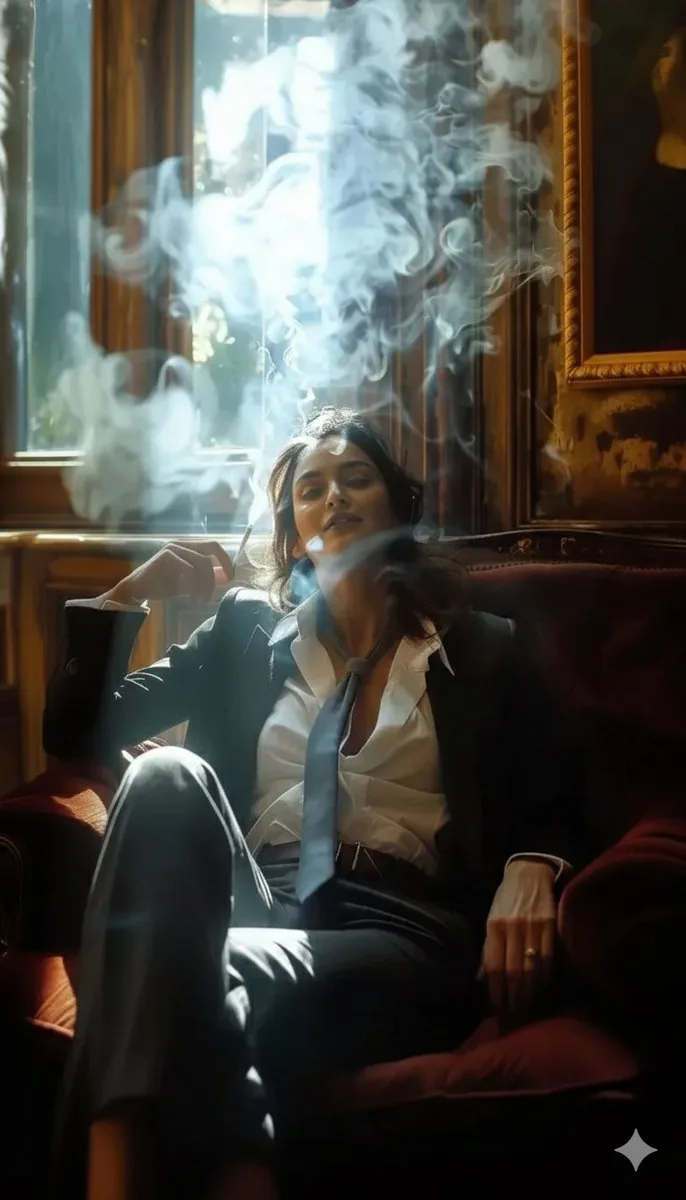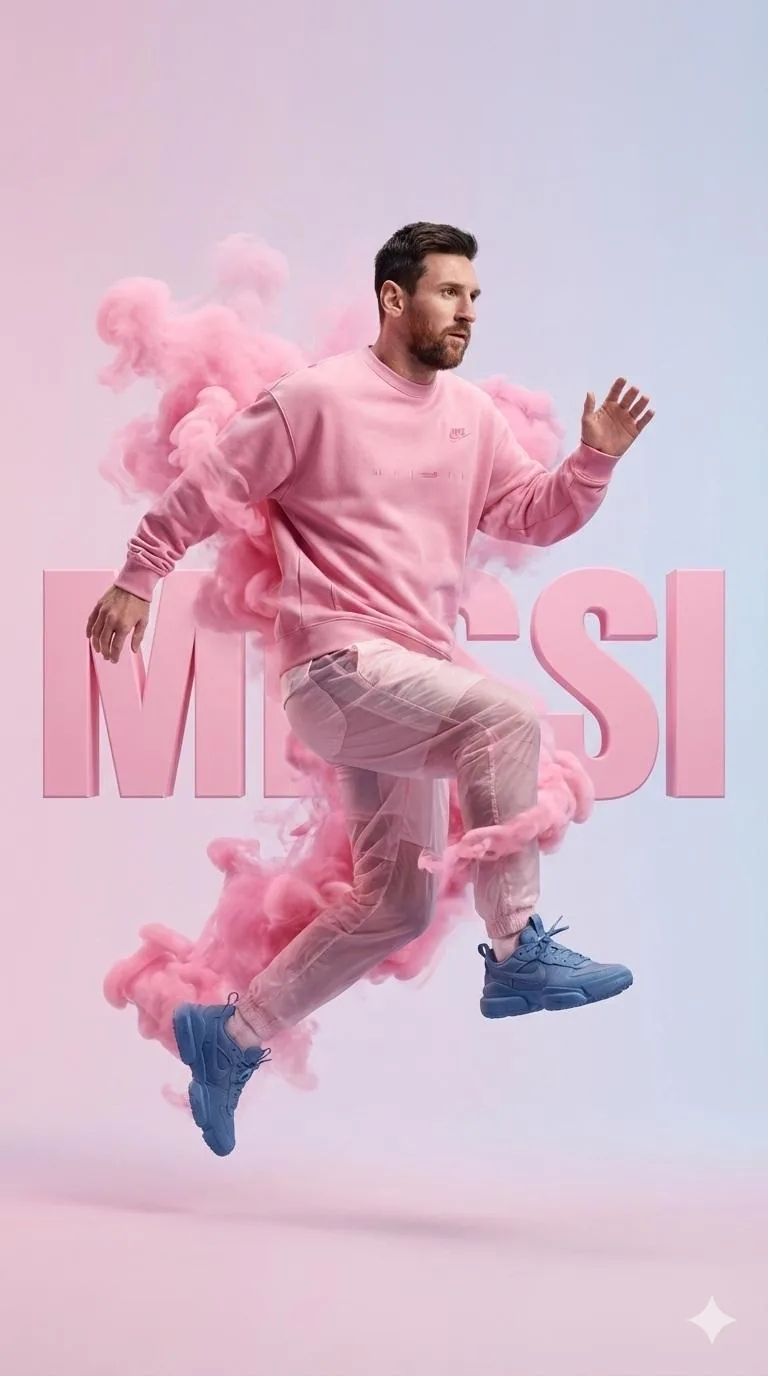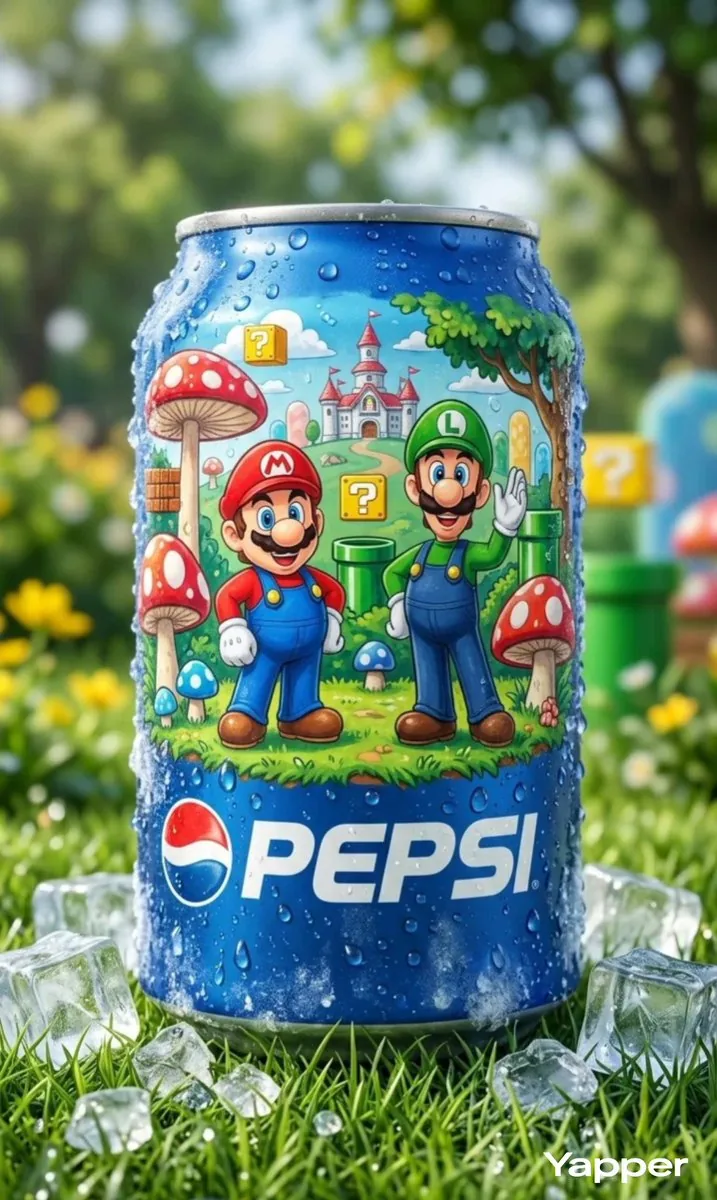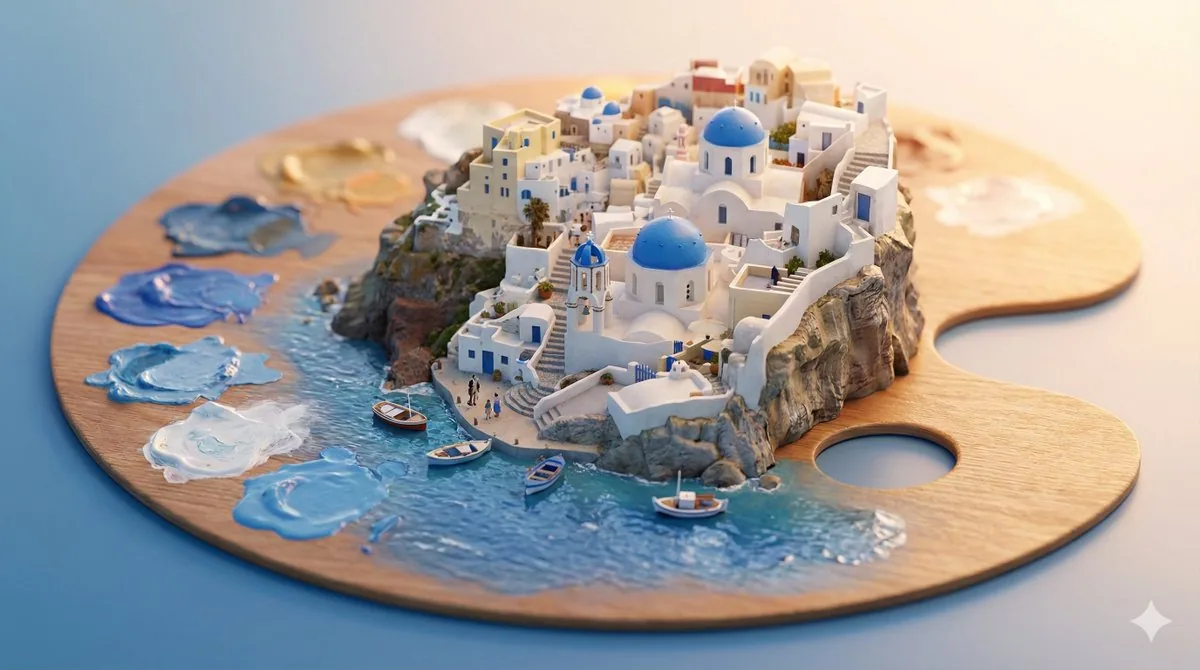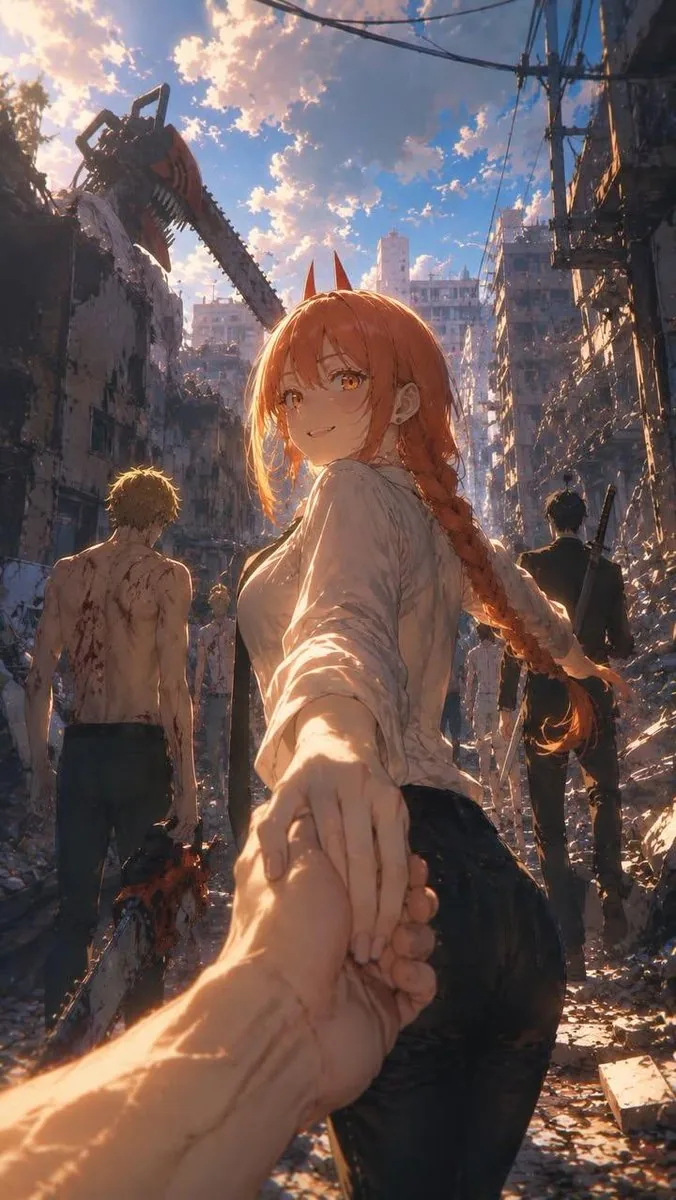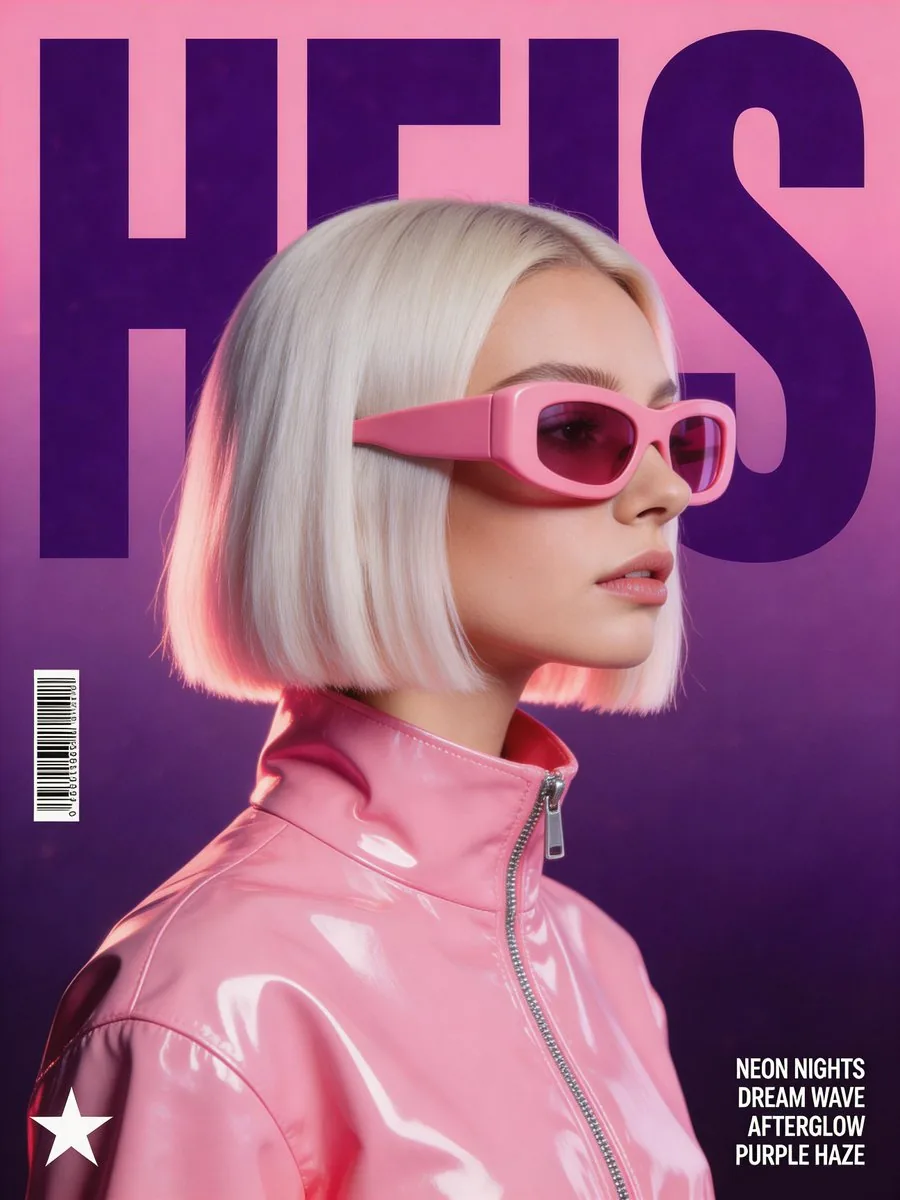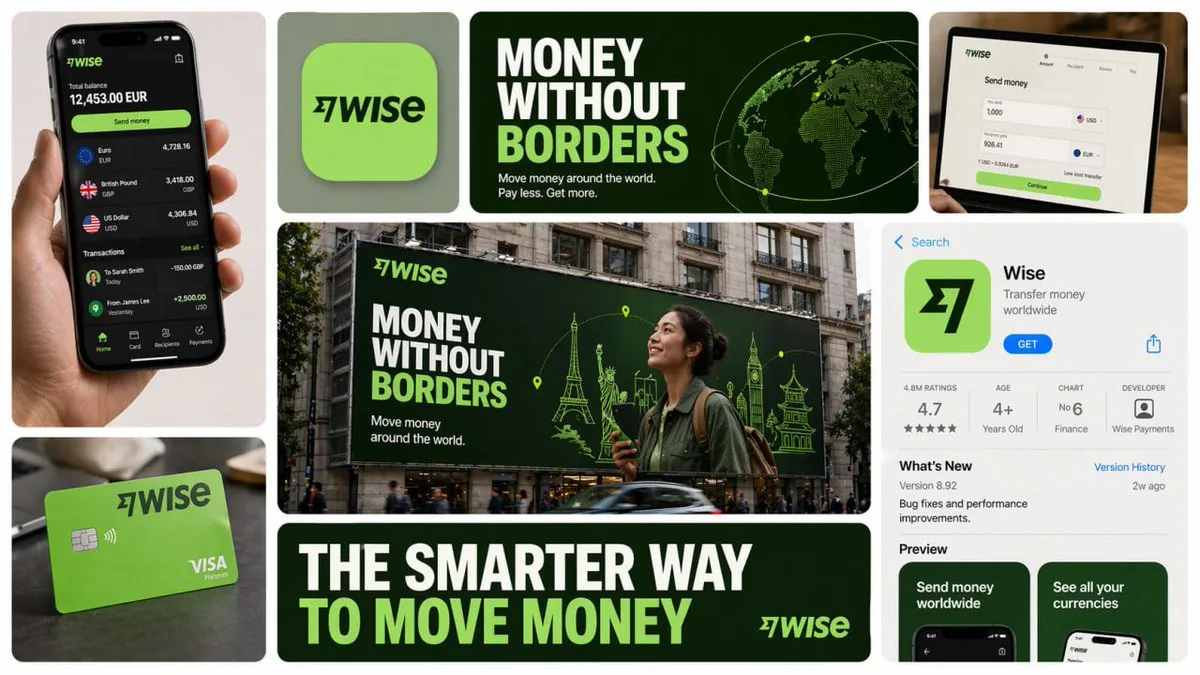
GPT Image 2 AI Prompt for Posters, Typography & UI Mockups

5,000+ GPT Image 2 prompts proven on OpenAI's flagship image model. Copy or run on GPT Image 2 in one click, free.

5,000+ image prompts curated from working creators. Every entry runs on GPT Image 2 by default, tuned for crisp text inside images, posters and UI mockups. Click any card to copy or run.

What you get

Why the best GPT Image 2 AI prompt is one already proven to render on GPT Image 2

Every GPT Image 2 AI prompt in this gallery is a real string a creator pasted into OpenAI's flagship image model and shipped. The Run button routes straight to gpt-image-2-text-to-image by default, so the words you copy and the engine that renders them are the same pairing the original author used.
Best Image AI Editor free online. Free AI photo editor for picture & image editing. Create with AI image generator, image to image AI & image text editor AI. AI Background Remover & AI Background Changer
015,000+ entries, all field tested on GPT Image 202One click run on GPT Image 2, inside the page03Trending GPT Image 2 styles, ready to remix
01

5,000+ entries, all field tested on GPT Image 2

Posters, magazine covers, UI mockups, character sheets, infographics, documentary photoreal, brand wordmarks, app dashboards. Every category is stocked with a GPT Image 2 prompt that has already produced a production-grade result. No auto-generated filler.
02

One click run on GPT Image 2, inside the page

Hit Run on any card and a generator dock slides up with that text prefilled. The default engine is GPT Image 2 with native 2K output. Your version appears in seconds, ready to download or upscale to 4K.

03

Trending GPT Image 2 styles, ready to remix

GPT Image 2 strengths like pixel-perfect typography, polished UI mockups, editorial layouts and cross-image character consistency all sit in one feed, tagged and searchable. Fresh drops land within days, not months later.

Side by side

What makes a GPT Image 2 AI prompt different from Nano Banana, Midjourney or Flux

A GPT Image 2 AI prompt is built around natural sentences with quoted exact copy, not parameter chains. That changes what wins on GPT Image 2 versus what wins on other engines, and changes which prompts you should copy from this gallery.
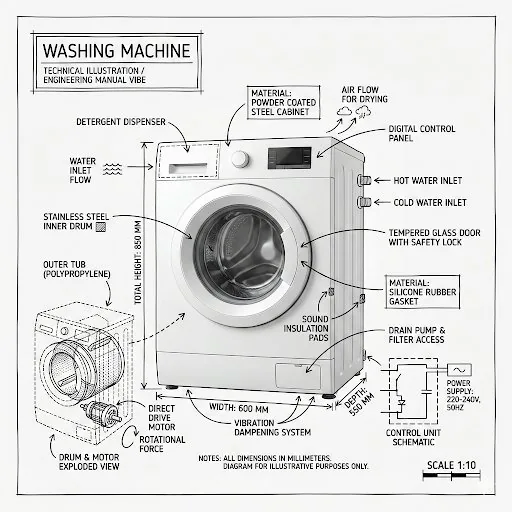
GPT Image 2 AI prompt with crisp typography rendering
01

GPT Image 2 vs GPT Image 1.5

The April 2026 release of GPT Image 2 brought pixel-perfect text rendering, native 2K generation with 4K upscale, and cross-image consistency for character sheets and brand mockups. A prompt that fell apart on GPT Image 1.5 now ships clean logos, posters and editorial layouts the first time.

GPT Image 2 AI prompt for a poster versus Nano Banana figurine output
02

GPT Image 2 vs Nano Banana 2

Different lanes. Nano Banana 2 wins on viral selfie effects, figurines and character portraits. GPT Image 2 wins on typography inside the image, magazine covers, UI mockups and dense editorial composition. A poster prompt written for GPT Image 2 typically blurs the text when forced through Nano Banana.

GPT Image 2 AI prompt natural sentence versus Midjourney parameter stack
03

GPT Image 2 vs Midjourney

Midjourney rewards short keyword stacks and weight tags like --ar and --stylize. A GPT Image 2 AI prompt rewards full sentences that describe scene, subject, layout and any exact text in quotes. Cards in this gallery tagged for GPT Image 2 already use the natural-language brief format.

GPT Image 2 AI prompt rendering an editorial cover with crisp text
04

GPT Image 2 vs Flux Pro

Flux Pro is excellent at photoreal density and skin micro-detail. GPT Image 2 trades a hair of photoreal texture for pixel-perfect text rendering and cross-image consistency. For magazine covers, wordmarks, infographics and UI screens, GPT Image 2 is the safer default.

GPT Image 2 AI prompt covering typography plus editing in one model
05

GPT Image 2 vs Ideogram v3

Ideogram v3 is specialized for typography only. GPT Image 2 matches its text precision while also handling natural-language image editing, character sheets, photoreal scenes and UI mockups in the same model. One engine for the whole brand pipeline instead of two.

Free GPT Image 2 AI prompt copy and run access
06

Free to copy, free to try on GPT Image 2

Copying any GPT Image 2 AI prompt needs no account. Running your own image needs only a free Google sign-in, and new users get credits to test GPT Image 2 and every other routed engine.

From idea to GPT Image 2 render in four steps

No prompt engineering skill required to pick a GPT Image 2 AI prompt that fits your subject. Skim the feed like Pinterest, then act without ever opening a new tab.
Best Image AI Editor free online. Free AI photo editor for picture & image editing. Create with AI image generator, image to image AI & image text editor AI. AI Background Remover & AI Background Changer
01
Browse the GPT Image 2 AI prompt feed

1. Browse the GPT Image 2 AI prompt feed

Land on this page and you are inside a masonry stream of real renders. Filter by category from the sticky bar (Posters, Typography, UI Mockups, Character Sheets, Infographics, Documentary and more), or type a keyword like magazine, wordmark, dashboard, packaging or hero banner.

02
Open a GPT Image 2 AI prompt card with full text and source

2. Open the card

Click any tile and a modal shows full text, which engine produced it, a source link, a one-tap copy and a translate button if an original is not in English.

03
Run a GPT Image 2 AI prompt inside the dock

3. Run on GPT Image 2

Hit Run on GPT Image 2. The bottom dock drops in your chosen text and routes to gpt-image-2-text-to-image by default at native 2K. Your version renders inline in seconds. Swap exact copy in the quoted strings if you want a different headline.

04
Download and upscale a GPT Image 2 AI prompt result

4. Download or upscale

Your GPT Image 2 render appears inside the dock with a one-click download. Save the standard 2K preview free, upgrade to a no-watermark 4K upscale with credits, or share straight to social channels without leaving the page.

Features built around the GPT Image 2 AI prompt workflow

Scroll, filter, click, run on GPT Image 2. Every action between you and your GPT Image 2 AI prompt is one tap from the next.
01

Default routing to gpt-image-2-text-to-image

Hit Run on any card and the dock fires OpenAI's GPT Image 2 by default at native 2K. You can still swap to Nano Banana, Flux or Midjourney from the same dock if you want a comparison render.

02

Quoted-string text rendering tip

Every card flagged for typography wraps exact copy in quotes or ALL CAPS. GPT Image 2 honors these as literal pixels on the canvas, which is why posters, logos and wordmarks come out crisp instead of garbled letters.

03

Cross-image consistency for character and brand sheets

Pin a subject or wordmark in one render and GPT Image 2 keeps it consistent across the next dozen panels. The dock exposes this directly so you can ship full character sheets, packaging variants and ad sets from a single brief.

04

Native 2K generation, 4K upscale

GPT Image 2 generates at native 2K by default, no upscaling artifacts on text edges. Click the 4K toggle in the dock to push the final composition higher for print, billboards or editorial spreads.

05

Infinite scroll GPT Image 2 AI prompt feed

New GPT Image 2 AI prompt cards stream in as you scroll. The feed loads 18 at a time and prefetches a next batch so flow never stalls.

06

Sticky category filter and search

The category bar pins to the top of your viewport. Switch between Posters, Typography, UI Mockups, Character Sheets, Infographics and 20+ more without losing your scroll position. Search runs across body text, tags and engine attribution.

07

One tap copy, no paywall

Open any GPT Image 2 AI prompt card and copy full text into your favorite tool. No paywall, no blurred second halves, no sign-in required to read.

08

Per-card translation

Translate any GPT Image 2 AI prompt into your reading locale. About a third of viral entries originate in Chinese, Japanese or Korean; one tap rewrites them in your language while preserving quoted exact copy and parameter syntax.

GPT Image 2 AI prompt examples, by category

A taste of what is inside the GPT Image 2 AI prompt feed. Each tile leads into hundreds of working entries, all runnable on gpt-image-2-text-to-image at native 2K.

GPT Image 2 AI prompt example for posters and magazine covers

Posters & magazine covers

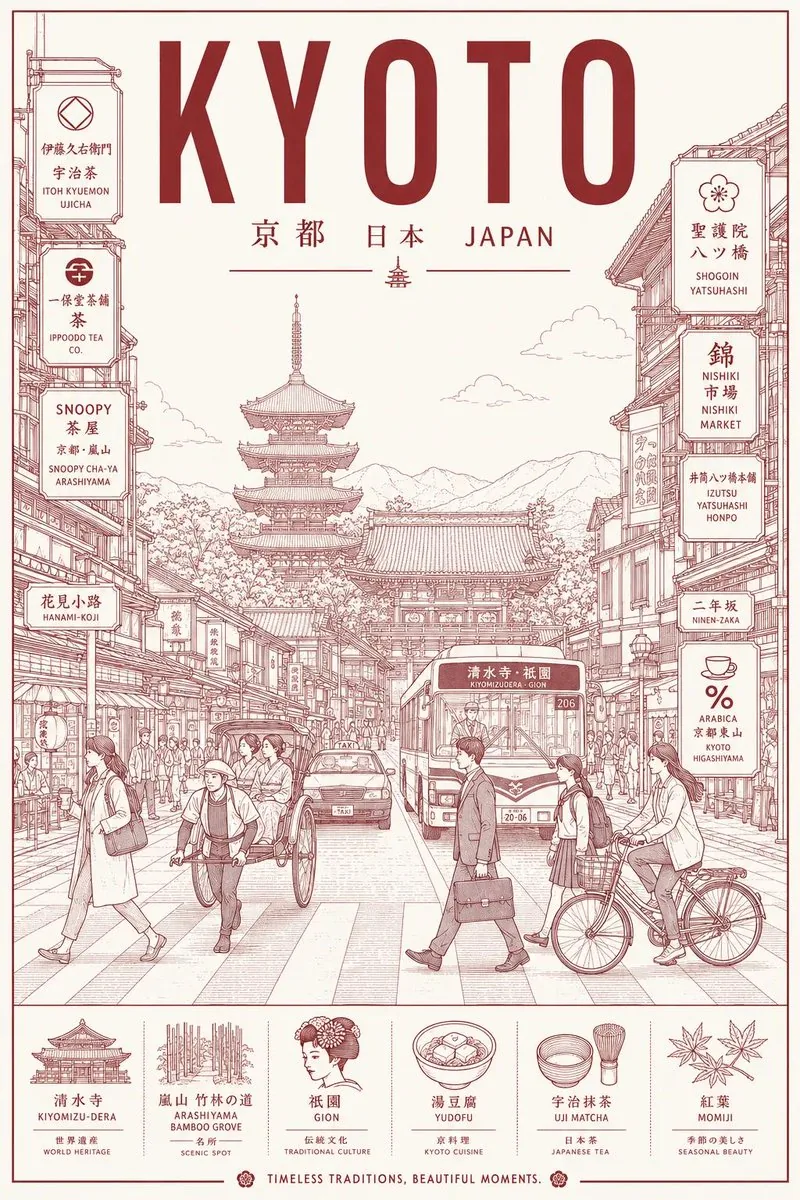
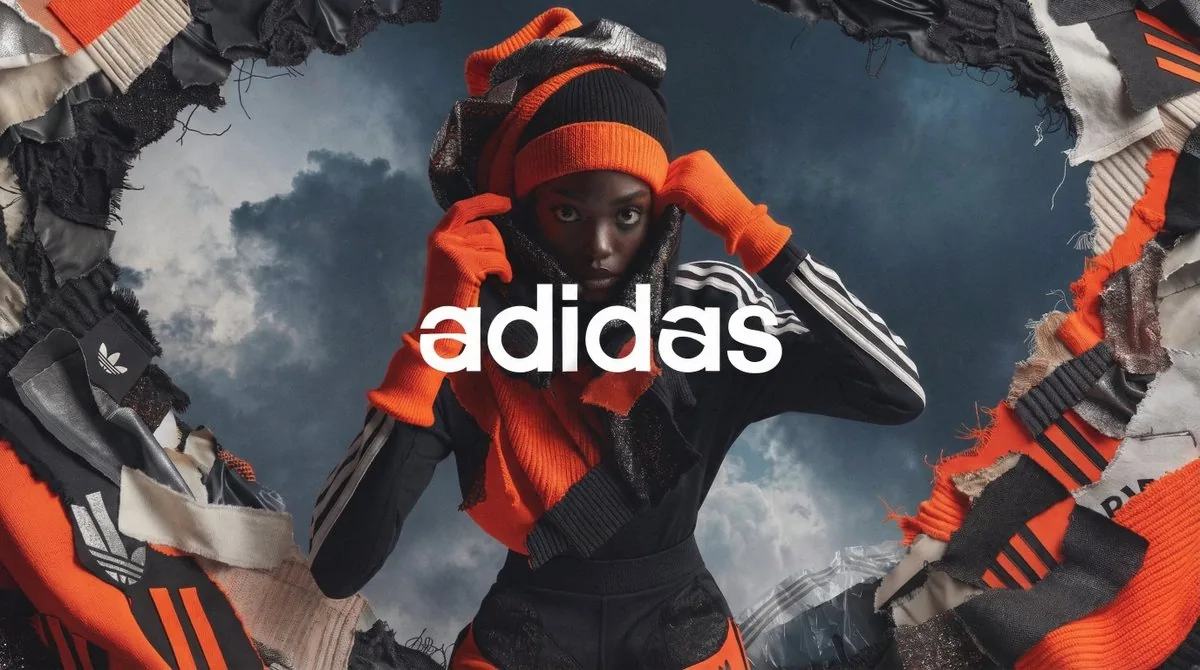
Concert posters, art-house film one-sheets, fashion magazine covers, music album sleeves, editorial spreads. GPT Image 2 renders headline typography, body decks and credit blocks as crisp pixels, not blurred letter soup.

GPT Image 2 AI prompt example for typography and text-in-image

Typography & text-in-image

Wordmarks, lockup logos, lyric cards, quote graphics, packaging hero text, billboard one-liners. Every card uses the quoted exact copy pattern so GPT Image 2 reproduces letterforms exactly as written, in any face or weight.

GPT Image 2 AI prompt example for UI mockups and dashboards

UI mockups & dashboards

SaaS dashboards, mobile app screens, onboarding flows, settings panels, marketing site heroes. Strings written by indie founders who needed a real-looking mockup yesterday, all phrased as GPT Image 2-friendly natural-language briefs.

GPT Image 2 AI prompt example for character sheets and brand consistency

Character sheets & brand consistency

Game character turnarounds, mascot expression sheets, packaging variant rows, ad set hero images. This is where GPT Image 2's cross-image consistency really shines, keeping the same face or wordmark stable across a dozen panels.

GPT Image 2 AI prompt example for infographics and explainers

Infographics & explainers

Step-by-step diagrams, comparison tables, data visuals with crisp labels, conference cheatsheets, onboarding posters. GPT Image 2 reads numbered labels and short caption blocks accurately, so charts stop coming back as gibberish.

GPT Image 2 AI prompt example for documentary photoreal

Documentary photoreal

Street photography, photojournalism, environmental portraits, behind-the-scenes stills, archival reportage. GPT Image 2 handles realistic lighting and grain when the prompt names a camera, focal length and a single strong moment.

The GPT Image 2 AI prompt gallery, in numbers

What this GPT Image 2 AI prompt library looks like under the hood. Built around what creators actually post and remix, not what an SEO crawler thinks looks tidy.
01

5,000+

Image prompts ready to run on GPT Image 2

02

20+

Style categories from Posters to Documentary

03

GPT Image 2

Default engine for the in-page Run button

04

Native 2K

Default output resolution, 4K upscale on demand

05

Pixel-perfect text

Crisp typography inside every poster, logo and UI mockup

06

<3s

Median time from clicking a card to seeing your GPT Image 2 render

Creators who switched to a GPT Image 2 AI prompt feed

Designers, indie founders and editorial leads who got tired of writing GPT Image 2 prompts from scratch, tired of prompt engineering courses, and now lean on a curated library instead.

Hana T.

Graphic designer

Posters used to mean two days of layout iteration. Now I open this gallery, filter Posters, pick a card with the right headline weight and grid, swap the quoted copy for my event title. GPT Image 2 ships crisp text the first time.
Proof

Marcus B.

Brand designer

I do wordmarks and packaging variants. The cross-image consistency on GPT Image 2 means I can lock a logo lockup in one render and the next ten variants keep it stable. The in-page dock means I rarely open Figma to mock things up anymore.
Proof

Aisha N.

Indie SaaS founder

Launch screenshots used to mean Figma plus a designer. Now I grab a GPT Image 2 prompt entry from the UI Mockups tab, swap the product name in the quoted strings, hit Run. The dashboards come back believable, labels readable, ready for a landing page.
Proof

Theo G.

Editorial designer

I art-direct magazine covers. GPT Image 2 actually reads the headline deck I write in quotes and lays it out in the type face I name. Translate button is also gold when I pull viral cover references from Japanese editorial accounts.
Proof

Lena V.

Content creator

I cover OpenAI image trends on YouTube. Workflow now is: filter Typography or Posters, pick three prompts, run variants in the dock on GPT Image 2, screen-record. Weekly drops keep my thumbnails current and the text in them legible.
Proof

Rohan D.

Infographic designer

Charts and explainer posters used to mean Illustrator plus typesetting. GPT Image 2 reads my numbered labels and caption blocks accurately, so I can ship a conference cheatsheet from a single brief instead of laying out every cell by hand.
Proof

GPT Image 2 AI prompt questions, answered honestly

Real questions about this GPT Image 2 AI prompt gallery, the in-page generator and credits. If something is missing, email support@bestaiimageprompt.com and we reply within one business day.
Q1

What is GPT Image 2?

GPT Image 2 is OpenAI's flagship image model, released April 2026. It generates at native 2K with 4K upscale, renders pixel-perfect text inside the image, keeps subjects consistent across multiple renders, and accepts natural-language edit instructions. Strongest at posters, typography, UI mockups, character sheets and infographics.

Q2

GPT Image 2 vs GPT Image 1.5: what changed?

Three big jumps. First, text inside the image now renders as crisp pixels instead of garbled letterforms. Second, native 2K resolution and a 4K upscale path. Third, cross-image consistency so a face, logo or product stays stable across many panels. A prompt that needed three retries on 1.5 typically ships clean on the first try.

Q3

GPT Image 2 vs Nano Banana: which should I use?

Different lanes. Nano Banana wins on viral selfie effects, figurine looks and single-subject portrait consistency. GPT Image 2 wins on text inside the image, posters, magazine covers, UI mockups and dense editorial composition. Use Nano Banana for character portraits and viral effects, GPT Image 2 for anything with typography or layout.

Q4

Where can I find GPT Image 2 AI prompts for free?

Right here. Every entry in this gallery is free to read, copy and remix without an account. Running your own version on GPT Image 2 needs only a free Google sign-in, and new users get credits to try GPT Image 2 and other routed engines. No card, no trial countdown.

Q5

How do I get crisp text inside a GPT Image 2 render?

Place the exact copy in quotes or ALL CAPS inside your prompt. GPT Image 2 reads quoted strings as literal pixels on the canvas, which is why posters, wordmarks and packaging come out with letters spelled correctly. Name the type face, weight and layout position too if you want predictable results.

Q6

What are the best aspect ratios for GPT Image 2?

GPT Image 2 supports 1:1, 4:5, 3:4, 2:3, 16:9 and 21:9 natively. For posters and magazine covers, 2:3 or 3:4. For social cards and infographics, 4:5 or 1:1. For UI mockups and dashboards, 16:9 or 21:9. The dock exposes a ratio picker so you can match a layout brief without opening another tool.

Q7

Are renders from a GPT Image 2 AI prompt free to use commercially?

Standard 2K GPT Image 2 previews are free to download and use, including for commercial work. 4K upscaled downloads without watermark require credits, available as a one-off top-up or a monthly subscription. We claim no ownership over what you generate.

Q8

Can I run a GPT Image 2 prompt on my phone?

Yes. The masonry feed, search, category filter, modal, copy, translate and the in-page generator dock are all built for mobile and tablet. The dock collapses to a single row on small screens so Run stays one tap away even mid-scroll.

Q9

Does the same prompt work on Nano Banana too?

Sometimes, but expect a different render. A poster prompt with quoted copy that ships clean on GPT Image 2 usually comes back with blurred or wrong letters on Nano Banana, because Nano Banana is tuned for portraits and viral effects, not text. Each card is tagged with the engine it was authored for, and the dock lets you swap to compare.

Q10

Do I need an OpenAI account to use GPT Image 2 here?

No. The dock routes through our infrastructure to GPT Image 2, so you sign in once with Google one-tap and that is it. Browsing the gallery, opening cards, copying full prompt text and translating are all free without any sign-in at all.

Q11

Does the GPT Image 2 prompt translate into my language?

Yes, into 60+ languages. About a third of the most exciting entries start in Chinese, Japanese or Korean because that is where many viral GPT Image 2 effects ship first. Tap Translate and the body switches to your locale while keeping quoted exact copy and parameter syntax intact.

Q12

How often is the GPT Image 2 AI prompt list refreshed?

Daily curation plus weekly drops. Editors track X, Reddit, Xiaohongshu, Discord and OpenAI showcase feeds. New trending GPT Image 2 styles like a viral magazine cover format or a brand-new typography effect usually land within a few days of going viral, tagged under the Trending filter.

Q13

Can I turn a GPT Image 2 render into a short video?

Yes, indirectly. Render your image on GPT Image 2 first, then feed it into an image to video flow such as Sora 2, Veo, Runway or Kling for animation. A sibling video gallery with prompt to video entries is rolling out under the Video Prompts tab.

Q14

Can GPT Image 2 do image-to-image edits?

Yes. GPT Image 2 accepts an input image plus a natural-language instruction like relight to golden hour, replace the wordmark with NEON CITY, swap the background to a brutalist lobby. Many cards under the Typography and UI Mockups tabs are written this way so you can edit your own brand assets without redrawing the layout.

Q15

Why does my GPT Image 2 render look different from the sample?

First confirm the dock is set to GPT Image 2 (it is by default). Second check that your aspect ratio and quoted strings match the original entry. Third try a small subject swap rather than a full rewrite. Some entries are written tightly around a specific brand or headline, and overgeneralization can break the layout.

Q16

Any tip for posters with branding on GPT Image 2?

Three rules. Wrap your headline, subhead and credit block each in their own quotes. Name a type face plus weight (for example bold grotesque, condensed serif). Pin the wordmark in a corner with an explicit position cue. GPT Image 2 honors all three and ships a poster you can hand to print.

Run a GPT Image 2 prompt right now

Pick any GPT Image 2 AI prompt card above, hit Run, get your version on GPT Image 2 in seconds. Same vibe, your subject, your choice of engine. New users get free credits.
CTAOpen generatorCTASee pricing