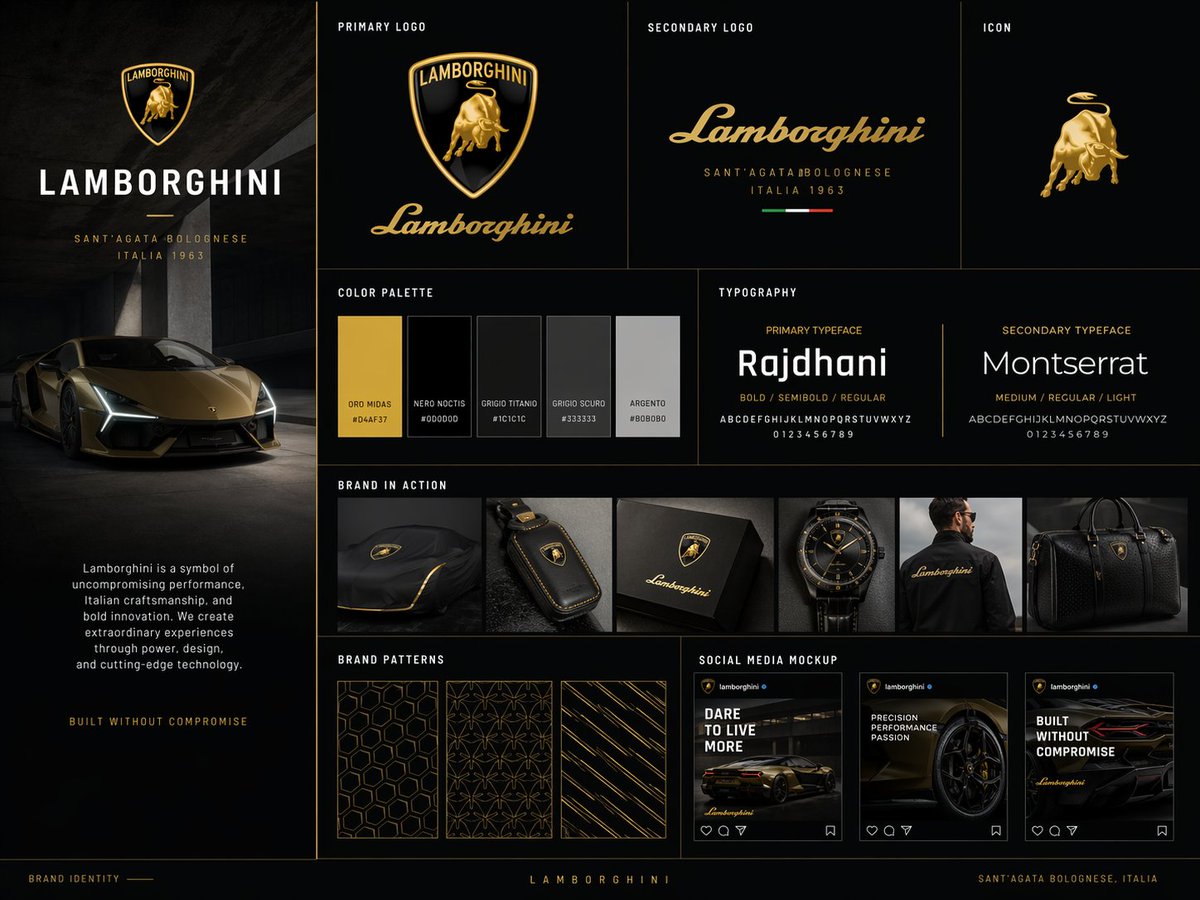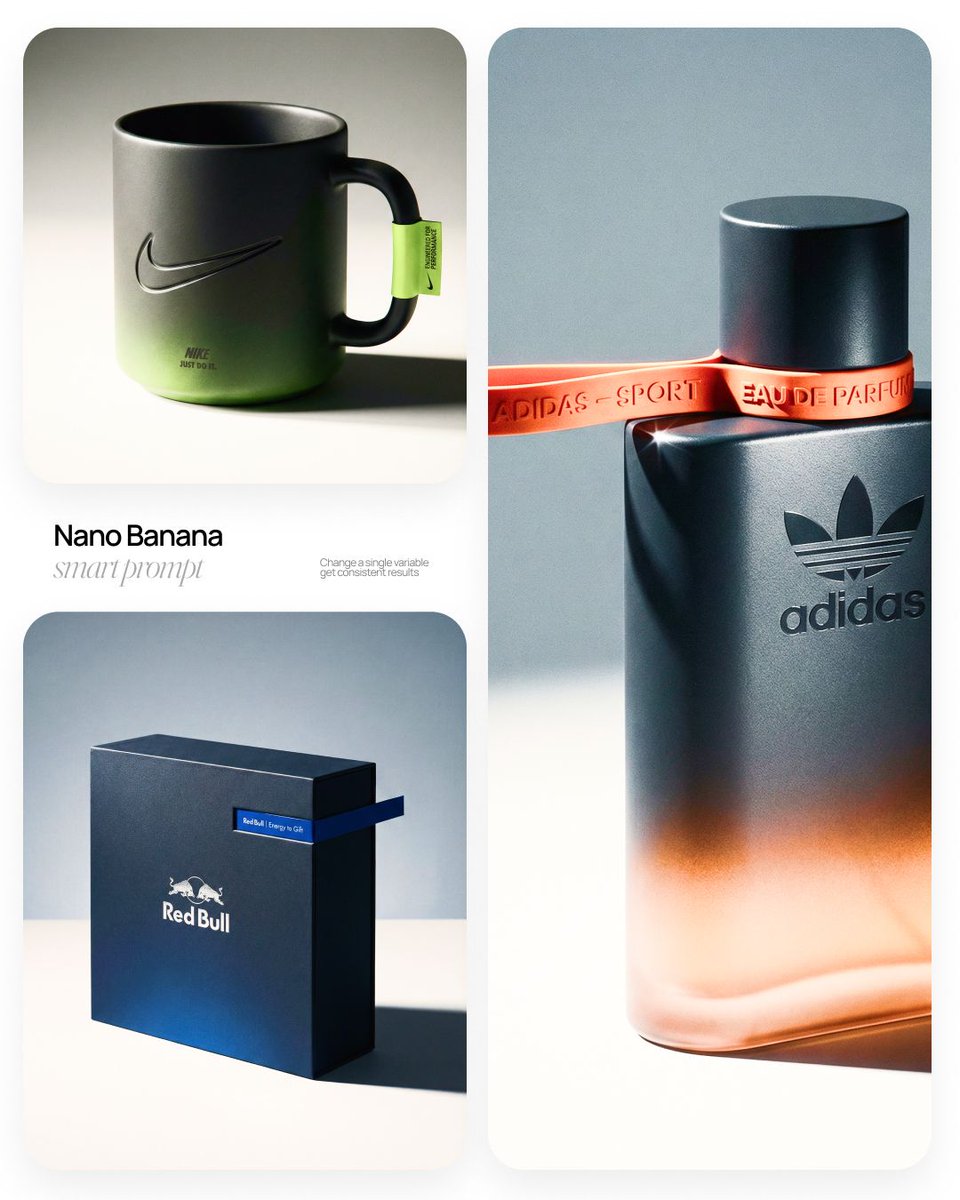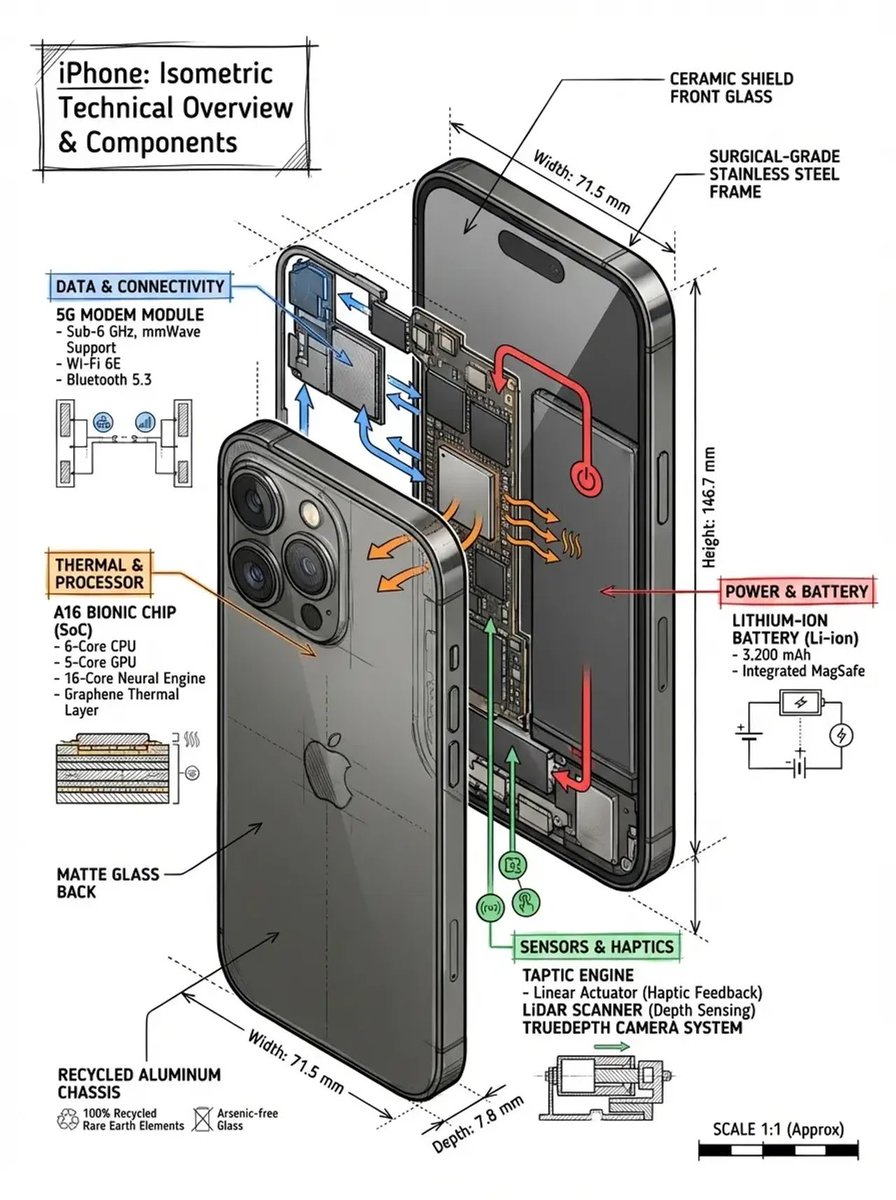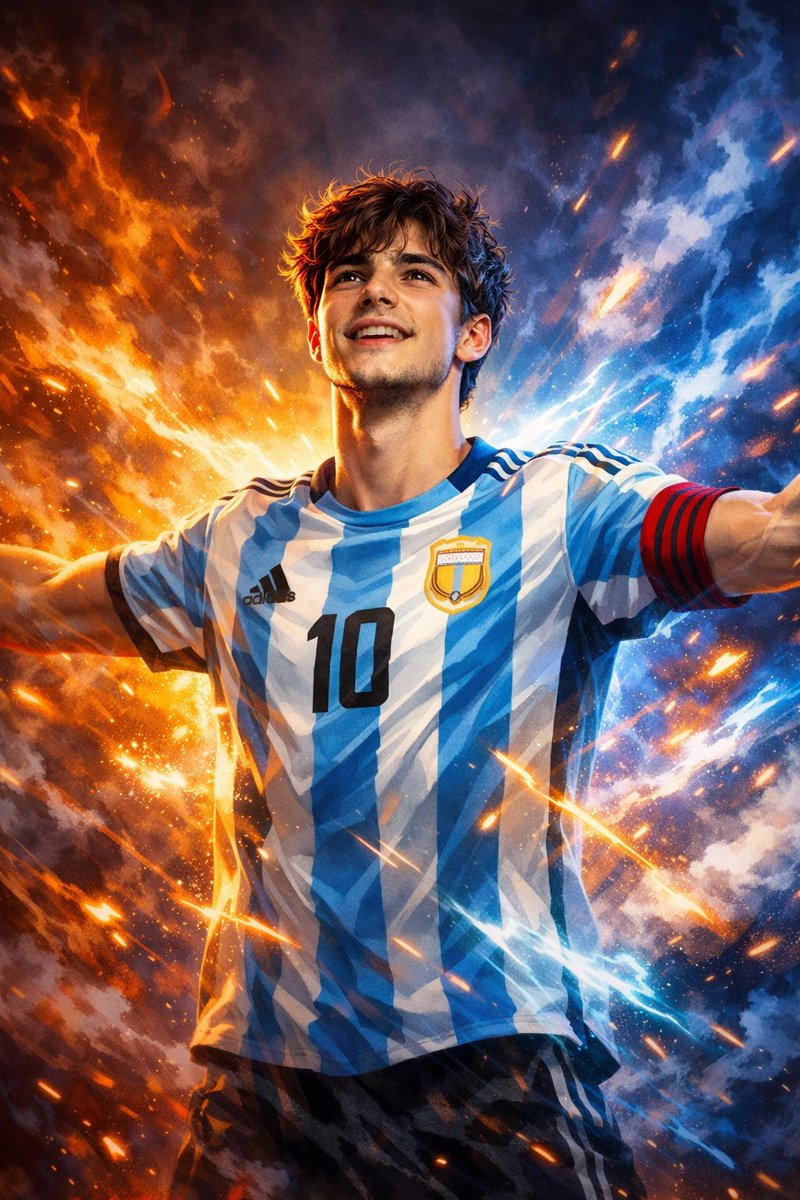
Nano Banana AI Image Prompt for Figurines, 3D Chibi & Character Looks

5,000+ copy-and-paste prompts for the viral Nano Banana effects. Run on Nano Banana 2 (Gemini 3.1 Flash Image) in one tap, free.

Curated Nano Banana prompts behind the viral figurine, 3D chibi and polaroid trends. Every entry runs on Nano Banana 2 (Gemini 3.1 Flash Image) by default. Click any card to copy or run.

What you get

Why Nano Banana is the viral effects engine, and why these prompts already work

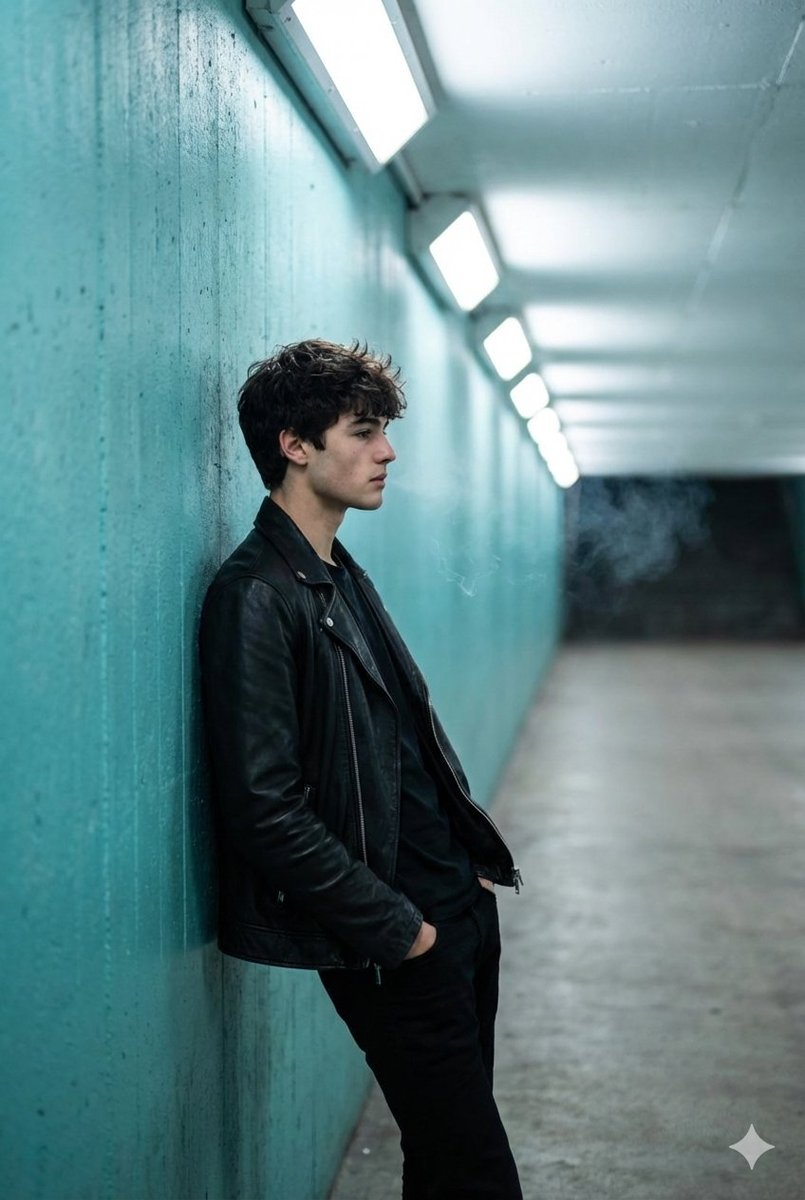
Nano Banana is the engine behind the figurine wave, the 3D chibi blind-box look and the polaroid yearbook trend. Every Nano Banana AI image prompt in this gallery is a real string a creator pasted into a real engine and shipped. The Run button routes straight to Nano Banana 2 (Gemini 3.1 Flash Image) by default, so the words you copy and the engine that renders them are the same pairing the original author used.
Best Image AI Editor free online. Free AI photo editor for picture & image editing. Create with AI image generator, image to image AI & image text editor AI. AI Background Remover & AI Background Changer
015,000+ entries, all field tested on Nano Banana02One tap run on Nano Banana 2, inside the page03The viral figurine trend, ready to remix
01

5,000+ entries, all field tested on Nano Banana

Figurine, 3D chibi, PVC toy, polaroid, yearbook, character consistency, selfie restoration, product mockup. Every category is stocked with a Nano Banana prompt that has already produced a viral or production-quality render. No auto-generated filler.
02

One tap run on Nano Banana 2, inside the page

Hit Run on any card and a generator dock slides up with that text prefilled. The default engine is Nano Banana 2 (Gemini 3.1 Flash Image, Feb 2026 default). Your version appears in seconds, ready to download.

03

The viral figurine trend, ready to remix

The toy figurine, blind-box, 3D chibi and polaroid waves that put Nano Banana on the map all sit in one feed, tagged and searchable. Fresh viral drops land within days of trending on X and Xiaohongshu, not months later.

Side by side

What makes a Nano Banana prompt different from Pro, GPT Image 2, Midjourney or Flux

Nano Banana is tuned for character consistency, figurines and natural-language briefs. That changes what wins on Nano Banana versus what wins on Nano Banana Pro or other engines, and changes which prompts you should copy from this gallery.
Nano Banana figurine output versus Nano Banana Pro typography render
01

Nano Banana vs Nano Banana Pro

Nano Banana is the fast everyday engine for figurines, character looks and selfie edits. Nano Banana Pro (Gemini 3 Pro Image) is the reasoning tier with stronger typography, infographics and up to 14 reference images. The dock routes to Nano Banana by default, with a one-click swap to Pro when a card needs text or dense layout.

Nano Banana 2 versus original Nano Banana side by side
02

Nano Banana 2 vs original Nano Banana

Original Nano Banana is Gemini 2.5 Flash Image (Aug 2025). Nano Banana 2 is Gemini 3.1 Flash Image (Feb 2026), with sharper identity preservation, better hands, cleaner edits on reference photos and the current default in the dock. A prompt written for the original still runs on 2; the render is just tighter.

Character consistency example from a Nano Banana prompt
03

Nano Banana vs GPT Image 2

GPT Image 2 wins on typography, posters and text inside the image. Nano Banana wins on the viral figurine wave, single-subject character consistency and selfie-to-portrait edits. Pick the category tab that matches your use case before copying a prompt.

Nano Banana natural-language brief versus Midjourney keyword stack
04

Nano Banana vs Midjourney

Midjourney rewards short keyword stacks and weight tags like --ar and --stylize. Nano Banana rewards full sentences that describe scene, subject, lighting and mood, plus simple edit instructions on a reference photo. Cards tagged for Nano Banana already use the long-form brief format.

Multi-shot character consistency from a Nano Banana prompt
05

Nano Banana vs Flux Kontext

Flux Kontext loves dense descriptive blocks loaded with photographic vocabulary. Nano Banana stays sharp on shorter structured briefs and is stronger at keeping the same face across multi-shot edits. Use the engine tag on each card to pick the right one before hitting Run.

Free Nano Banana prompt copy and run access
06

Free to copy, free to try

Copying any Nano Banana prompt needs no account. Running your own image needs only a free Google sign-in, and new users get credits to test Nano Banana 2, Nano Banana Pro and every other routed engine.

From idea to Nano Banana render in four steps

No prompt engineering skill required to pick a Nano Banana prompt that fits your subject. Skim the feed like Pinterest, then act without ever opening a new tab.
Best Image AI Editor free online. Free AI photo editor for picture & image editing. Create with AI image generator, image to image AI & image text editor AI. AI Background Remover & AI Background Changer
01
Browse the Nano Banana prompt feed

1. Browse the Nano Banana prompt feed

Land on this page and you are inside a masonry stream of real renders. Filter by category from the sticky bar (Figurine, 3D chibi, Polaroid, Character, Portrait, Product and more), or type a keyword like figurine, blind box, yearbook, polaroid or chibi.

02
Open a Nano Banana prompt card with full text and source

2. Open the card

Click any tile and a modal shows full text, which Nano Banana variant produced it, a source link, a one-tap copy and a translate button if an original is not in English.

03
Run a Nano Banana prompt inside the dock

3. Run on Nano Banana

Hit Run on Nano Banana. The bottom dock drops in your chosen text and routes to Nano Banana 2 (Gemini 3.1 Flash Image) by default, or swap to Nano Banana Pro for typography and dense layouts. Your version renders inline in seconds.

04
Download and share a Nano Banana prompt result

4. Download or share

Your Nano Banana render appears inside the dock with a one-click download. Save the standard preview free, upgrade to a no-watermark high-resolution copy with credits, or share straight to social channels without leaving the page.

Features built around the Nano Banana prompt workflow

Scroll, filter, click, run on Nano Banana. Every action between you and your Nano Banana prompt is one tap from the next.
01

Default routing to Nano Banana 2

Hit Run on any card and the dock fires Nano Banana 2 (Gemini 3.1 Flash Image) by default. The current Feb 2026 default beats the original Nano Banana on identity, hands and reference-photo edits.

02

Optional swap to Nano Banana Pro

One click to route the same prompt to Nano Banana Pro (Gemini 3 Pro Image) when a card needs sharp typography, infographics or denser layout. Compare both renders side by side from the same dock.

03

Multi-reference image consistency, up to 14 refs

Nano Banana Pro accepts up to 14 reference images for character, product or scene consistency across a series. Cards tagged Multi-ref expose slots for every reference, so a product line or a recurring character holds its look from frame to frame.

04

Sticky category filter

The category bar pins to the top of your viewport. Switch between Figurine, 3D chibi, Polaroid, Character, Portrait, Product, Editorial and 20+ more without losing your scroll position.

05

Search by style, subject or effect

Type figurine, blind box, yearbook, polaroid, chibi, glamour or a trending effect name. Search runs across body text, tags and engine attribution so you find entries by technique, not only by category.

06

One tap copy, no paywall

Open any Nano Banana prompt card and copy full text into your favorite tool. No paywall, no blurred second halves, no sign-in required to read.

07

Per-card translation

Translate any Nano Banana prompt into your reading locale. About a third of viral entries originate in Chinese, Japanese or Korean; one tap rewrites them in your language while preserving trigger words and parameter syntax.

08

Weekly trending drops

Editors track X, Reddit, Xiaohongshu and lab showcase feeds. Hot Nano Banana effects like a new figurine variation or polaroid pose land in the gallery within days, tagged under a dedicated Trending filter.

Nano Banana prompt examples, by category

A taste of what is inside the Nano Banana prompt feed. Each tile leads into hundreds of working entries, all runnable on Nano Banana 2 by default.

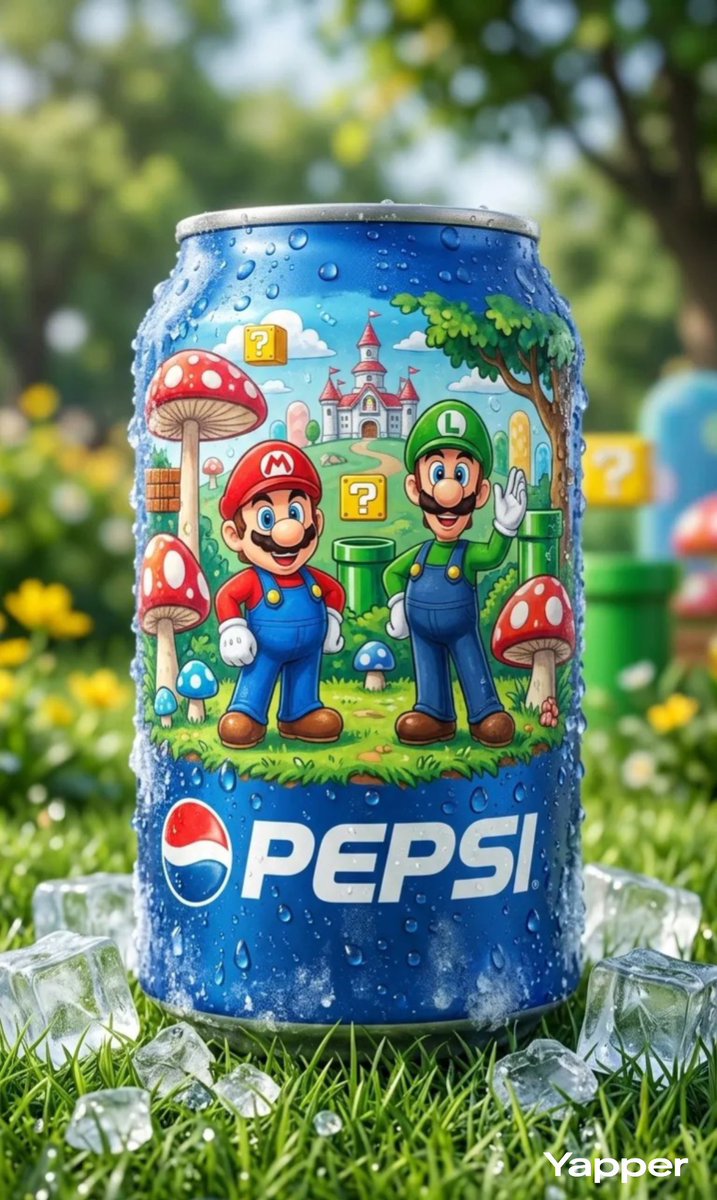
Nano Banana prompt example for the viral figurine trend

Figurine & toys (signature look)

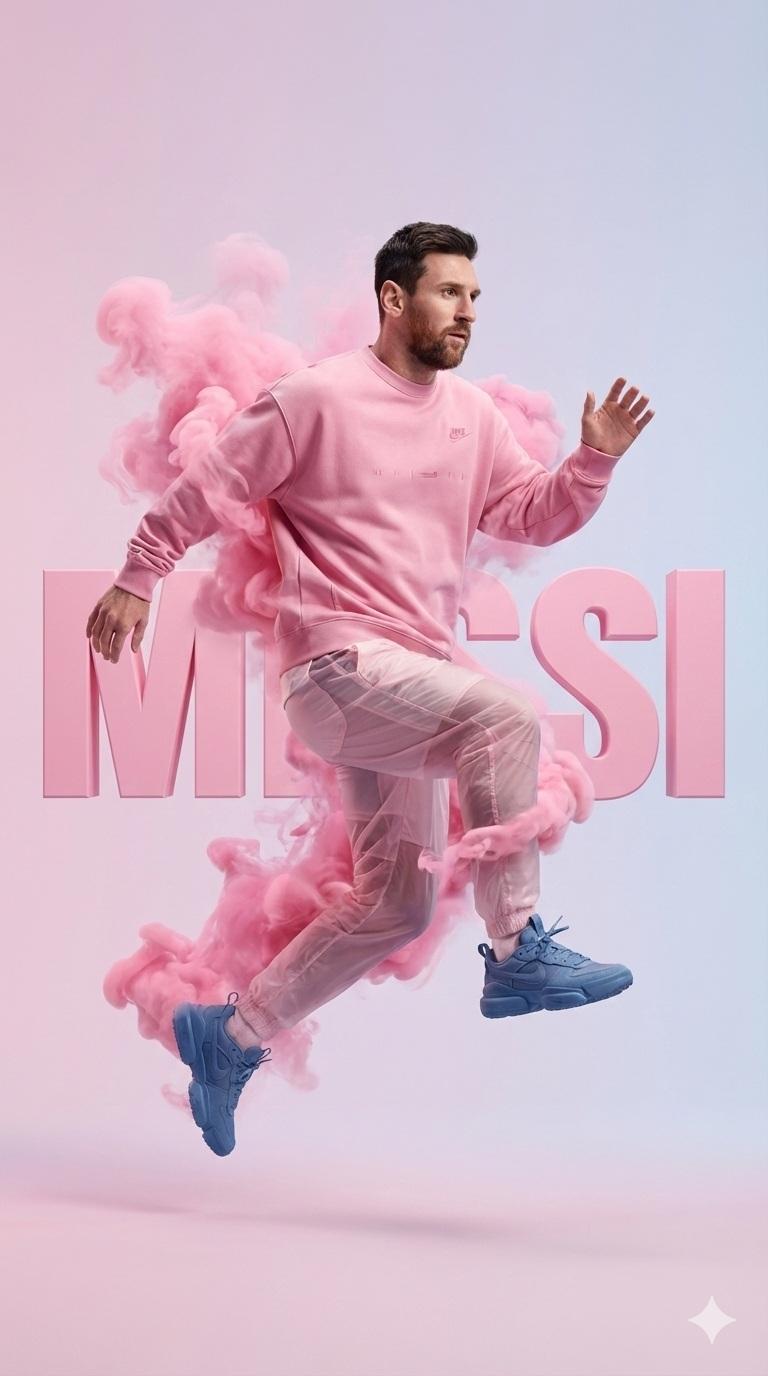
The viral toy figurine trend that put Nano Banana on the map. Blind-box collectibles, vinyl toys, glossy PVC bodies on a desk corner, packaging with brand name. This is the category most people land here for, and the engine where Nano Banana is strongest.

Nano Banana prompt example for 3D chibi and PVC figures

3D chibi & PVC action figures

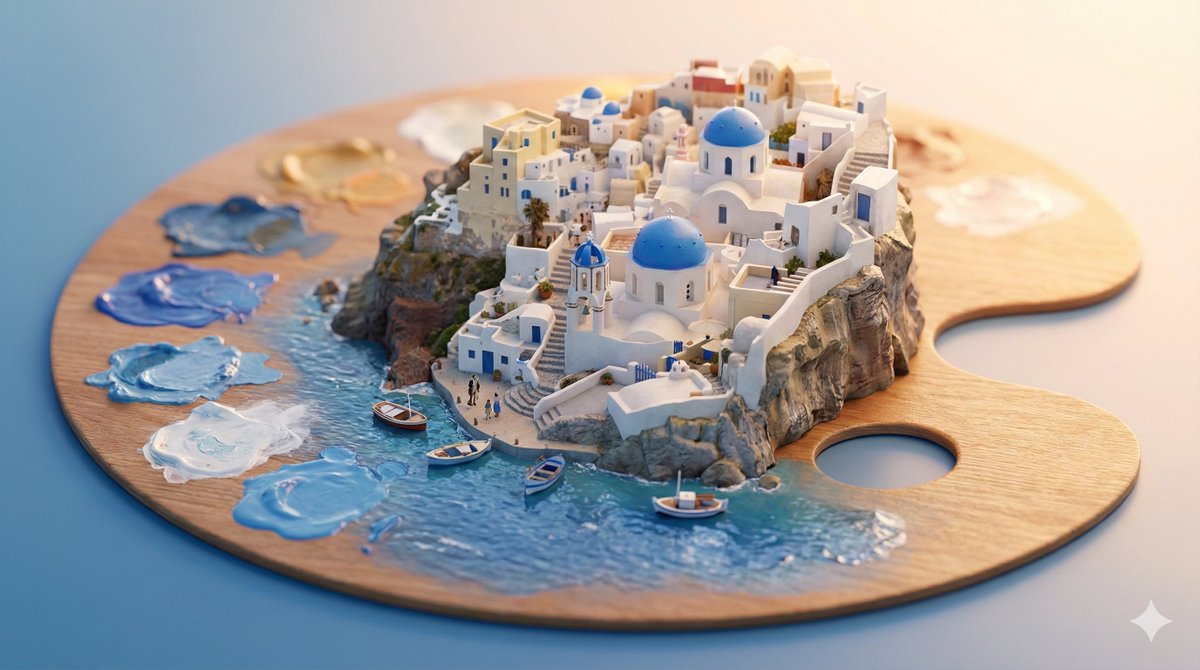
Pixar style 3D chibi, plasticine claymation, PVC action figures with articulated joints, isometric dioramas. Nano Banana keeps a recognizable character face while applying the chibi proportions, which is what makes the trend viral.

Nano Banana prompt example for polaroid and yearbook portraits

Polaroid & yearbook portraits

Retro polaroid frames, 90s yearbook portraits, childhood photo reenactments and disposable camera looks. Nano Banana 2 holds the same face across a whole series, which is why this trend exploded after the Feb 2026 update.

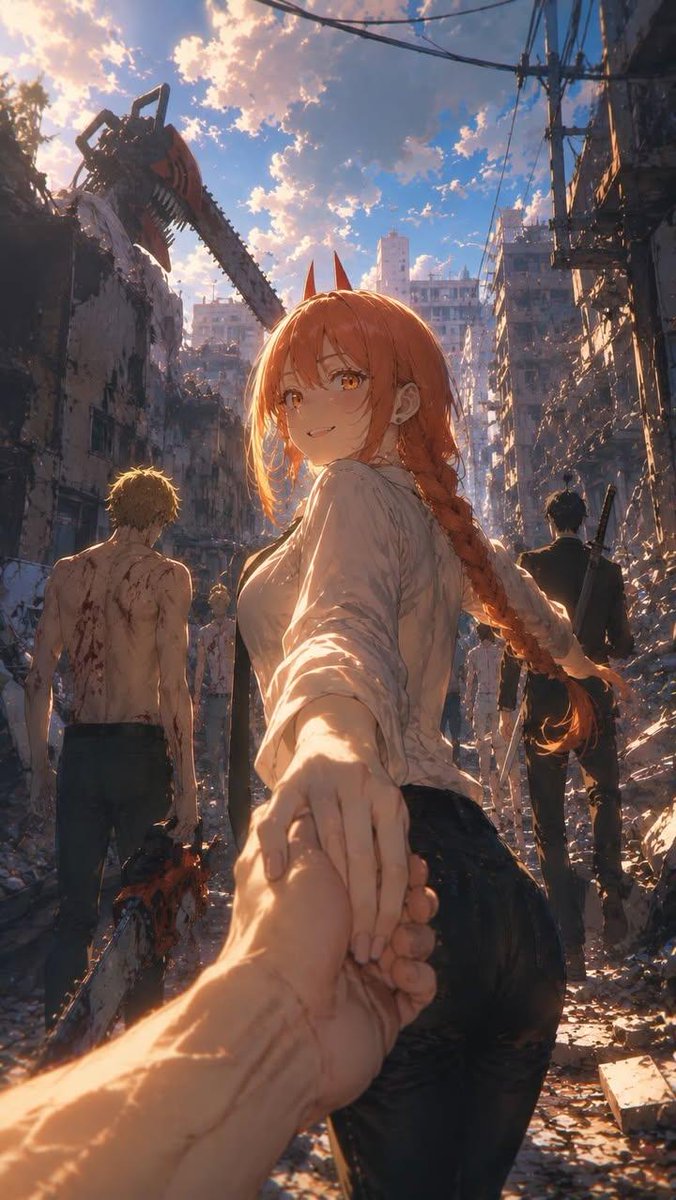
Nano Banana prompt example for multi-shot character consistency

Character consistency across scenes

Same character, different scene, same face. Nano Banana is built around identity preservation, and a single reference image can drive a whole storyboard. Great for indie game character sheets, comics and brand mascots.

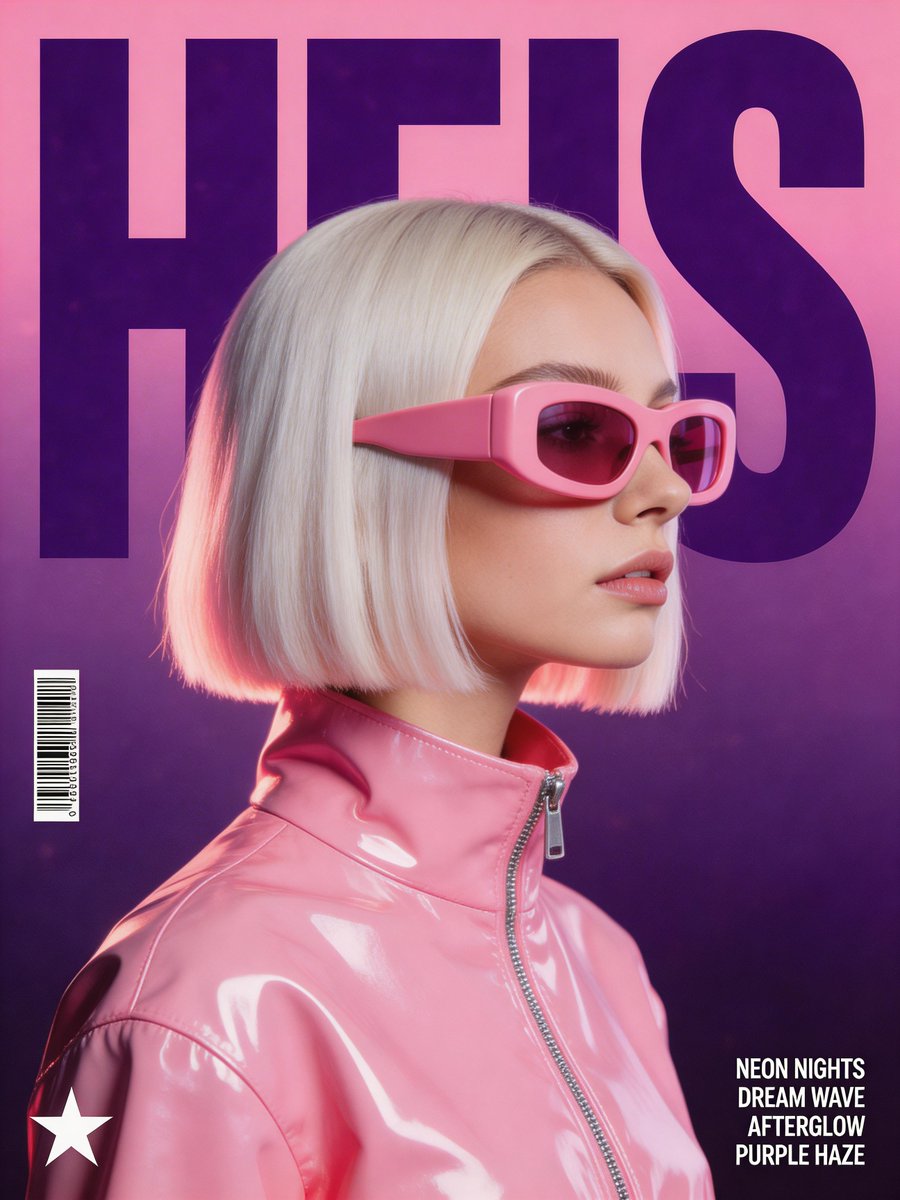
Nano Banana prompt example for selfie-to-portrait and restoration

Selfie-to-portrait & restoration

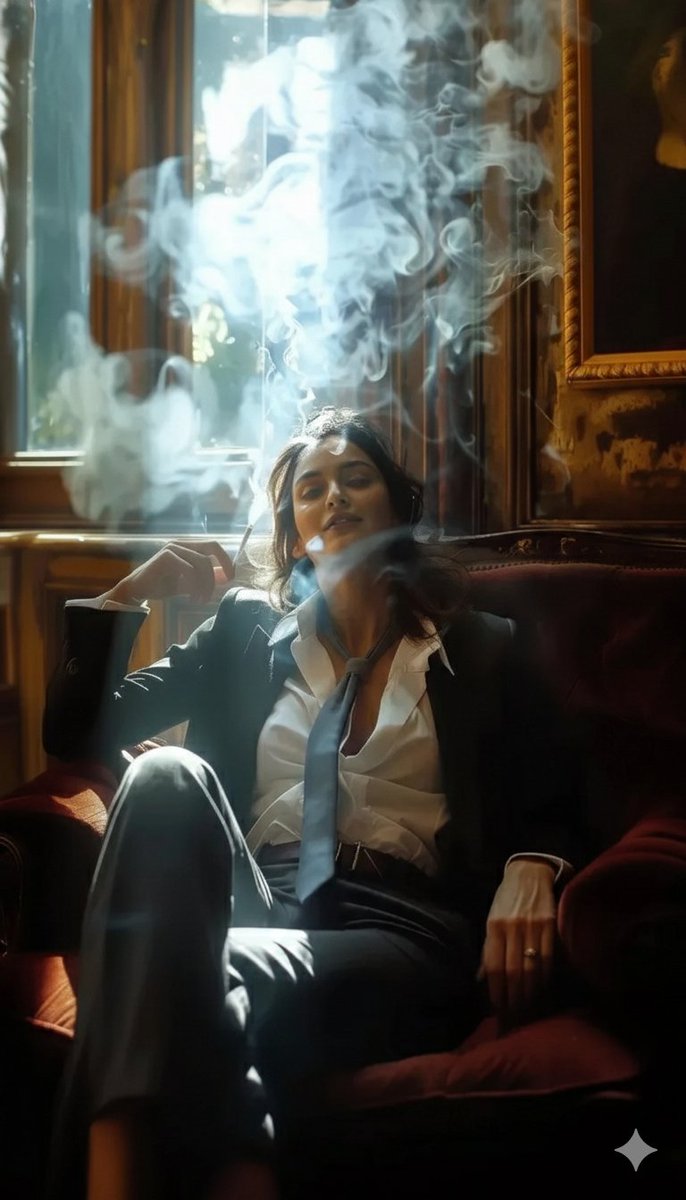
Editorial headshots from a phone selfie, glamour relighting, old photo restoration, group-shot identity preservation. Nano Banana 2's identity tuning means the rendered face still looks like the source, not a generic AI face.

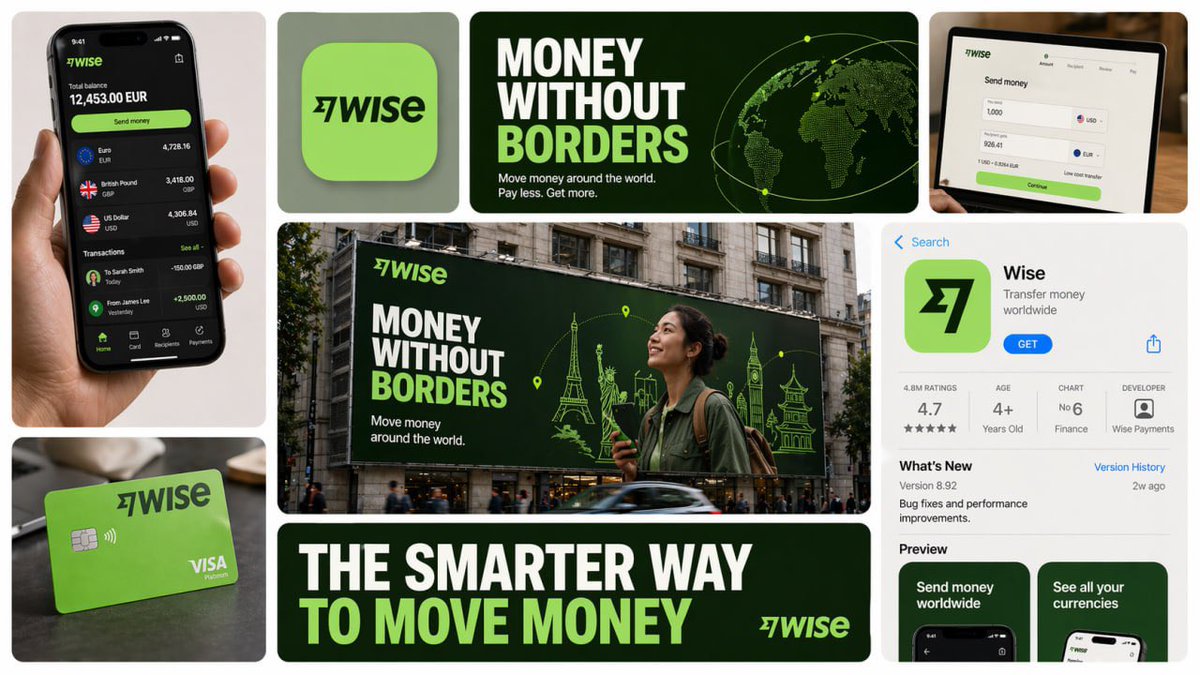
Nano Banana Pro prompt example for product mockups with branding

Product mockups with text & branding (Pro tier)

Packshot on white, lifestyle scene, cosmetics on satin with a clean brand wordmark. These cards route to Nano Banana Pro because typography and dense layout are where the Pro tier earns its keep over the fast Nano Banana engine.

The Nano Banana prompt gallery, in numbers

What this Nano Banana prompt library looks like under the hood. Built around what creators actually post and remix, not what an SEO crawler thinks looks tidy.
01

5,000+

Image prompts ready to run on Nano Banana 2 and Nano Banana Pro

02

20+

Style categories from Figurine to Polaroid to Product

03

Nano Banana 2

Default engine for the in-page Run button (Gemini 3.1 Flash Image)

04

Weekly

Fresh viral Nano Banana effects added to the feed

05

60+

Languages supported by per-card translation

06

14 refs

Multi-reference images supported on Nano Banana Pro

Creators who built their workflow on Nano Banana prompts

Figurine sellers, ecom founders, content creators and photo restoration enthusiasts who got tired of writing Nano Banana prompts from scratch, and now lean on a curated library instead.

Hana T.

Figurine maker

I sell custom figurines on Etsy. The Figurine tab is basically my product catalog reference. I pick a card, swap the subject for a customer photo, hit Run on Nano Banana 2, and ship the mockup back the same day.
Proof

Marcus B.

Ecommerce seller

For my Shopify store I needed product shots that hold the same packaging look across a whole series. The Multi-ref cards on Nano Banana Pro lock the bottle and label across 14 angles. Cut my photographer budget in half.
Proof

Aisha N.

Content creator

I cover Nano Banana trends on TikTok. Workflow is open Trending, pick three figurine or polaroid cards, run variants in the dock on Nano Banana 2, screen-record. Weekly drops keep the channel current without writing prompts.
Proof

Owen R.

Photo restoration enthusiast

I restore old family photos for friends. Nano Banana 2's identity preservation is the unlock - the rendered face actually looks like grandma, not a generic AI face. The Restoration cards on this site are my starter pack.
Proof

Camila V.

Indie game artist

Character sheets used to take a week. Now I pick a Character Consistency card, drop a single reference, and Nano Banana keeps the same face across 30 poses. Translate button helps when an entry started on Xiaohongshu.
Proof

Theo F.

Brand designer

We use the Product Mockups tab as a shared mood board with clients. Pick three Nano Banana Pro cards with brand text baked in, the client points at one, decision-making time on packaging mood boards went from days to an afternoon.
Proof

Nano Banana prompt questions, answered honestly

Real questions about this Nano Banana prompt gallery, the in-page generator and credits. If something is missing, email support@bestaiimageprompt.com and we reply within one business day.
Q1

What is Nano Banana?

Nano Banana is the public nickname Google's image team gave to its Gemini Flash Image family. Original Nano Banana is Gemini 2.5 Flash Image (Aug 2025), Nano Banana 2 is Gemini 3.1 Flash Image (Feb 2026, the current default in this dock) and Nano Banana Pro is Gemini 3 Pro Image. All three are tuned for figurines, character consistency and natural-language briefs.

Q2

Nano Banana vs Nano Banana 2 vs Nano Banana Pro - what's the difference?

Nano Banana 2 is the everyday fast engine and the dock default - sharper than the original Nano Banana on identity, hands and reference-photo edits. Nano Banana Pro is the reasoning tier with stronger typography, infographics and up to 14 reference images. Original Nano Banana still works for older prompt strings, but Nano Banana 2 renders tighter.

Q3

Is the Nano Banana prompt gallery free?

Yes. Every entry is free to read, copy and remix without an account. Running your own version on Nano Banana needs only a free Google sign-in, and new users get credits to try Nano Banana 2, Nano Banana Pro and other routed engines. No card, no trial countdown.

Q4

Do Nano Banana prompts work on Gemini directly?

Yes. Nano Banana is Gemini Flash Image under the hood, so a string copied from this gallery pastes straight into Google's official Gemini app or Vertex AI Studio and produces the same look. The Run button here just saves you the trip - it routes to the same Gemini Flash Image endpoint.

Q5

How do I do the viral figurine trend?

Open the Figurine tab, pick any card, click to copy the full Nano Banana prompt. Replace the subject line with your own description or upload a reference photo, then hit Run on Nano Banana 2. The packaging text, glossy PVC body and desk corner all come from the prompt template - keep those phrases intact for the signature look.

Q6

How do I keep the same face across multiple Nano Banana renders?

Use a single reference photo and a prompt from the Character Consistency tab. Nano Banana is built around identity preservation, so one good source image plus a scene description per shot will hold the same face across a whole series. For series of 10+ shots, swap to Nano Banana Pro and use the Multi-ref slots.

Q7

How do multi-reference images work on Nano Banana Pro?

Nano Banana Pro accepts up to 14 reference images for character, product or scene consistency. On a Multi-ref card the dock exposes 14 upload slots - feed in the subject, product packaging, hairstyle, lighting reference and so on. The Pro engine fuses them into a single coherent render that holds across a series.

Q8

Are Nano Banana renders free to use commercially?

Standard-resolution Nano Banana previews are free to download and use, including for commercial work. High-resolution downloads without watermark require credits, available as a one-off top-up or a monthly subscription. We claim no ownership over what you generate.

Q9

Can I run a Nano Banana prompt on my phone?

Yes. The masonry feed, search, category filter, modal, copy, translate and the in-page generator dock are all built for mobile and tablet. The dock collapses to a single row on small screens so Run stays one tap away even mid-scroll. The figurine trend in particular started on phone-shot selfies.

Q10

What makes Nano Banana different from GPT Image 2?

GPT Image 2 wins on typography, posters and text inside the image. Nano Banana wins on the viral figurine wave, single-subject character consistency and selfie-to-portrait edits. If a card has a heavy text or layout element, the dock will suggest Nano Banana Pro or GPT Image 2 instead of base Nano Banana.

Q11

Do I need a Google account to use Nano Banana prompts here?

Only for running them. Browsing the gallery, opening cards, copying the full Nano Banana prompt text and translating into your locale are all free without sign-in. Sign-in (Google one-tap) kicks in only when you click Run, because that costs compute on our side.

Q12

Does the Nano Banana prompt translate into my language?

Yes, into 60+ languages. About a third of viral Nano Banana entries start in Chinese, Japanese or Korean because the figurine and chibi trends were huge on Xiaohongshu and X Japan first. Tap Translate and the body switches to your locale while keeping trigger words and parameter syntax intact.

Q13

How often is the Nano Banana prompt list refreshed?

Daily curation plus weekly viral drops. Editors track X, Reddit, Xiaohongshu, Discord and lab showcase feeds. New trending Nano Banana effects like a fresh figurine variation or polaroid pose usually land within a few days of going viral, tagged under the Trending filter.

Q14

What about video from a Nano Banana render?

Render your image on Nano Banana 2 first, then feed it into an image-to-video flow such as Veo, Runway, Kling or a Sora-style engine for animation. A sibling video gallery with prompt-to-video entries is rolling out under the Video Prompts tab, including motion presets for the figurine and chibi styles.

Q15

Can I do image-to-image with Nano Banana?

Yes, and this is where Nano Banana shines. Upload a reference photo on any card and the prompt becomes an edit instruction rather than a full scene description. Relight, restyle, swap background, turn yourself into a figurine - Nano Banana 2 handles all of these without losing the source identity.

Q16

Why does my Nano Banana render look different from the sample?

First confirm the dock is set to Nano Banana 2 (it is by default; sample cards may have used Nano Banana Pro for typography). Second check that your seed, aspect ratio and step count match the dock defaults. Third try a small subject swap - some entries are written tightly around the original subject, and overgeneralization breaks them.

Run a Nano Banana prompt right now

Pick any Nano Banana prompt card above, hit Run, get your version on Nano Banana 2 (Gemini 3.1 Flash Image) in seconds. Same vibe, your subject, optional one-click swap to Nano Banana Pro. New users get free credits.
CTAOpen generatorCTASee pricing