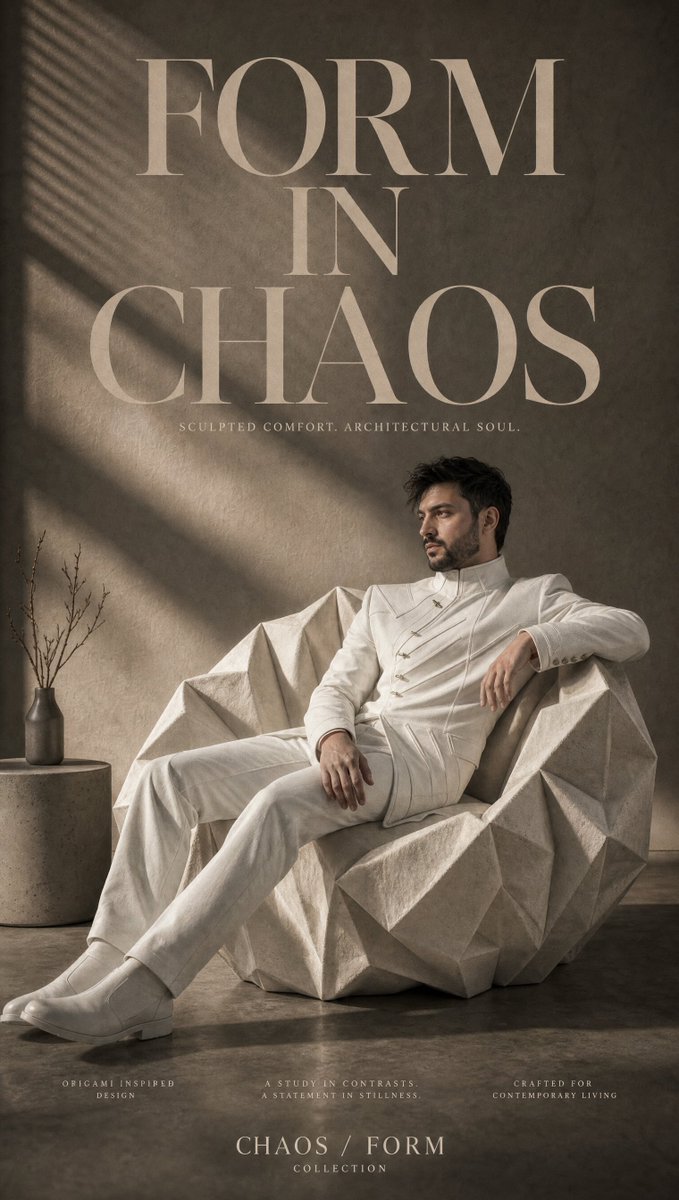
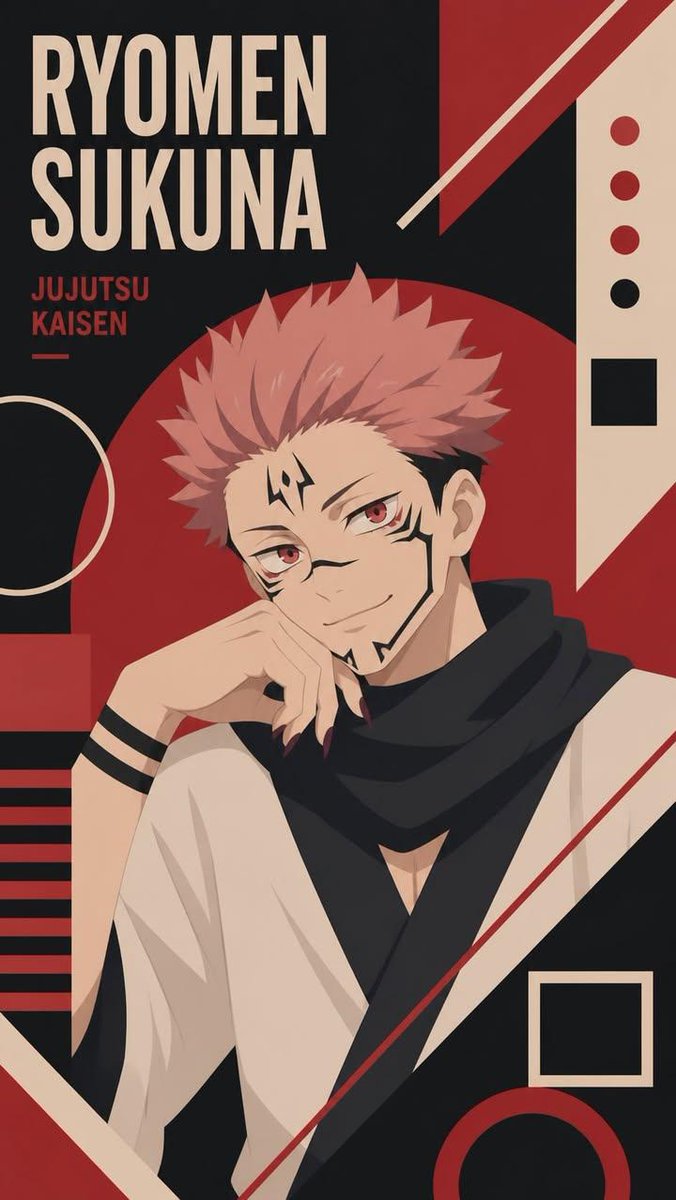
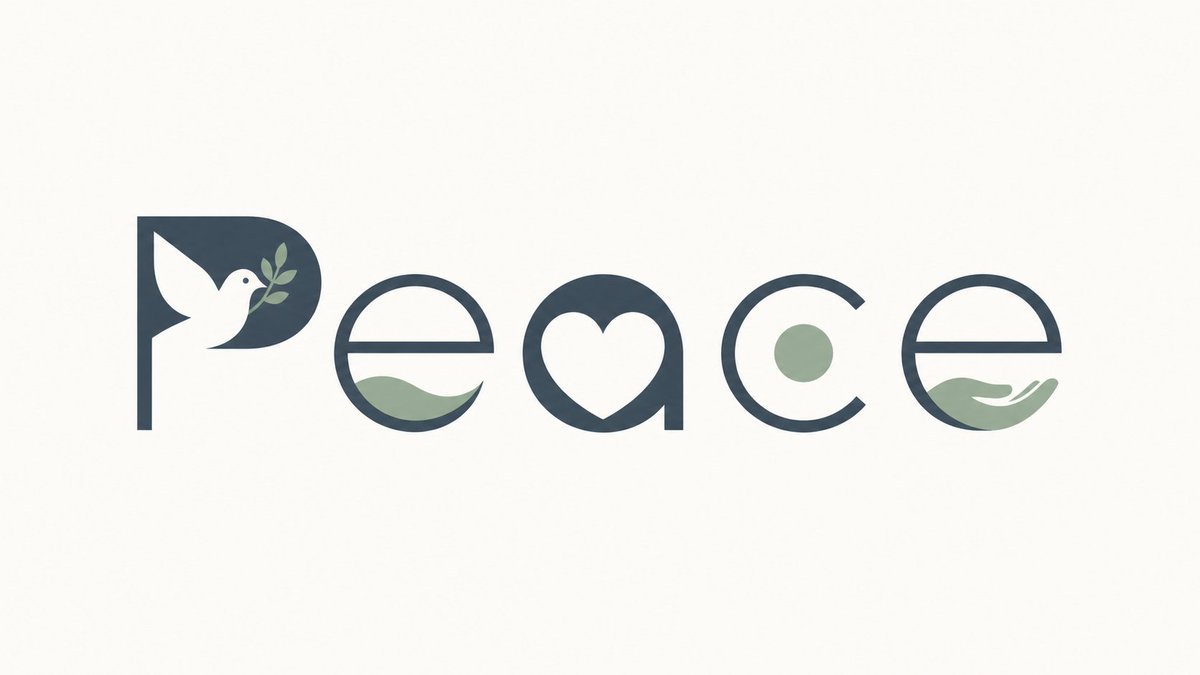
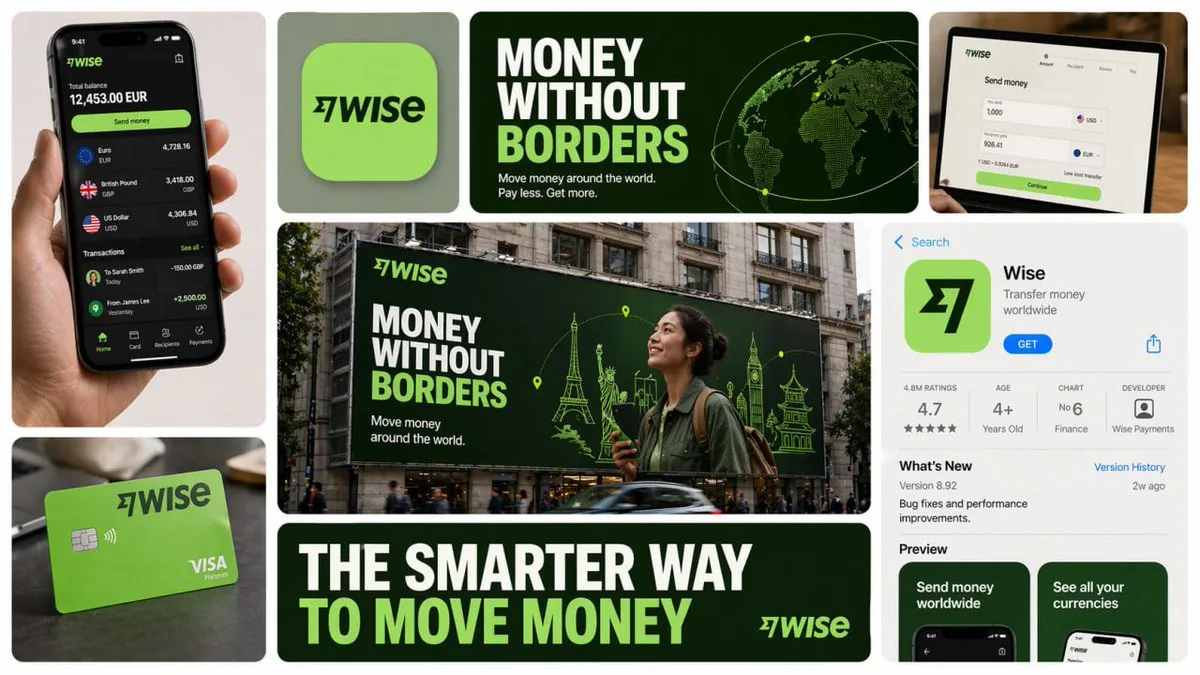
Best AI Image Prompt for GPT Image 2, Nano Banana & More

Latest trending prompts copy & paste for GPT image 2, Seedance 2.0, nano banana, Flux, Gemini AI, Grok & Midjourney.

5,000+ prompts curated from working creators and viral effects. Click any card to copy or run it.

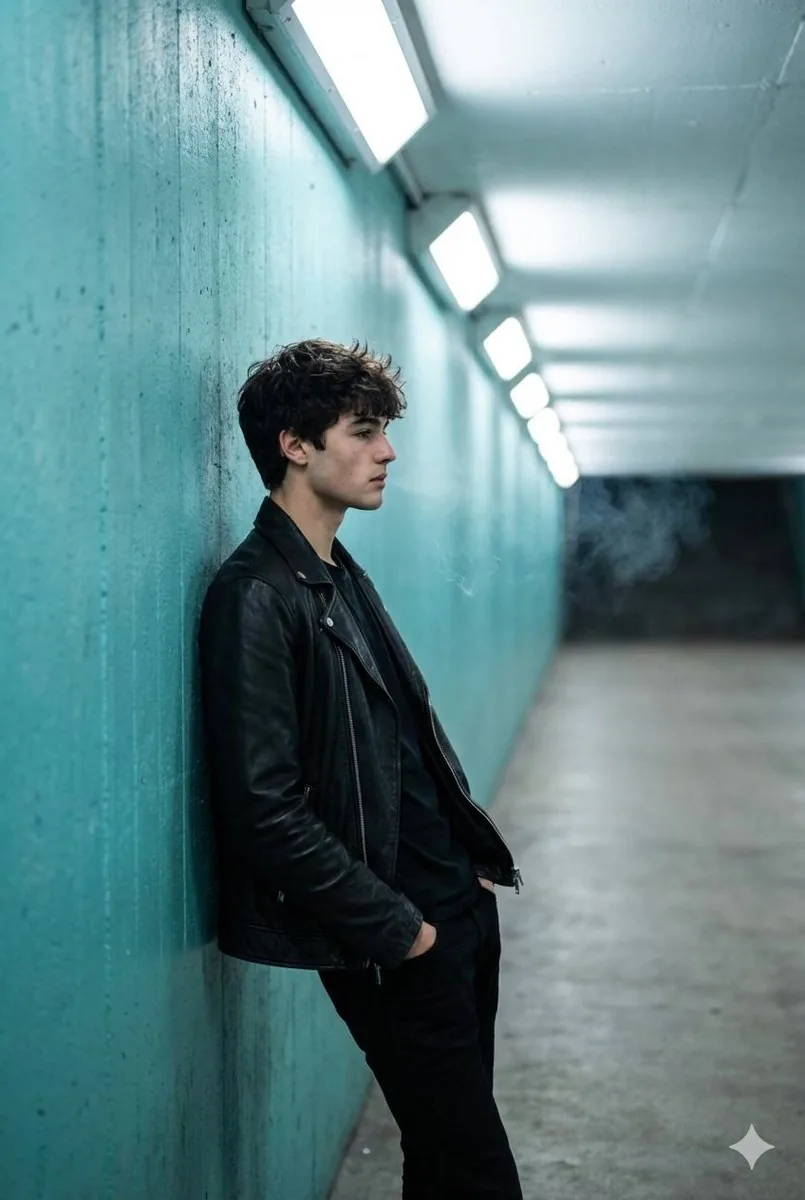
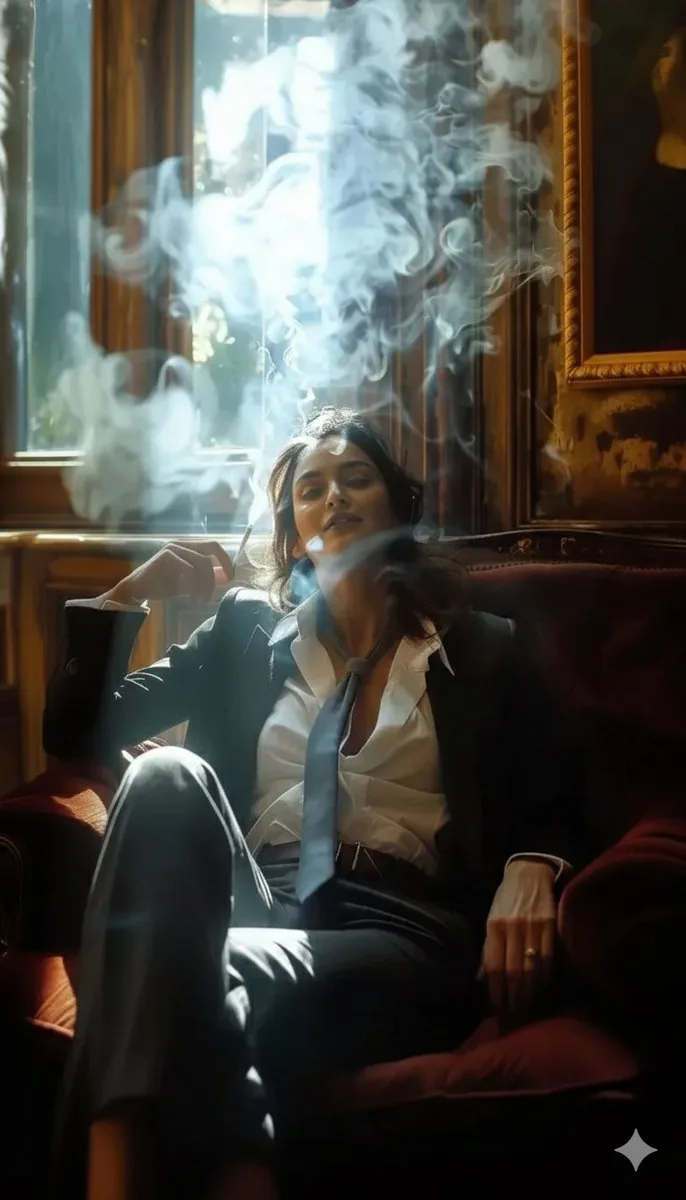
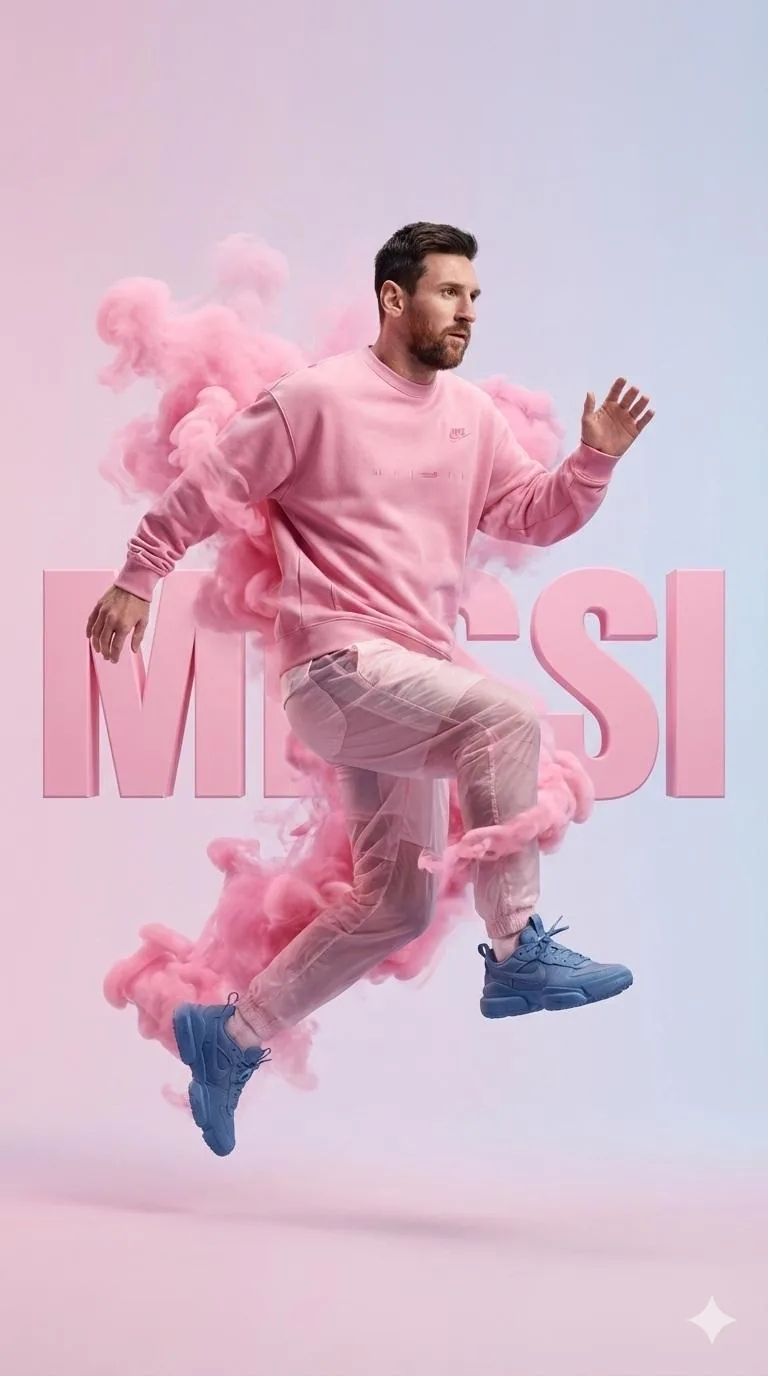
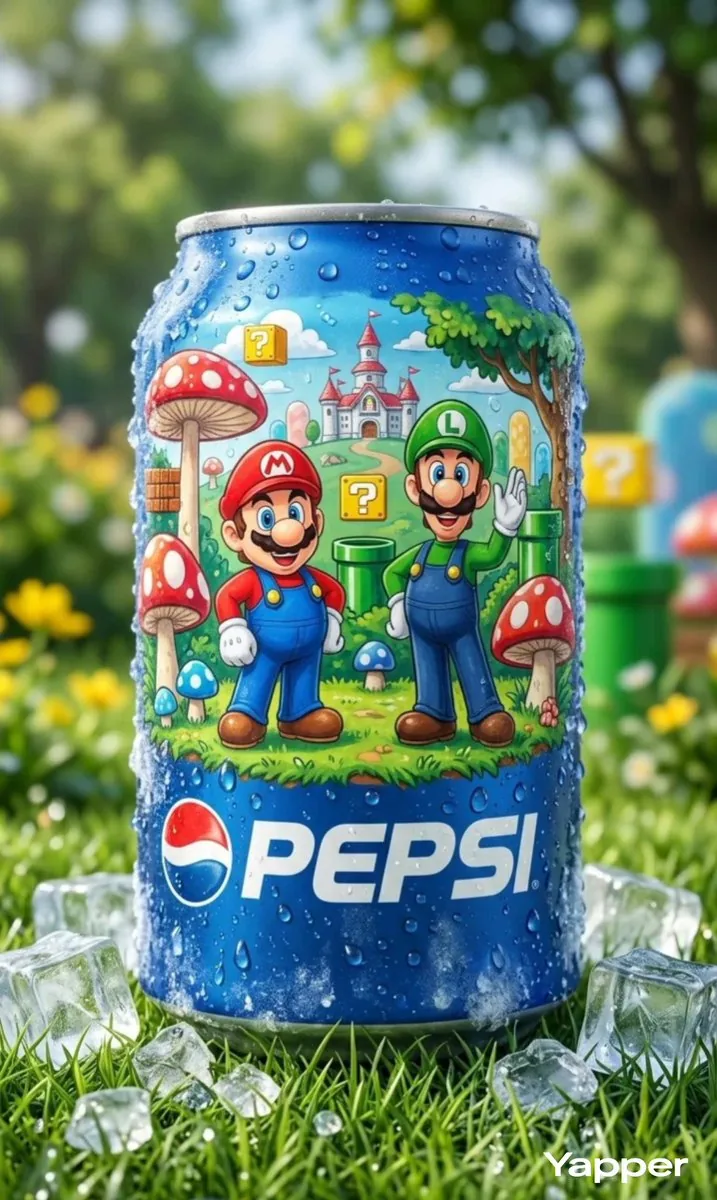
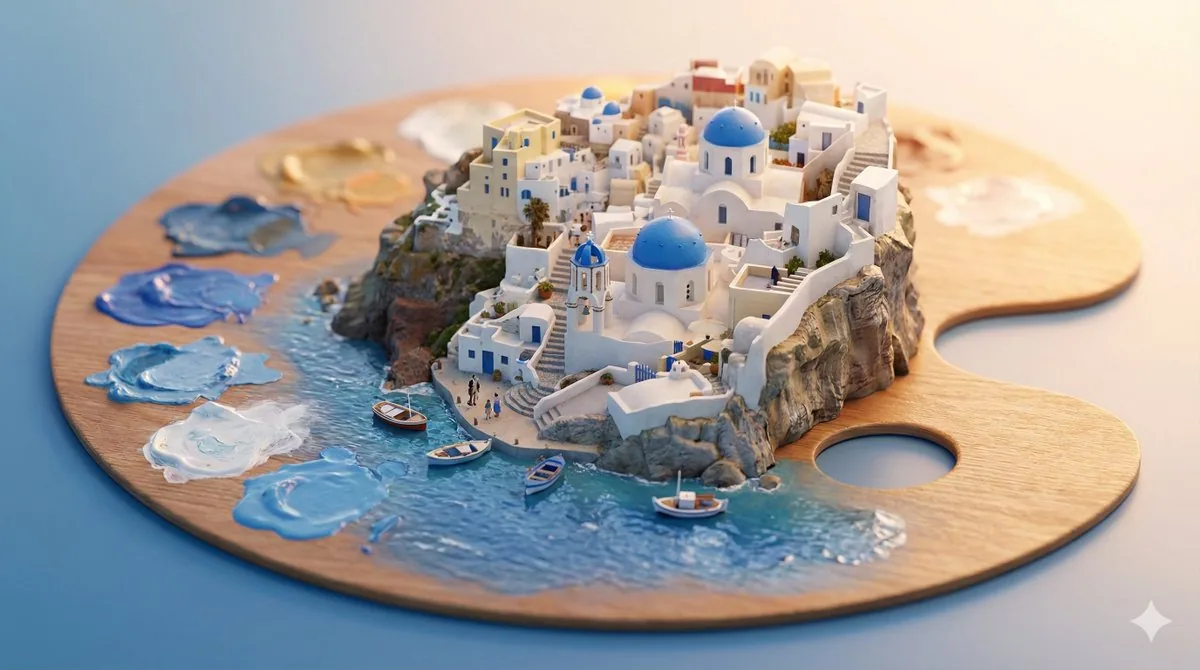
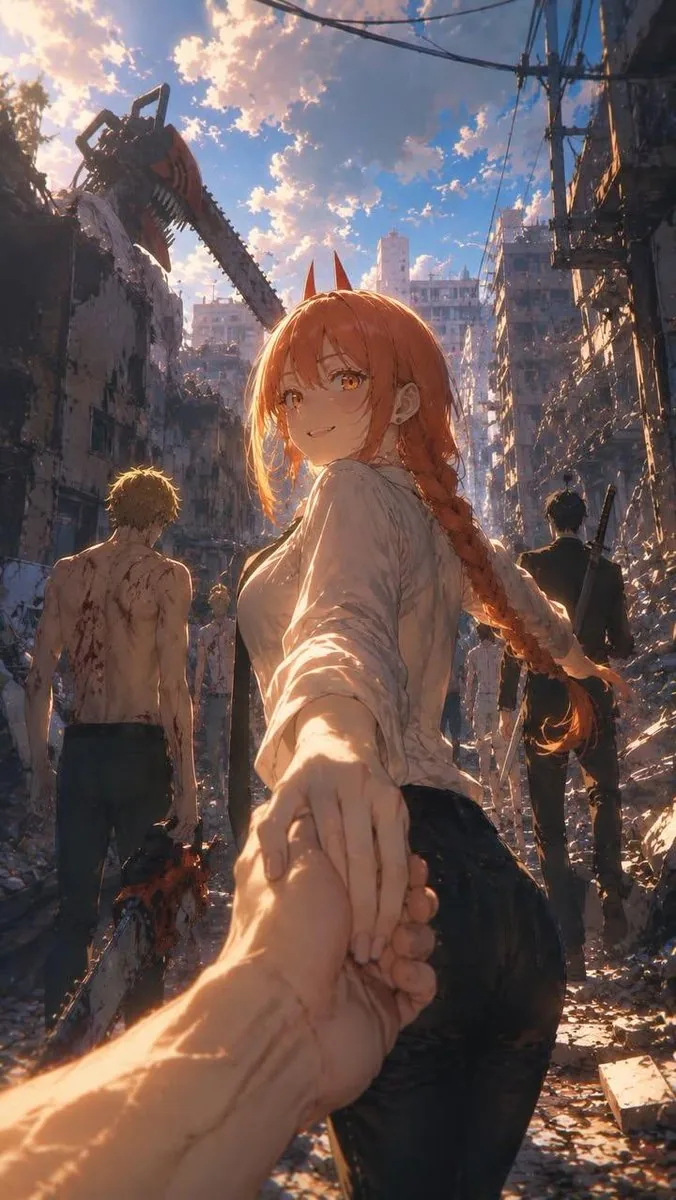
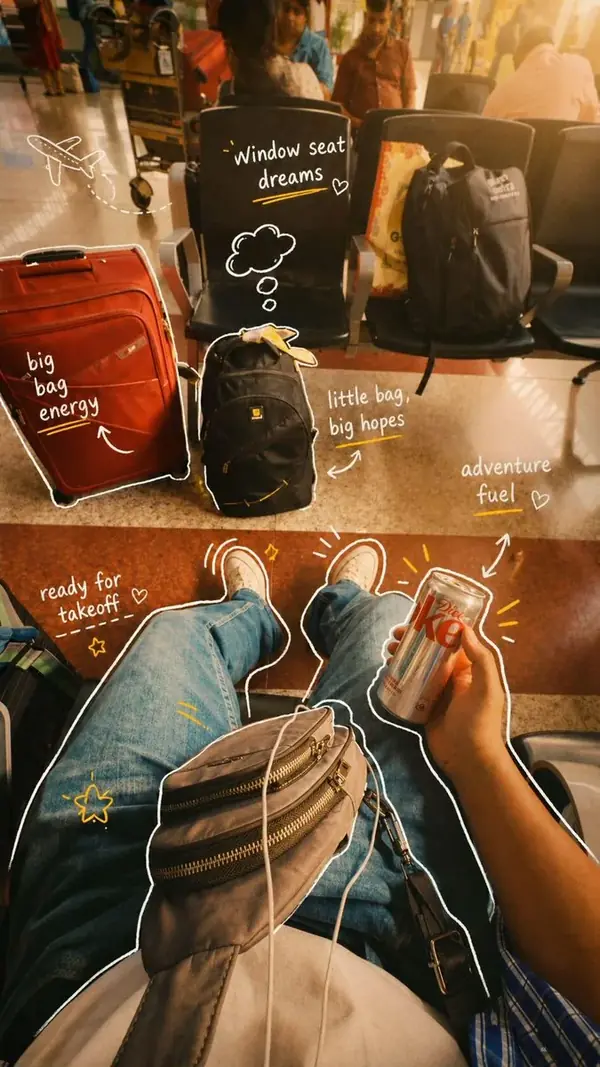
AI generated inspiration image
What you get

Why the best AI image prompt is the one already proven to work

Every best AI image prompt here is a real string a creator pasted into a real model and shipped. No theory, no padding, no hand-waving. You see exact words, a rendered image right next to them, and a Run button that drops text into a working AI image generator without leaving this page.
Best Image AI Editor free online. Free AI photo editor for picture & image editing. Create with AI image generator, image to image AI & image text editor AI. AI Background Remover & AI Background Changer
015,000+ working entries, all field tested02One click run inside the page03Trending styles, ready to remix
01

5,000+ working entries, all field tested

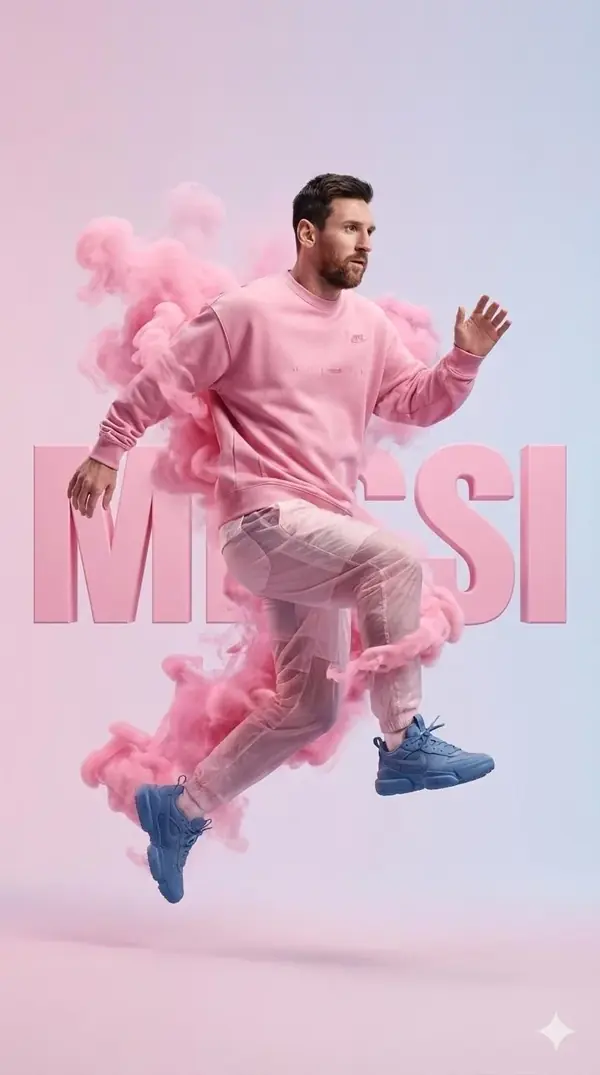
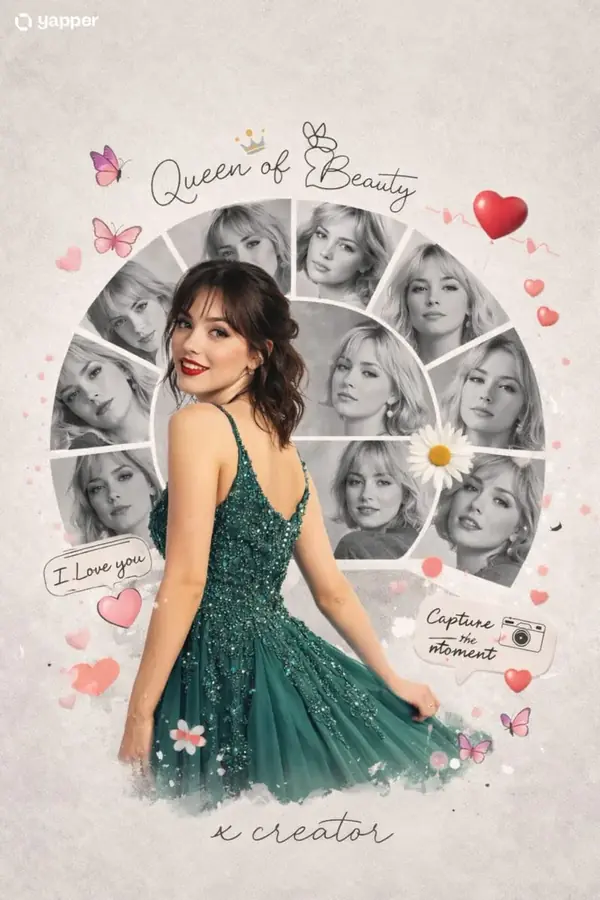
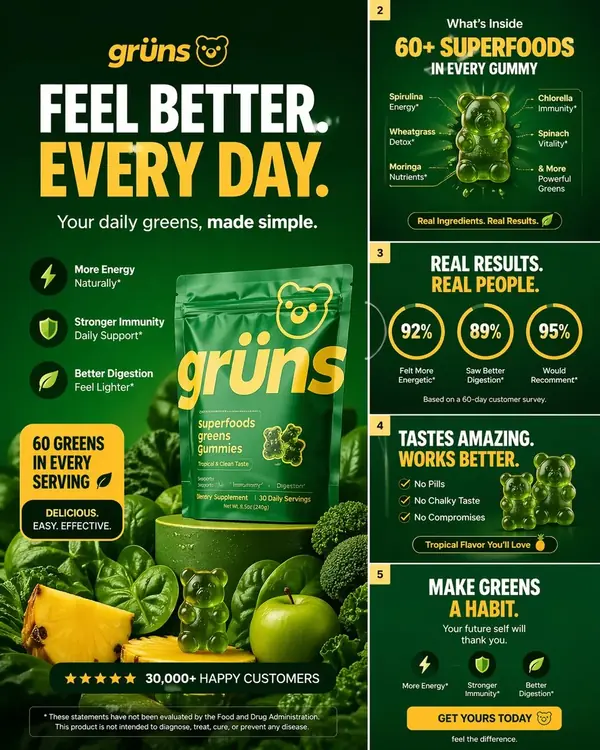
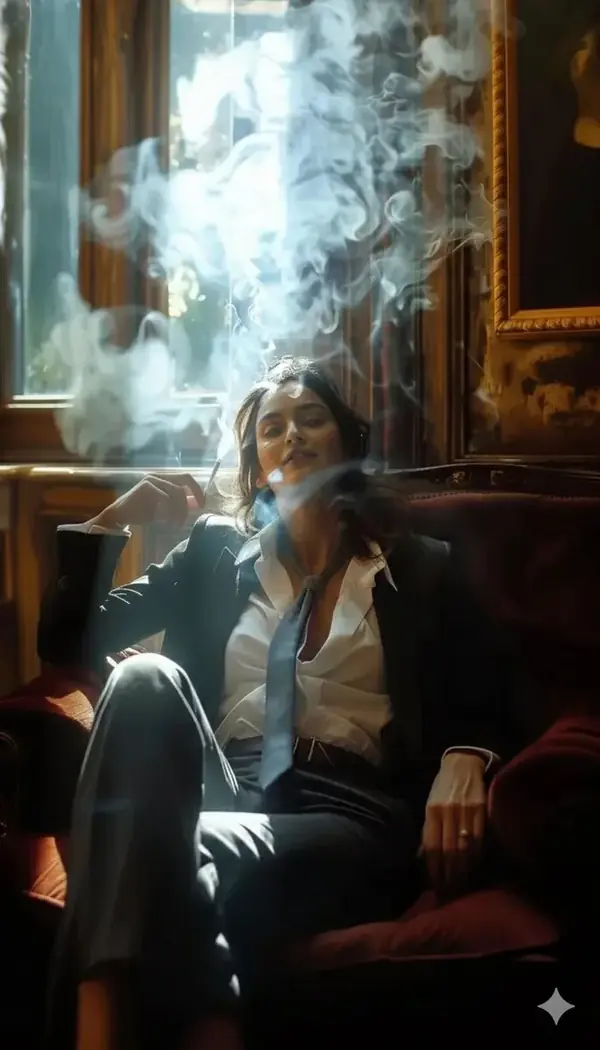
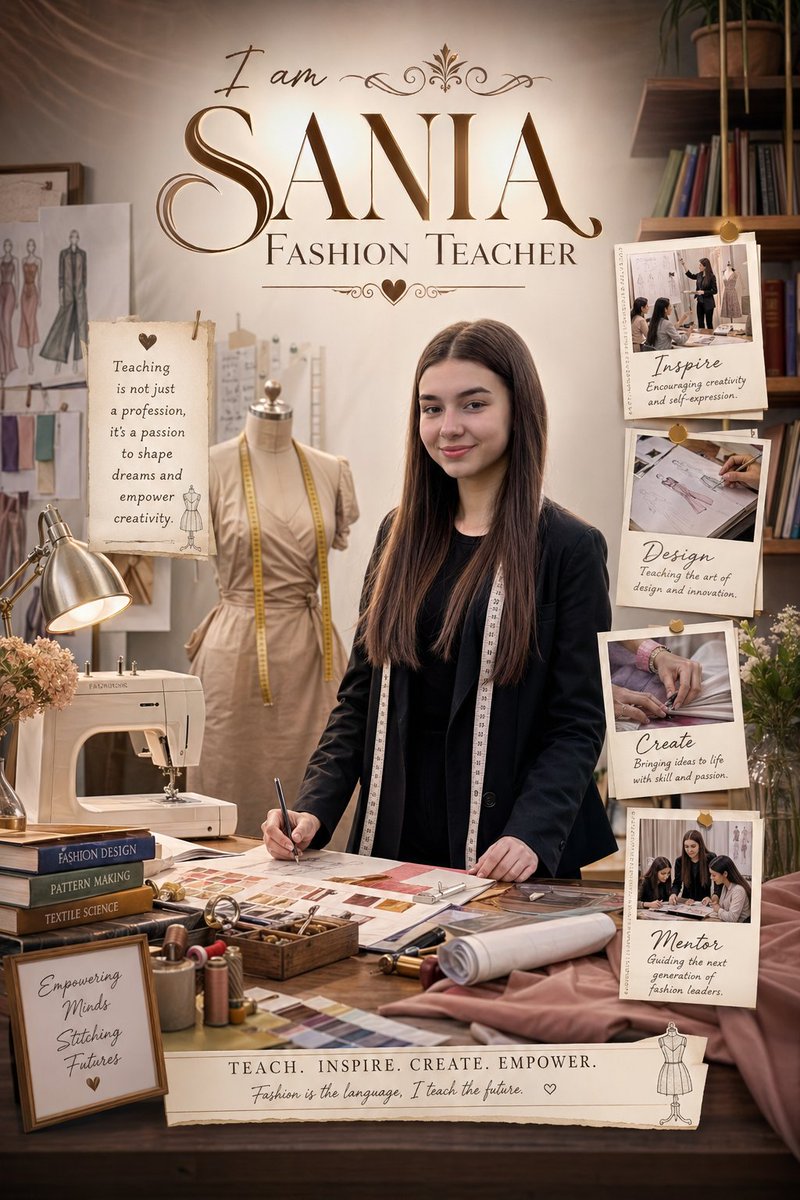
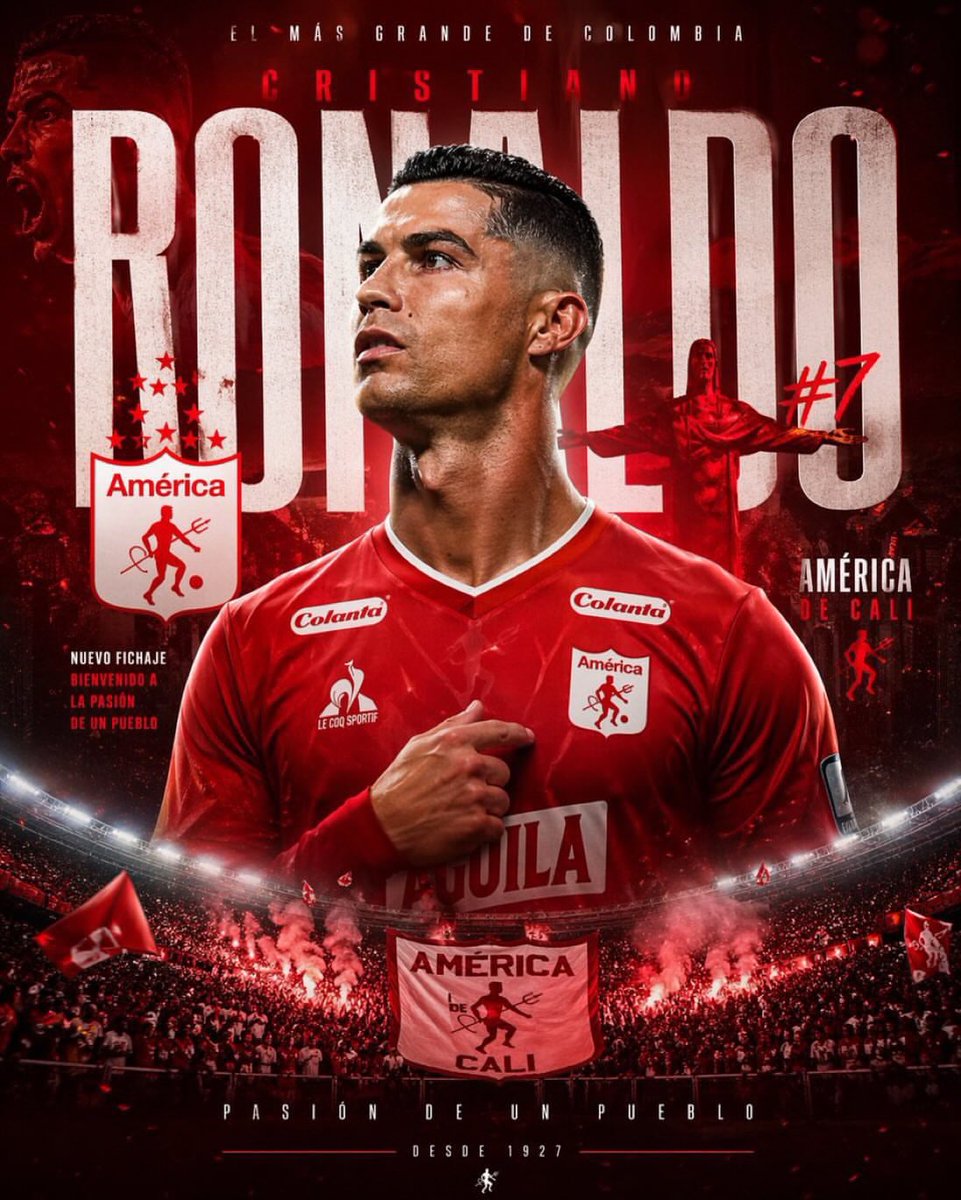
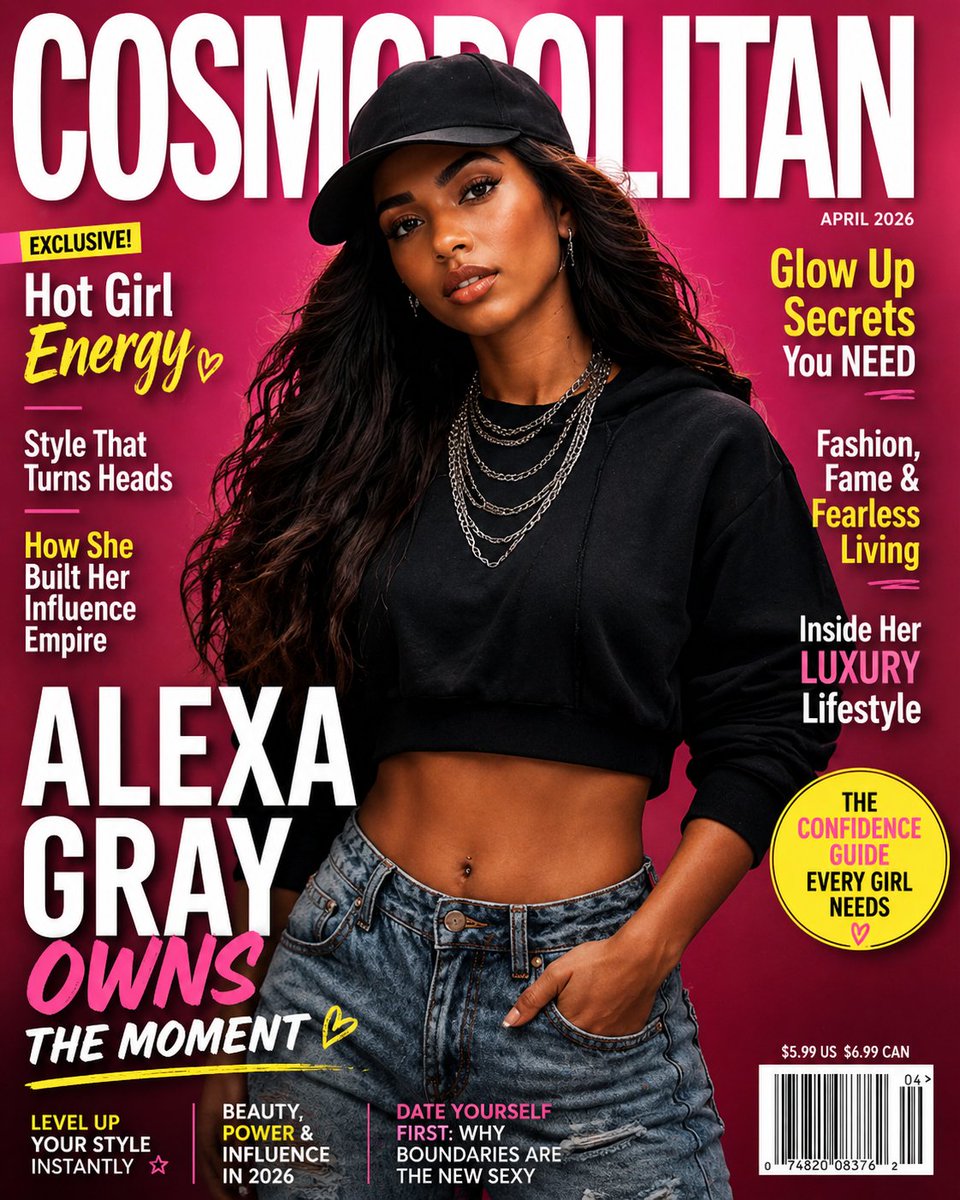
Portrait, cinematic, product, vintage, 3D, anime, cyberpunk, food, editorial. Every category is stocked with a best AI image prompt that has already produced a viral or production-quality result on the open web. Nothing is auto-generated filler text.
02

One click run inside the page

Hit Run on any card and a generator dock slides up at bottom with that text prefilled. Pick a model or let us route to whichever engine an original creator used. Your version appears in seconds, ready to download.

03

Trending styles, ready to remix

Nano banana, Flux, GPT Image, Seedream and Gemini AI styles you have been seeing on X and TikTok all sit in one feed, tagged and searchable. Fresh viral drops land within days, not months later.

What is different

What makes a best AI image prompt different from a Pinterest grab

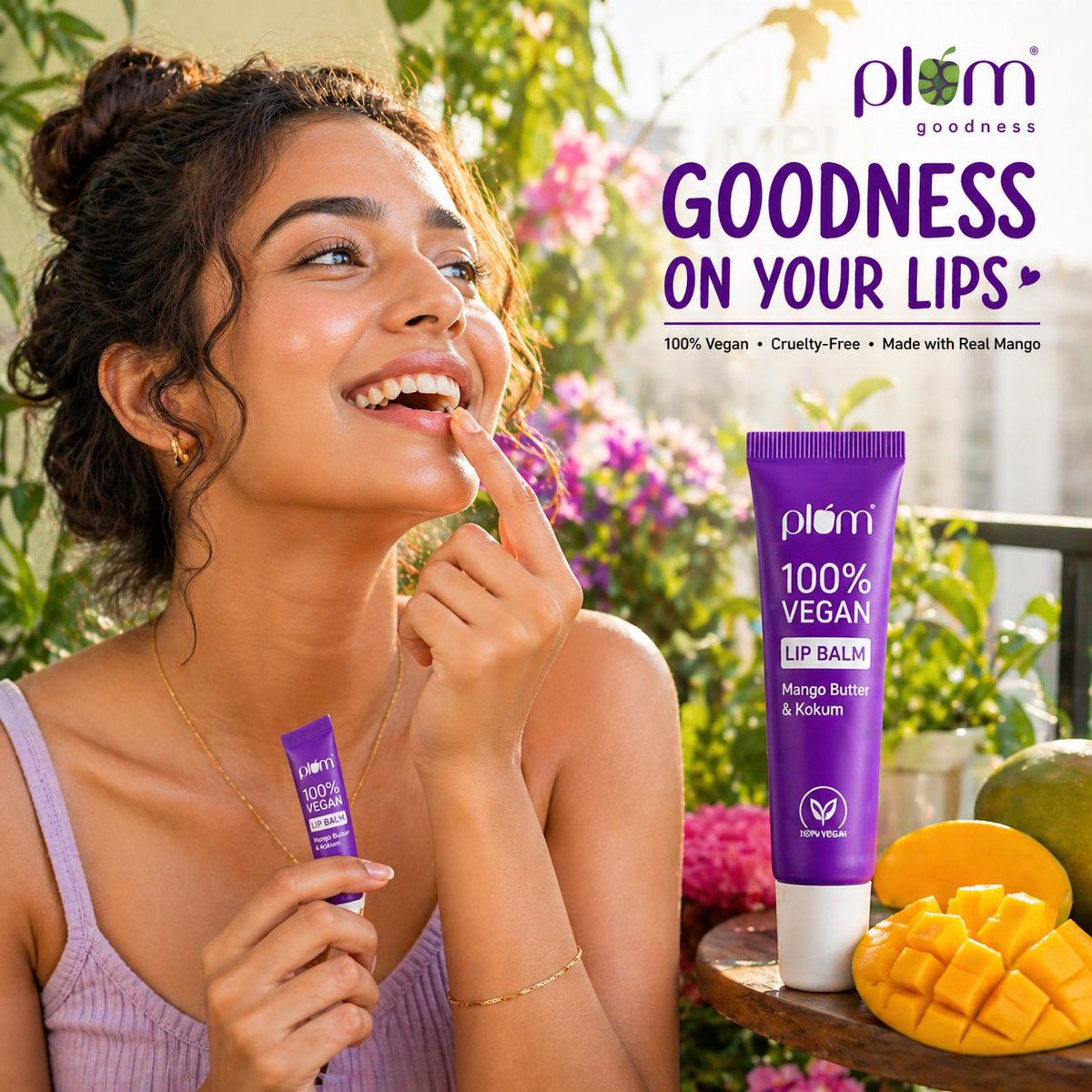
Most rival sites give you walls of pretty pictures with no usable text, or walls of text with no proof those words ever fired. A best AI image prompt here sits side by side with its render, copy ready, with a running AI image generator one tap away.
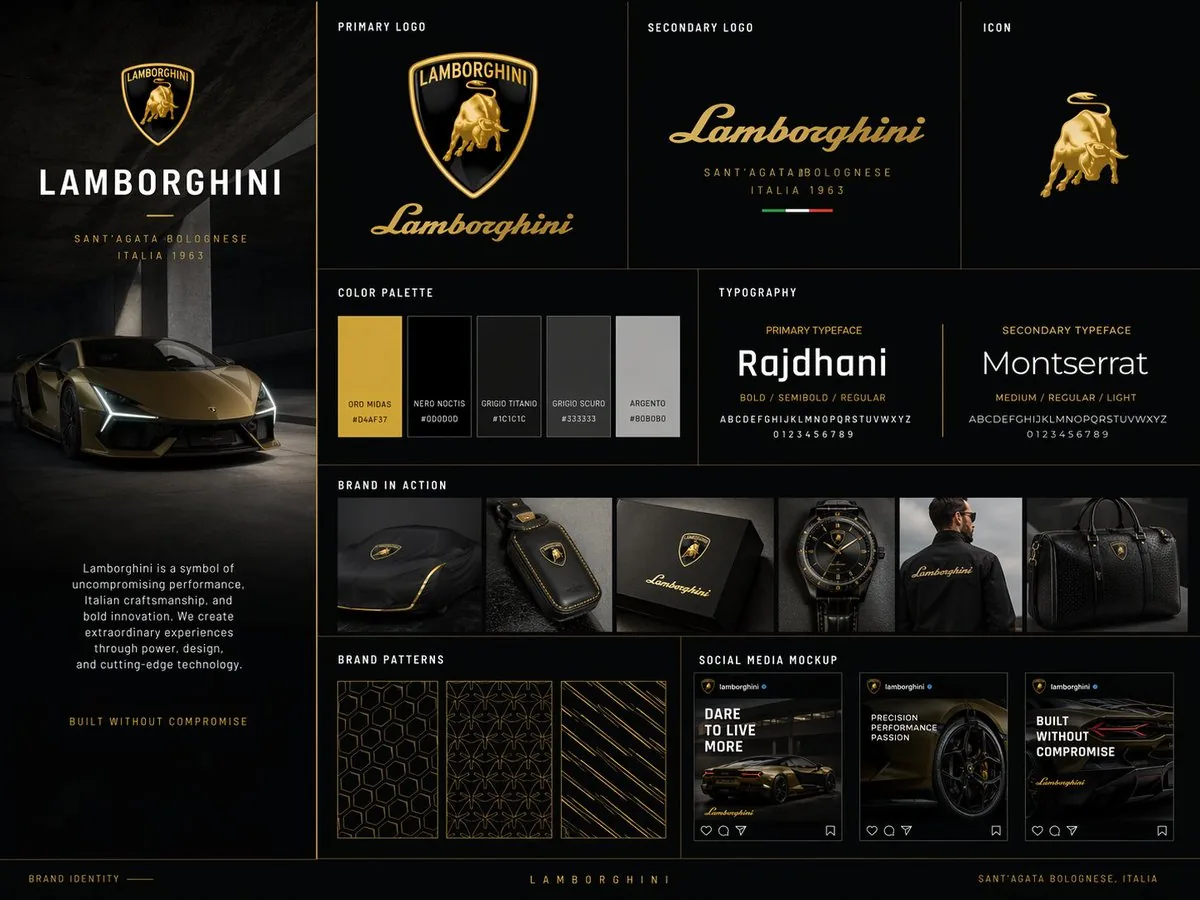
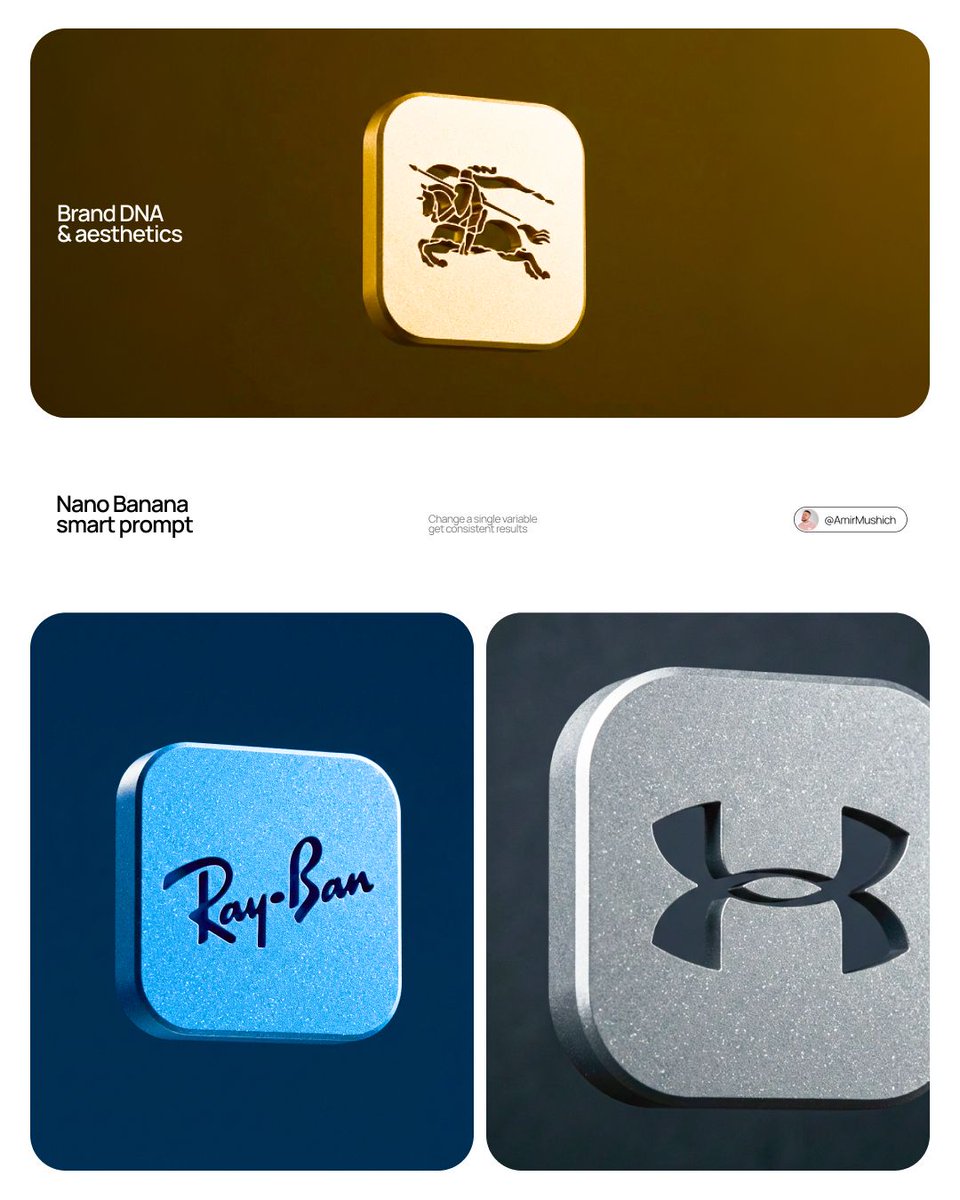
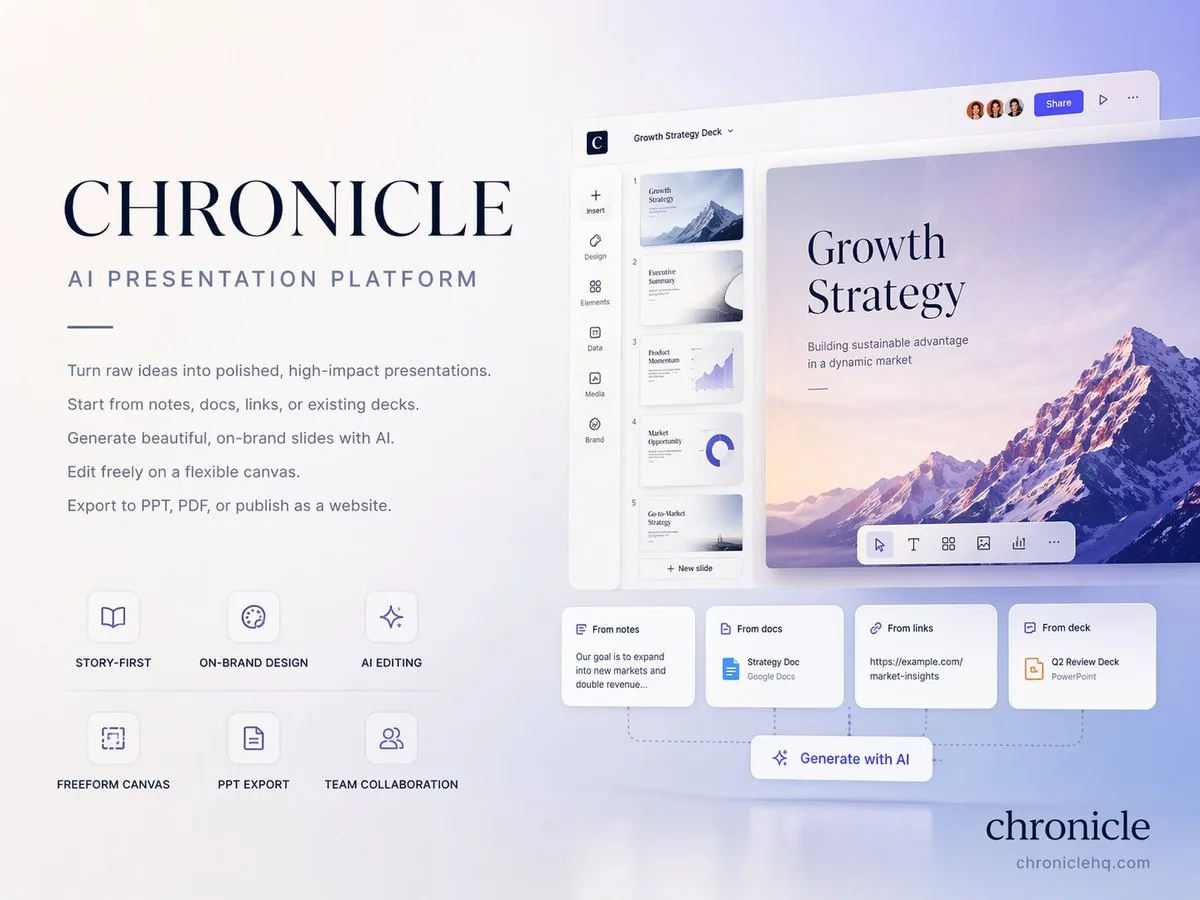
Literal best AI image prompt text on a brand layout
01

Real strings, not vague descriptions

Each best AI image prompt card opens to that literal text a creator pasted into Midjourney, nano banana, Flux or Gemini AI. No paraphrase, no inspired-by hand-waving.

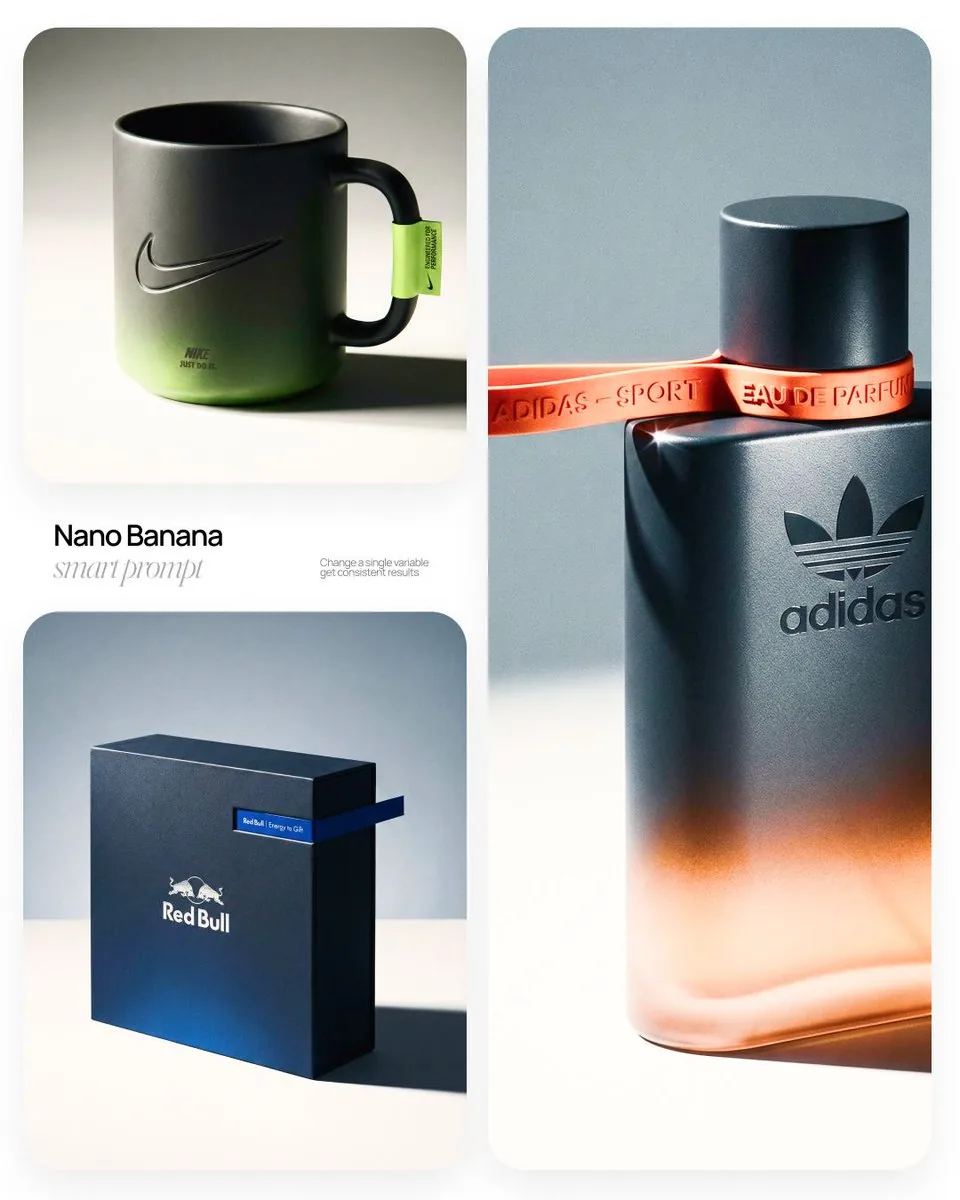
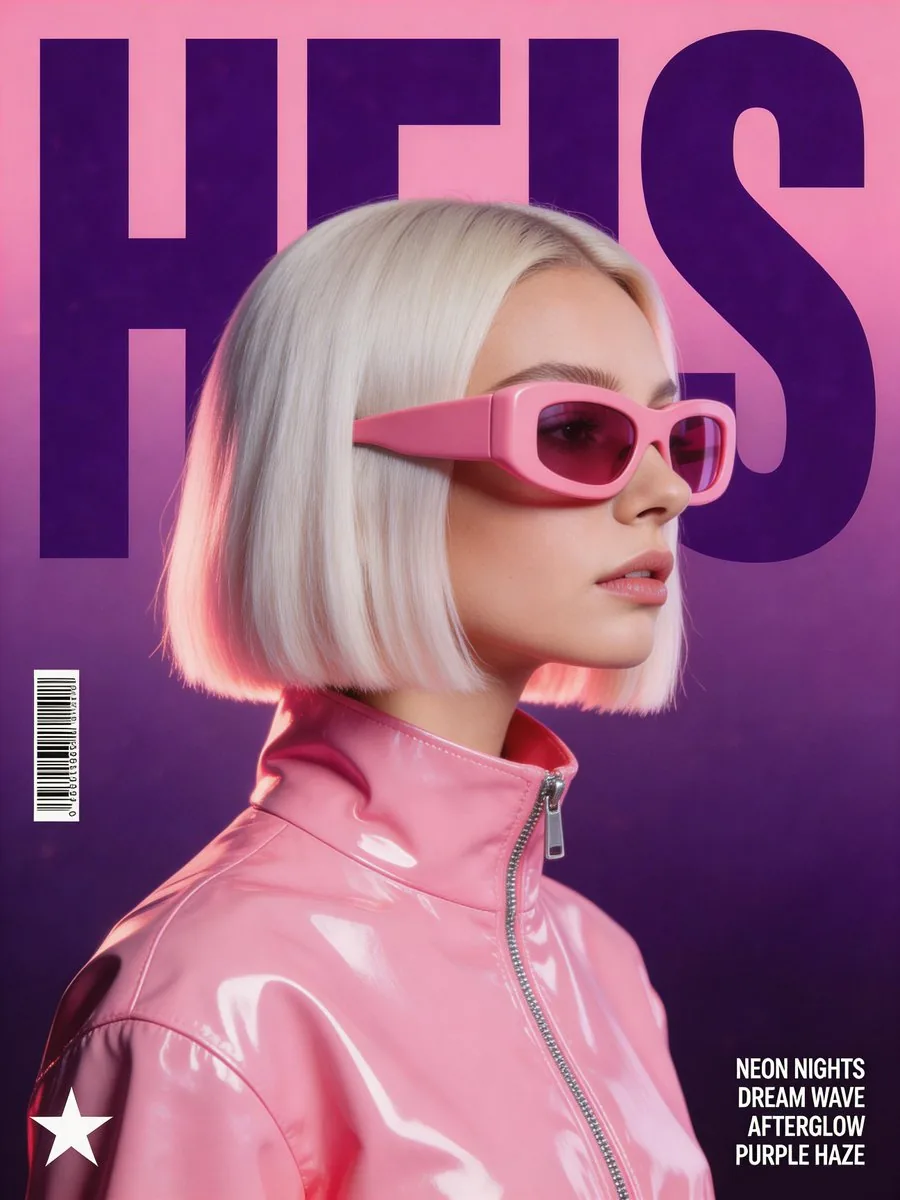
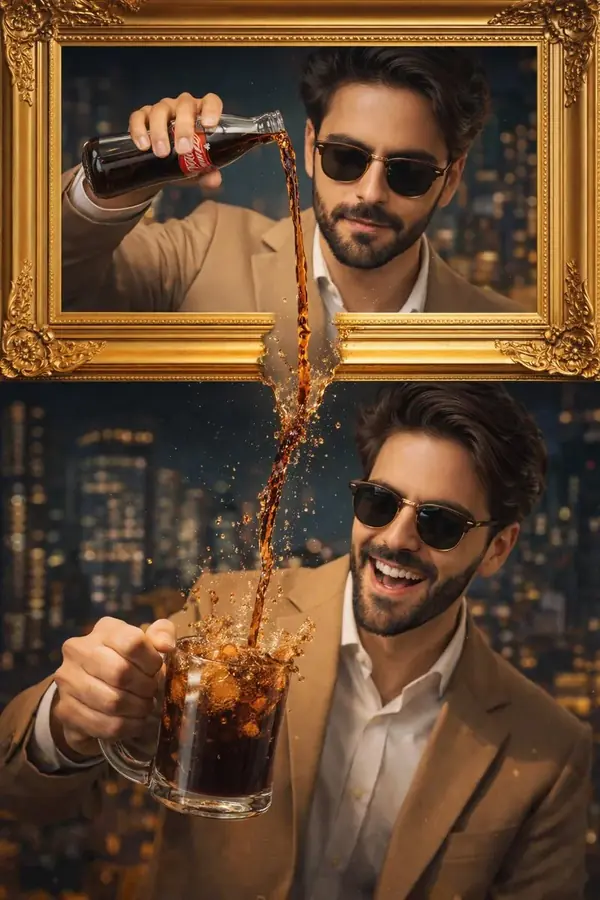
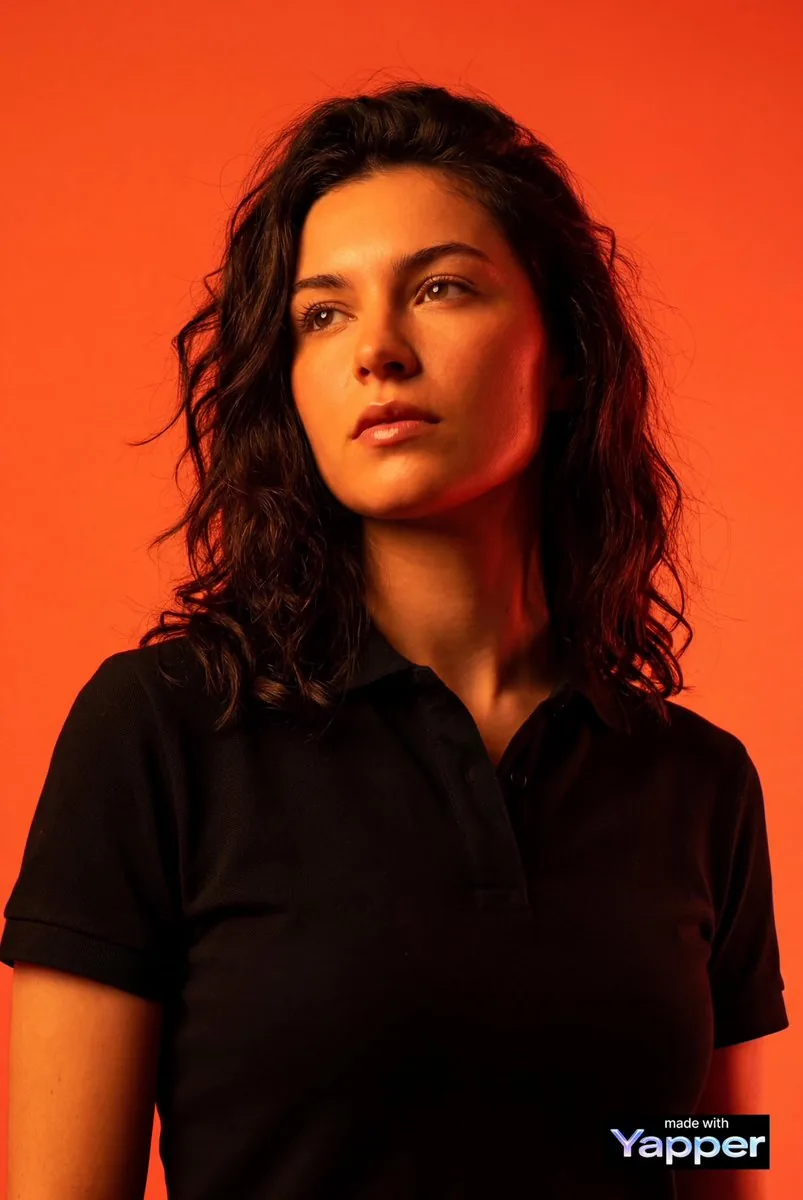
Hand-curated editorial portrait from our best AI image prompt feed
02

Human curation, not bot scraping

Editors pick every best AI image prompt from working creators on X, Reddit, Discord and lab showcase feeds. Inconsistent or retired-model entries get rejected before they reach our gallery.

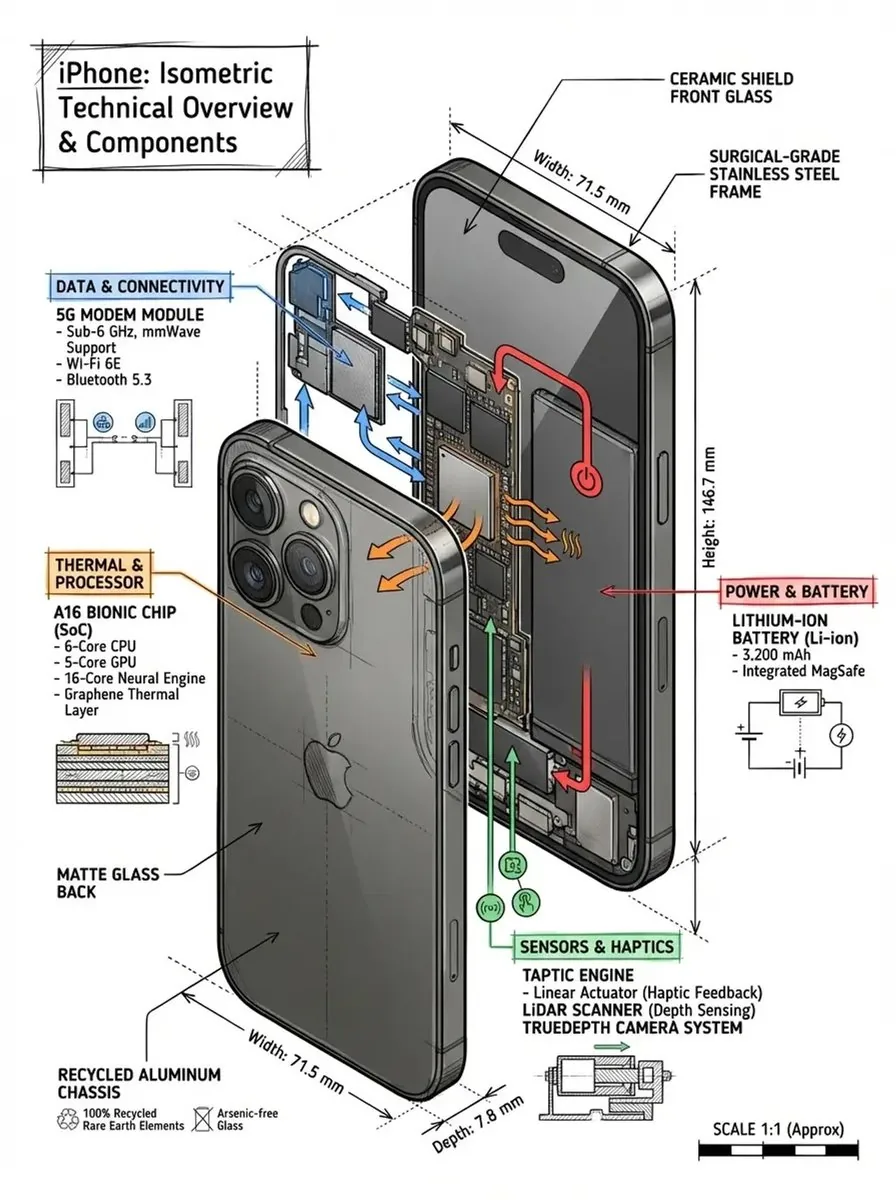
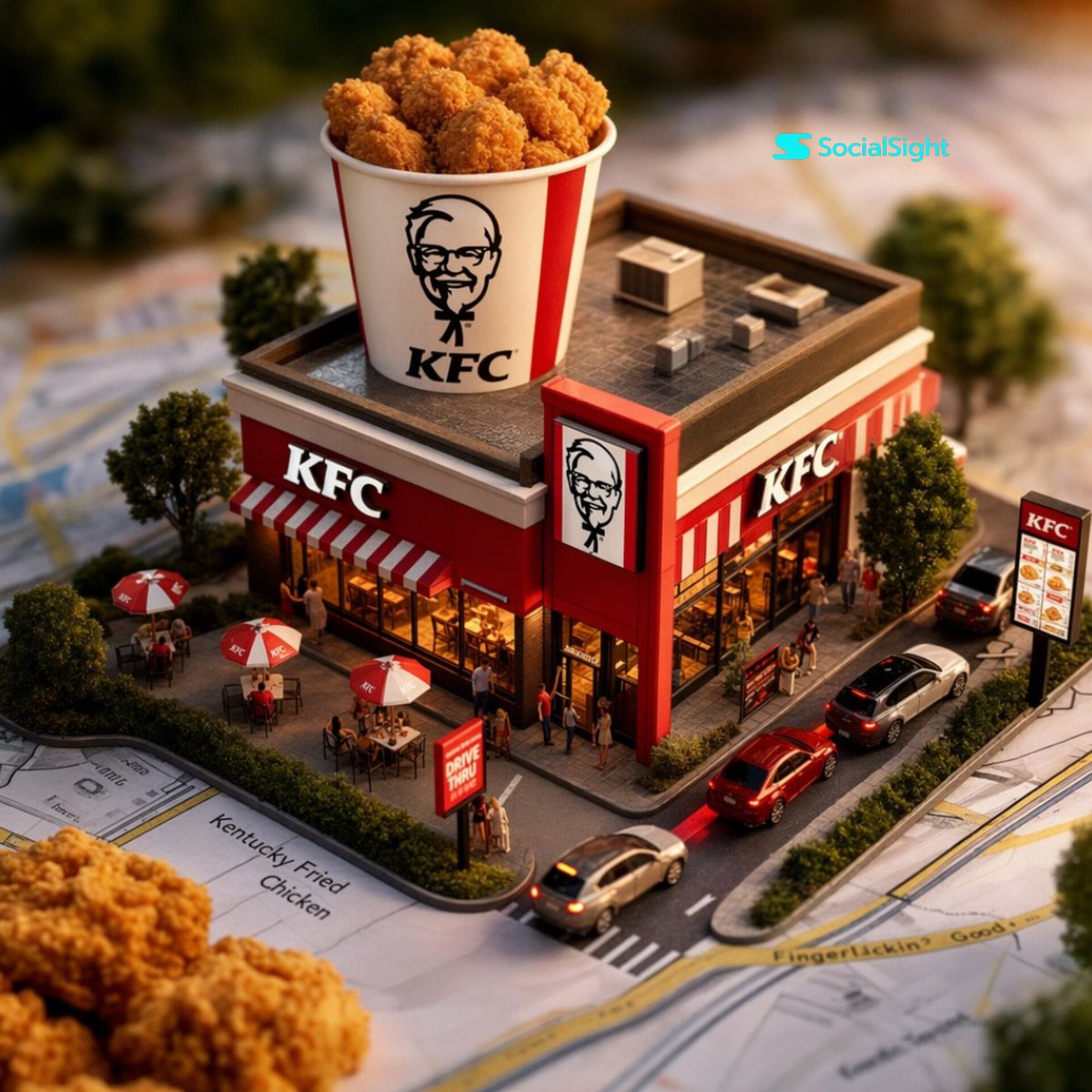
In-page generation flow for a best AI image prompt
03

Generate inside the page

Our generator dock auto-fills with whatever text you clicked, auto-routes to a matching engine, and renders your version inline. No tab hopping between gallery and a separate tool.

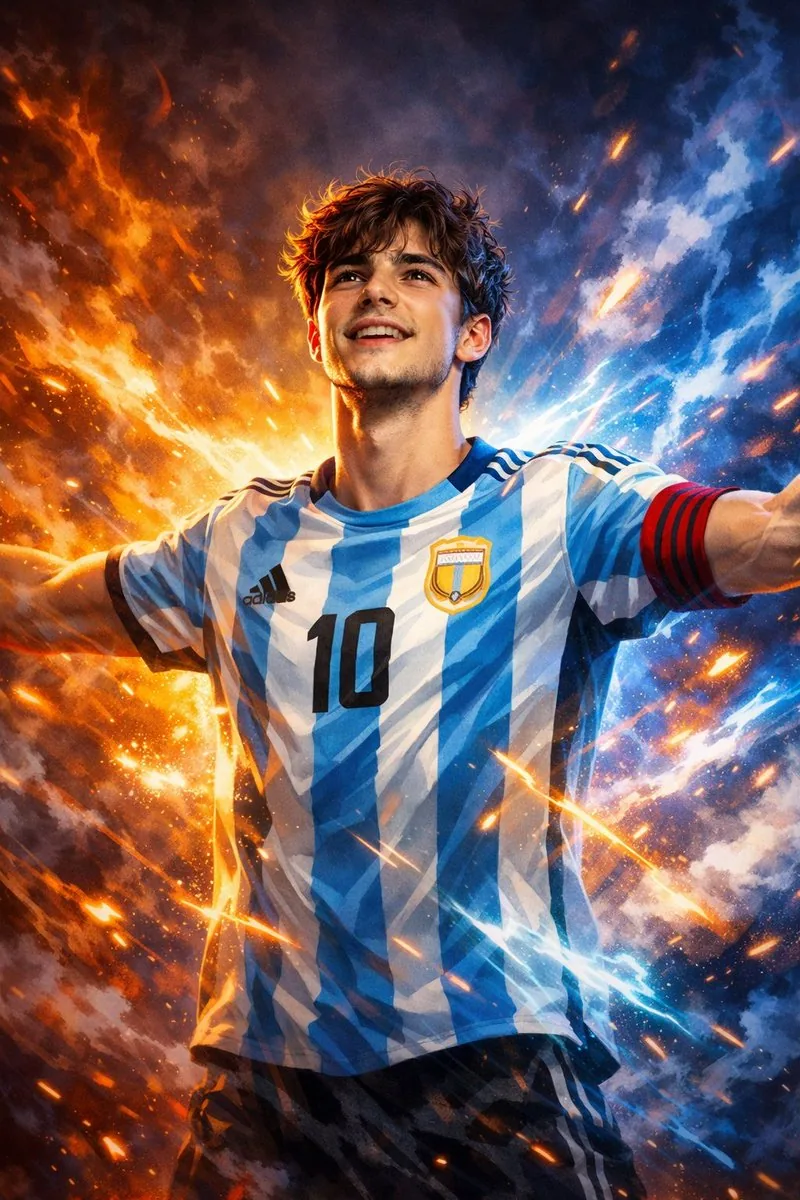
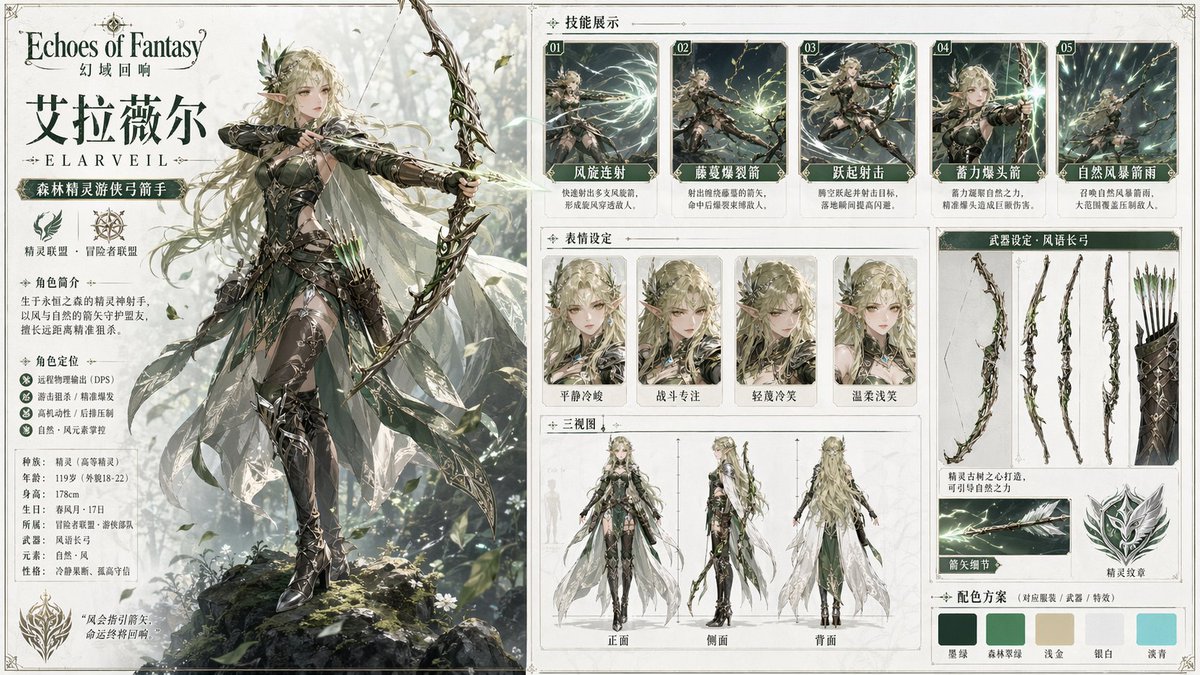
Multilingual best AI image prompt translation example
04

Translate into your language

About a third of trending entries originate in Chinese, Japanese or Korean. One tap rewrites them in your locale while preserving model-specific syntax.

Multi-engine routing for a best AI image prompt
05

Model aware routing

A nano banana string does not behave that same way on Flux. We tag every best AI image prompt with whichever engine it was authored for and route Run there by default, or let you swap with one tap.

Free best AI image prompt copy and run access
06

Free to copy, free to try

Copying any best AI image prompt needs no account. Running your own image needs only a free Google sign-in, and new users get credits to test every routed engine.

From idea to render with the best AI image prompt in four steps

No prompt engineering skill required to pick a best AI image prompt that fits your subject. Skim our feed like Pinterest, then act without ever opening a new tab.
Best Image AI Editor free online. Free AI photo editor for picture & image editing. Create with AI image generator, image to image AI & image text editor AI. AI Background Remover & AI Background Changer
01
Browse the best AI image prompt feed

1. Browse the feed

Land on the homepage and you are inside a masonry stream of real renders. Filter by category from the sticky bar (Portrait, Cinematic, 3D, Product, Anime, Cyberpunk and more), or type a keyword like fisheye, glamour, studio, packshot or kodachrome.

02
Open a best AI image prompt card with full text and source

2. Open the card

Click any tile and a modal shows full text, which engine produced it, a source link, a one-tap copy, and a translate button if an original is not in English.

03
Run or remix a best AI image prompt inside the dock

3. Run or remix

Hit Run with this prompt. Our dock at bottom drops in your chosen text, picks a matching engine, and renders your version in seconds. Swap subjects if you want a different look.

04
Download and share a best AI image prompt result

4. Download or share

Your render appears inside the dock with a one-click download. Save the standard preview free, upgrade to a no-watermark high-resolution copy with credits, or send the result straight to social channels and your team without leaving the page.

Features built around the best AI image prompt workflow

Scroll, filter, click, run. Every action between you and your best AI image prompt is one tap from the next.
01

Infinite scroll feed

New best AI image prompt cards stream in as you scroll. Our feed loads 18 at a time and prefetches a next batch so flow never stalls.

02

Sticky category filter

Our category bar pins to top of your viewport. Switch between Portrait, Cinematic, 3D, Product, Editorial, Surreal, Anime and 20+ more without losing your scroll position.

03

Search by style, subject or effect

Type fisheye, glamour, studio, polaroid or a trending effect name. Search runs across body text, tags and engine attribution so you find entries by technique, not only by category.

04

One tap copy, no paywall

Open any best AI image prompt card, copy full text, paste into your favorite tool. We do not lock entries behind a paywall or blur second halves of long bodies.

05

In-page generator dock

Run without leaving this page. Our dock auto-fills your chosen text, auto-picks an engine, and shows your render inline. Queue multiple runs from different cards in one session.

06

Multi-engine routing

Route to nano banana for figurine and childhood looks, Flux for editorial and cinematic, GPT Image for text-heavy boards, Seedream for stylized portraits, Gemini AI for natural-language briefs.

07

Per-card translation

Translate any best AI image prompt into your reading locale. Weight syntax, parameter tags and trigger words stay intact so a translated version still fires on its original engine.

08

Weekly trending drops

Editors track X, Reddit, Xiaohongshu and lab showcase feeds. Hot effects land in our gallery within days, tagged under a dedicated Trending filter.

Best AI image prompt examples, by category

A taste of what is inside our best AI image prompt feed. Each tile leads into hundreds of working entries.

The best AI image prompt gallery, in numbers

What our best AI image prompt library looks like under the hood. Built around what creators actually post and remix, not what an SEO crawler thinks looks tidy.
01

5,000+

Best AI image prompt entries, hand curated from real creators

02

20+

Style categories from Portrait to Cyberpunk

03

5

Top engines routed automatically

04

Weekly

Fresh viral effects added to the feed

05

60+

Languages supported by per-card translation

06

<3s

Median time from clicking a card to seeing your render

Creators who switched to the best AI image prompt feed

Designers, indie founders and marketing leads who got tired of writing strings from scratch, tired of prompt engineering courses, and now lean on a best AI image prompt library instead.

Maya R.

Concept artist

I used to keep a Notes file. Now I open this gallery, filter Cinematic, and pick whatever fits a brief. Saves about an hour a day on writing. Whoever curates that cinematic tab knows what an anamorphic lens actually does to a render.

Daniel K.

Indie game dev

For character mood boards I pull from Cyberpunk and Surreal. Strings transfer to my pipeline without rewriting. An in-page dock means I rarely open a separate generator anymore.

Priya S.

E-commerce founder

Product shots used to mean a photographer and half a day of editing. Now I grab a product entry, swap the subject for my SKU, hit Run. Same look, way less budget. Bought credits the week I found this gallery and have not looked back.

Jonas W.

Marketing lead

That translate button is underrated. Half of viral entries from Asia ship in Chinese or Japanese. One tap and I can read what is going on before deciding to localize.

Sofia A.

Brand designer

We use this gallery as a shared mood reference with clients. Pick three cards from a relevant tab, a client points at one, decision-making time on mood boards went from days to an afternoon.

Wei L.

Content creator

I cover AI image trends on YouTube. Workflow now is: open a Trending filter, pick three effects, run variants in our dock, screen-record. Weekly drops keep my channel current without lurking on Twitter all night.

Best AI image prompt questions, answered honestly

Real questions about our best AI image prompt gallery, the in-page generator and credits. If something is missing, email support@bestaiimageprompt.com and we reply within one business day.
Q1

What actually counts as the best AI image prompt?

We call a string the best AI image prompt when a real creator has fired it on a real engine and shipped the result, and it stays consistent on the engine it was authored for. No theory, no clever language that just sounds technical. If the literal text reliably renders the look you can see on the card, it earns its spot.

Q2

Where can I find the best AI image prompt for free?

Right here. Every entry on the homepage is free to read, copy and remix without an account. Running your own version needs a free Google sign-in, and new users get credits to try the routed engines (nano banana, Flux, GPT Image, Seedream, Gemini AI). No card, no trial countdown.

Q3

Does the best AI image prompt work the same in Gemini AI and Midjourney?

No. A nano banana string, a Gemini AI brief and a Midjourney parameter chain do not behave identically. We tag every entry with the engine the author wrote it for and route Run there by default. You can swap engines in the dock to compare how the same words render across Gemini, Flux or Seedream.

Q4

Do I need an account to copy the best AI image prompt?

No. Browsing the gallery, opening cards, copying the full text and translating into your locale are all free without sign-in. Sign-in only kicks in when you click Run, because that costs compute on our side.

Q5

Which engine produces the best AI image prompt results?

Different engines win different categories. Nano banana wins toy figurine and childhood looks, Flux wins editorial and cinematic, GPT Image wins text-heavy boards, Seedream wins stylized portrait and anime, Gemini AI wins natural-language briefs. The dock routes to the right one by default and lets you switch.

Q6

How is the best AI image prompt different from Midjourney showcase examples?

Midjourney showcase feeds are great for inspiration but rarely give you the full string. Half the time the second half of a Midjourney entry is hidden behind paywalls or owner privacy. Here you get the literal text, the engine attribution and a Run button. No guessing about what was cropped out.

Q7

Can I run the best AI image prompt on a phone?

Yes. The masonry feed, search, category filter, modal, copy, translate and the in-page generator dock are all built for mobile and tablet. The dock collapses to a single row on small screens so Run stays one tap away even mid-scroll.

Q8

Does the best AI image prompt translate into my language?

Yes, into 60+ languages. About a third of the most exciting entries start in Chinese, Japanese or Korean because that is where many viral effects ship first. Tap Translate and the body switches to your locale while keeping weight tags, trigger words and parameter syntax intact.

Q9

Are renders from the best AI image prompt free to use commercially?

Standard-resolution previews are free to download and use, including for commercial work. High-resolution downloads without watermark require credits, available as a one-off top-up or a monthly subscription. We claim no ownership over what you generate.

Q10

How often is the best AI image prompt list refreshed?

Daily curation plus weekly viral drops. Editors track X, Reddit, Xiaohongshu, Discord and lab showcase feeds. New trending styles like the toy figurine wave usually land within a few days of going viral, tagged under the Trending filter.

Q11

Can I turn the best AI image prompt into a short video?

Yes, indirectly. Render your image first, then feed it into an image to video flow such as Runway, Kling, Veo or a Sora-style engine for animation. A sibling video gallery with prompt to video entries is rolling out under the Video Prompts tab.

Q12

Why is the best AI image prompt sometimes engine specific?

Engines parse syntax differently. Nano banana respects trigger tokens, Flux respects long descriptive blocks, GPT Image respects natural sentences, Seedream respects stylized adjective chains, Gemini AI respects structured briefs. A string that wins on one engine can flop on another, which is why routing matters.

Q13

Can Grok or ChatGPT read the best AI image prompt format?

Yes. Grok, ChatGPT and other chat assistants happily parse the strings you find here. Paste a card into a chat assistant for rewriting, brand-safety editing or translation. Then return to the dock and hit Run on the original or your tweaked version.

Q14

How does the best AI image prompt compare with a Dreamina AI or Lovart AI preset?

Presets in Dreamina AI or Lovart AI are tightly coupled to those apps and you cannot copy them out as plain text. Here you get the literal string, portable to any engine. Useful when you want the same vibe in nano banana, Flux, Midjourney, Seedream or Gemini AI without being locked to one app.

Q15

What does the best AI image prompt look like for image to image edits?

For image to image workflows the string carries the change instruction rather than the full scene description. Tag the source image, the desired edit (relight, restyle, replace subject, swap background), and the engine that supports image to image best for that category. Many cards under the Editorial and Product tabs are written this way.

Q16

Will the best AI image prompt always need a prompt generator first?

No. The whole point of this gallery is to skip the prompt generator step. Pick a card whose render matches the look you want, copy the text, swap a noun or two, hit Run. A prompt generator is useful when you want a wildly new direction, but most days picking from the feed is faster.

Q17

Can the best AI image prompt be used inside a free AI image generator?

Yes. The strings are plain text and portable. Paste any card into a free AI image generator of your choice, including Gemini AI, the free tier of Midjourney via Discord, or whatever lab tool you prefer. Running it inside our in-page dock just saves the copy-paste step and the model-routing guesswork.

Q18

What if my render does not match the best AI image prompt sample?

First swap to the engine listed on the card. That is the single biggest factor. Second check that your seed, aspect ratio and step count match the dock defaults. Third try a small subject swap. Some entries are written tightly around the original subject, and overgeneralization breaks them.

Run your favorite best AI image prompt right now

Pick any best AI image prompt card above, hit Run, get your version in seconds. Same vibe, your subject, your choice of engine. New users get free credits across every routed model.